By The Botseon team5 min read
Botseon for engineering
"Four jobs a team hands over in a week: reproducing a reported bug, watching the release notes, drafting the changelog and keeping the on-call notes, with what each one costs and what it will refuse."
The promise
By the end of this guide a bot has reproduced a reported bug in its own sandbox and written up what it found, watched the release notes for the regression the queue is about to ask about, and drafted a changelog entry from what actually merged, and you know exactly what it asked before running anything, and what it will never do without you.
Who this is for
An engineer, or anyone on a small team carrying on-call for a product. One bot is enough to start.
Set up
Sign in and create a bot from Bug Reproducer. It needs a computer of its own: open Plugins and give it a sandbox, which is where every command it runs actually happens. It also needs read access to your issue tracker and your repository, so it can read the bug report and the code the report is about.
The jobs
Reproduce a bug
Bug Reproducer ships reproducing a reported bug on its own computer, running whatever the report calls for one step at a time, and writing up the reproduction so a person can review it. Its job description is two sentences, and they are in the bot's details pane once you have made it, where you can change them.
Reproduces a reported bug on its own computer, running whatever the report calls for one step at a time, and writes up the reproduction so a person can review it. Every command runs by request, never automatically.Run commands in the sandbox: Ask first
Write up the reproduction steps document: Always allow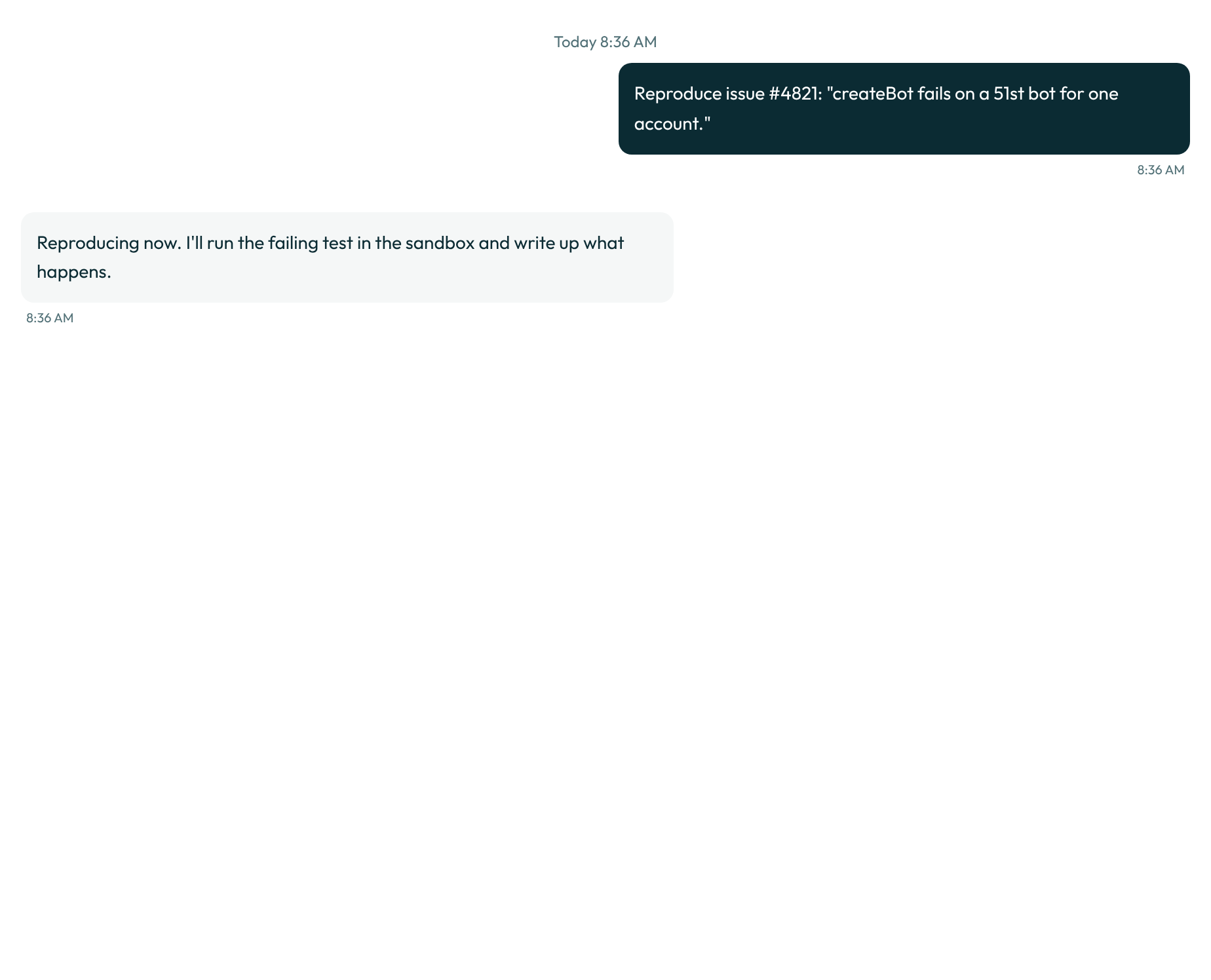
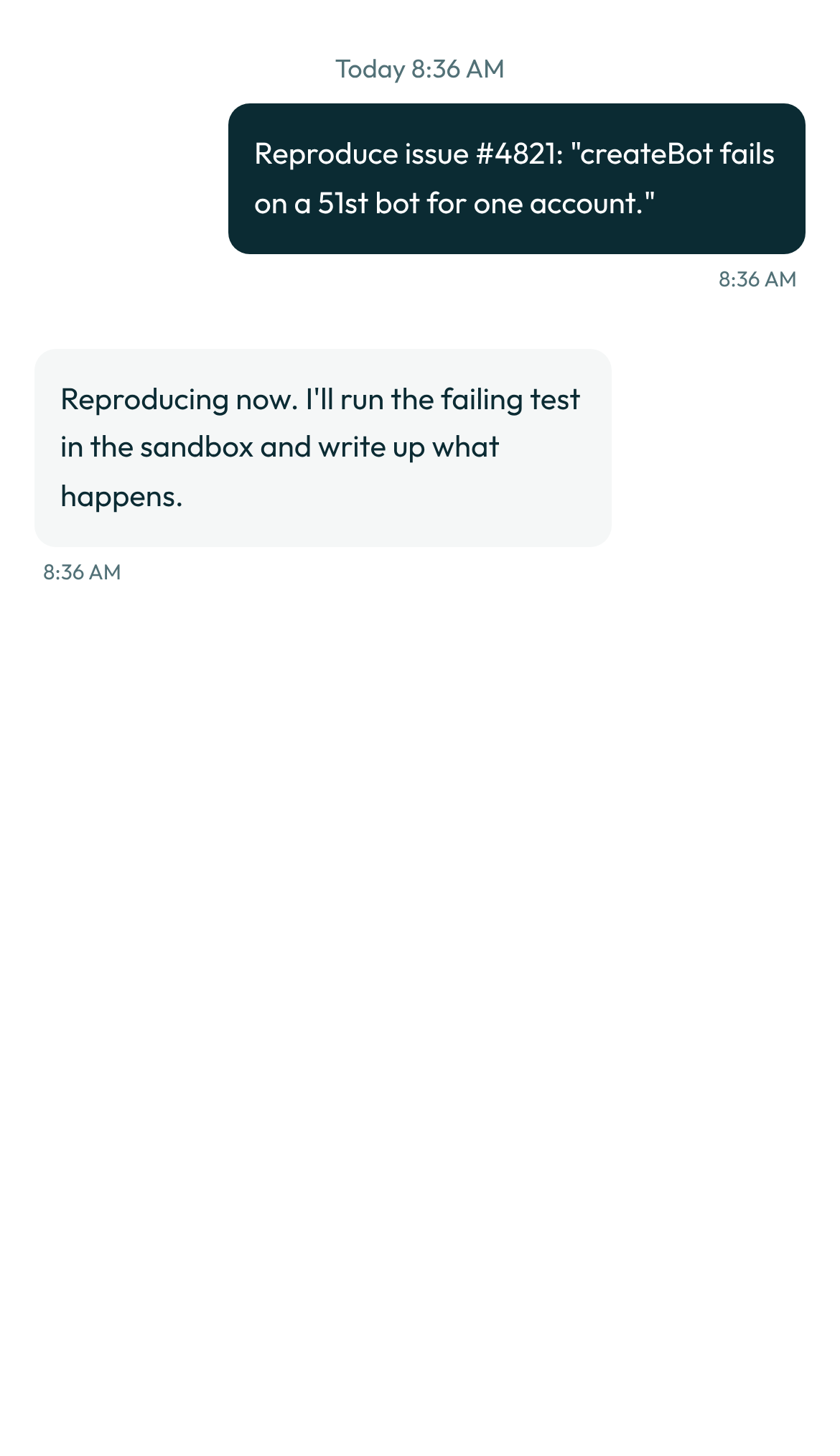
Read the first few reproductions closely. The write-up is only as good as the report it started from, and it improves fastest when you correct one on the card rather than after it.
0 credits
Watch the release
Release Watch reads the release notes page every half hour for anything that looks like a regression, and posts an alert in the team's chat with what changed and why it matters.
Watches the release notes page every half hour for anything that looks like a regression, and posts an alert in the team's chat with what changed and why it matters.Read the release notes page: Always allow
Post an alert in the team chat: Ask first0 credits
Write the changelog
Changelog Writer reads closed issues and merged changes since the last release, and drafts the changelog entry for review before it is published.
Reads closed issues and merged changes since the last release, and drafts the changelog entry for review before it is published.Read closed issues since the last release: Always allow
Publish the changelog entry: Ask first0 credits
Keep the on-call notes
This is the one job that stays yours. Keeping the handover current (who is covering what, and what is still open from last night) needs a real rotation and a real pager, which no run of this guide can stand in for.
Not measured. This job needs a person, a paid account or a real mailbox, so no run of it can be automated.
Now let it run
Once the first few runs look right, put the changelog draft on a clock: open Routines in the Changelog Writer bot's details pane, choose "On a schedule," and pick a weekly day. A routine run is an ordinary run, and the bot stays quiet unless a card needs you or a run failed.
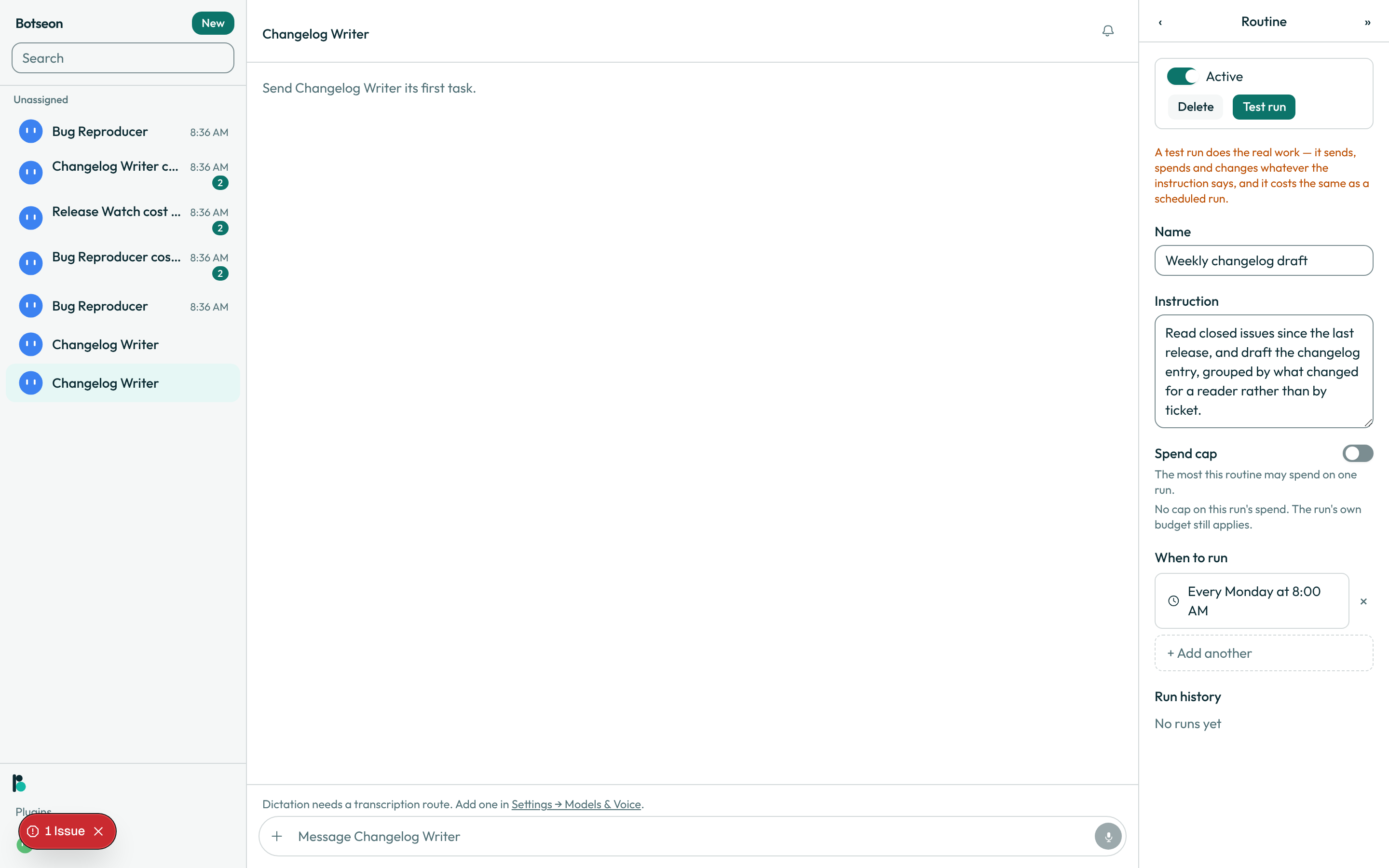
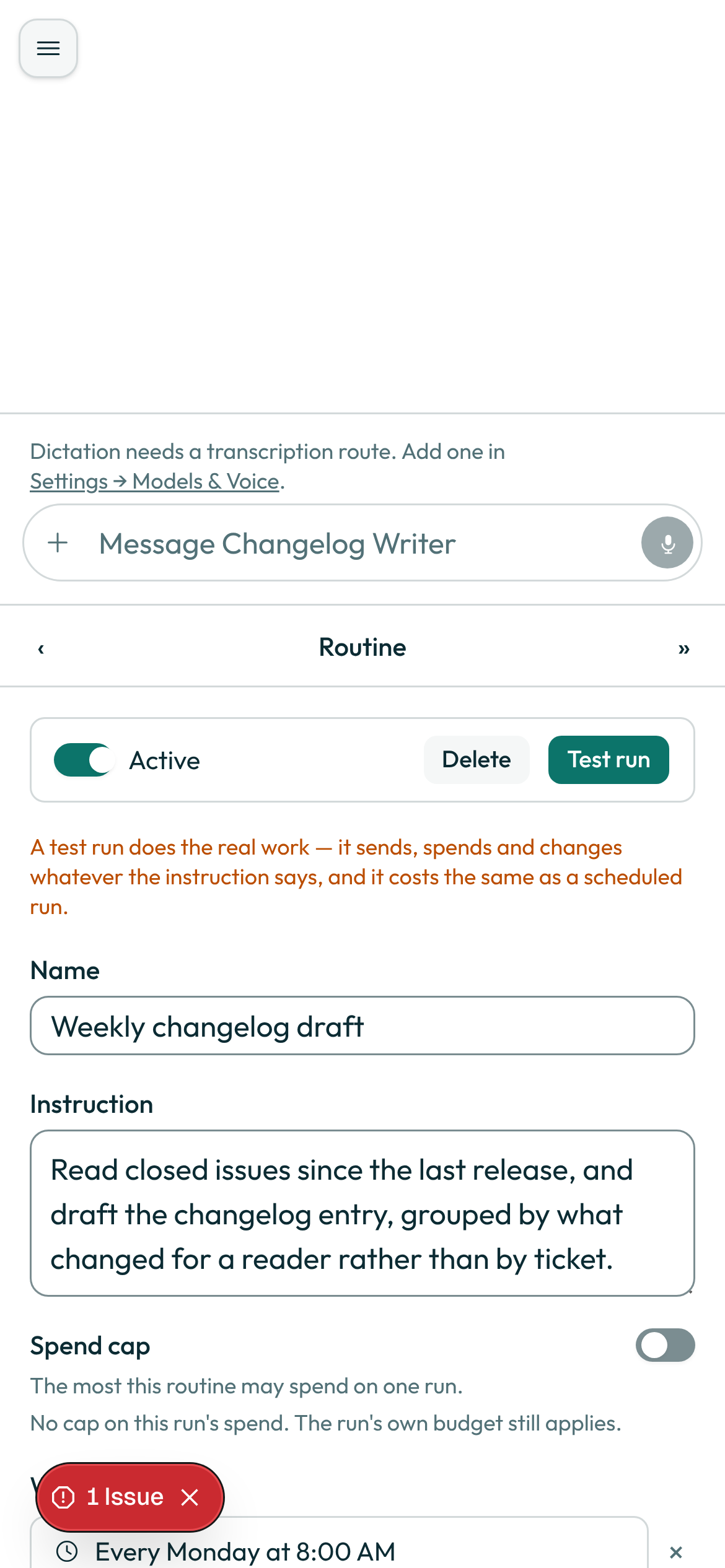
Release Watch can run the same way, on its own half-hourly schedule, so a regression surfaces in chat before the queue fills up with reports of it.
What the bot may not do
Every action that sends, publishes or runs a command stops at a card. Running offers three answers: "Allow once," "Always allow" and "Deny." Reproducing a bug carries two tags worth naming on their own: shell, because every command runs inside the sandbox, and computer, because that sandbox is a computer the bot was given, not your own machine. A command is never always-allowed by default, and the write-up it produces carries write. Posting to chat and publishing the changelog both carry external_send. None of the three jobs here spends money, signs in or deletes anything; the four tags for which an always-allow rule is never honoured, spend, sign_in, delete and decides_about_person, appear in none of them.
Where your data is
The bot reads your issue tracker and your repository through your own connection, never a copy of your credentials, and every command it runs happens on the sandbox it was given, not on your machine. On the managed service everything it reads and stores follows the same rule as the rest of the product: EU/EEA storage, no non-EEA egress by default, US sub-processors under SCCs.
What can go wrong
| Symptom | Cause | What to do |
|---|---|---|
| A command sits waiting and never runs | Running a command in the sandbox always stops at a card, by design | Open the transcript and answer the card yourself |
| You're not sure what the sandbox could reach while reproducing the bug | Containment is enforced, not left to the command itself | Read what the sandbox can and cannot reach before approving |
| A rule you set for the write-up stopped applying | Standing rules expire after their term | Re-create the rule from the list if you still want it |
allowOnce: 'Allow once',
    containment:
      'A bot can only reach files you allow, never your keys, your browser profiles or system folders, and its access is re-issued every 24 hours. The command and its output are stored for up to seven days so the bot can read the result.',
alwaysAllow: 'Always allow',
Do it yourself in 10 minutes
- Create a bot from Bug Reproducer and give it a sandbox from Plugins.
- Connect your issue tracker and your repository, and read the scopes before you agree.
- Paste a bug report and watch the transcript: what it read, what it decided to run.
- Read the
job-replymoment, what the bot says before it starts, on the desktop and on a phone. - Approve the command, and read the reproduction write-up it hands back.
- Create a second bot from Release Watch and point it at your release notes page.
- Create a third bot from Changelog Writer and point it at the same repository.
- Open Routines on the Changelog Writer bot and read the
routine-editormoment on the desktop and on a phone. - Put the changelog draft on a weekly schedule with a test run first.
- Put Release Watch on its half-hourly schedule the same way.
- Let one scheduled run go by unattended, and read the transcript the next morning.