By The Botseon team6 min read
Botseon for bookkeeping and admin
"Four jobs a business hands its books over for a week: filing receipts, the month's reconciliation, the VAT quarter pack and the accountant's question, with what each one costs and what it will refuse."
The promise
By the end of this guide a bot is filing receipts under the right category every evening, has assembled one VAT quarter pack for you to check before anyone sends it anywhere, and you know exactly what each run cost and what it will never do without you.
Who this is for
Anyone who owns the books for a small business: an owner doing their own admin, or the one person who handles receipts, invoices and the quarterly return. One bot is enough to start, and nothing here assumes an accounting background beyond knowing your own expense categories. A larger team can add a second bot later for a second folder; this guide covers the first one.
Set up
Sign in and create a bot from Receipt Filer. Before it can read anything it needs the receipts folder: install Google Drive from Plugins and point it at where receipts land. The sheet shows the scopes it asks for before you agree, and the bot uses your own connection, never a copy of your files. The same connection covers the invoices folder the second bot reads later, so there is nothing further to connect when the VAT quarter pack job joins.
The jobs
File the receipts
Receipt Filer ships reading incoming receipts, filing each one under the right expense category, and keeping the folder tidy for the month's reconciliation. Its job description is two sentences, and they are in the bot's details pane once you have made it, where you can change them.
Reads incoming receipts, files each one under the right expense category, and keeps the receipts
folder tidy for the month's reconciliation.Read the receipts folder: Always allow
File each receipt under the right category: Ask first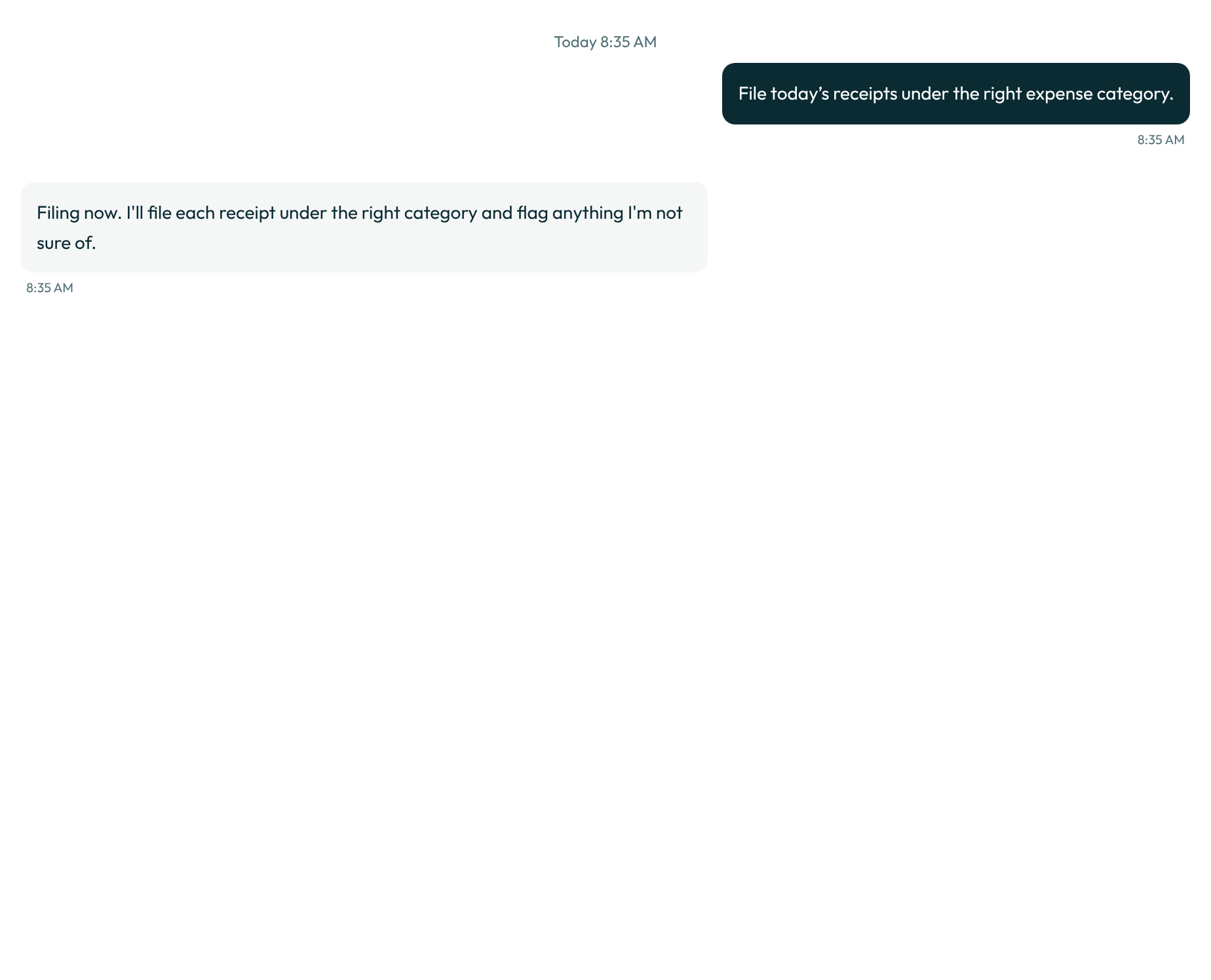

Read the first few filed receipts closely. The bot's guess at the category is only as good as the folder it was handed, and the guess improves fastest when you correct one on the card rather than after it. Filing never deletes the original receipt; it moves a copy into the right category folder, so the source stays exactly where it landed.
0 credits
Reconcile the month
This is the one job that stays yours. The bot's filing gives you a sorted folder and a category per receipt, but reading that against the bank statement and signing off the month needs a person and a real bank feed; nothing here can stand in for either. Signing off means more than matching totals: it is the judgement call on a line that does not match anything in the folder, and that call is yours every time.
Not measured. This job needs a person, a paid account or a real mailbox, so no run of it can be automated.
Assemble the VAT quarter
Once a quarter, the bot reads the quarter's invoices and the receipts folder and assembles the VAT quarter pack: one document, ready for the next job rather than for the tax office directly. It draws only on what the first job has already filed and what you have added to the invoices folder since the last pack, so a quarter with a messy receipts folder produces a pack that says so rather than guessing at a total.
Assembles the VAT quarter pack from the quarter's invoices and receipts, and prepares it for the
accountant to review before it is filed. Never files anything with the tax office without
approval.Read the quarter invoices folder: Always allow
Create the VAT quarter pack document: Ask first0 credits
Answer the accountant
When the accountant has a question about a line in the pack, that answer is yours too. It needs a real conversation with a real accountant, which no run of this guide can stand in for, and a judgement about why an expense was categorised the way it was that only you can make with confidence.
Not measured. This job needs a person, a paid account or a real mailbox, so no run of it can be automated.
Now let it run
Once the first few runs look right, put receipt filing on a clock: open Routines in the bot's details pane, choose "On a schedule," and pick "Every day." A routine run is an ordinary run, and the bot stays quiet unless a card needs you or a run failed.
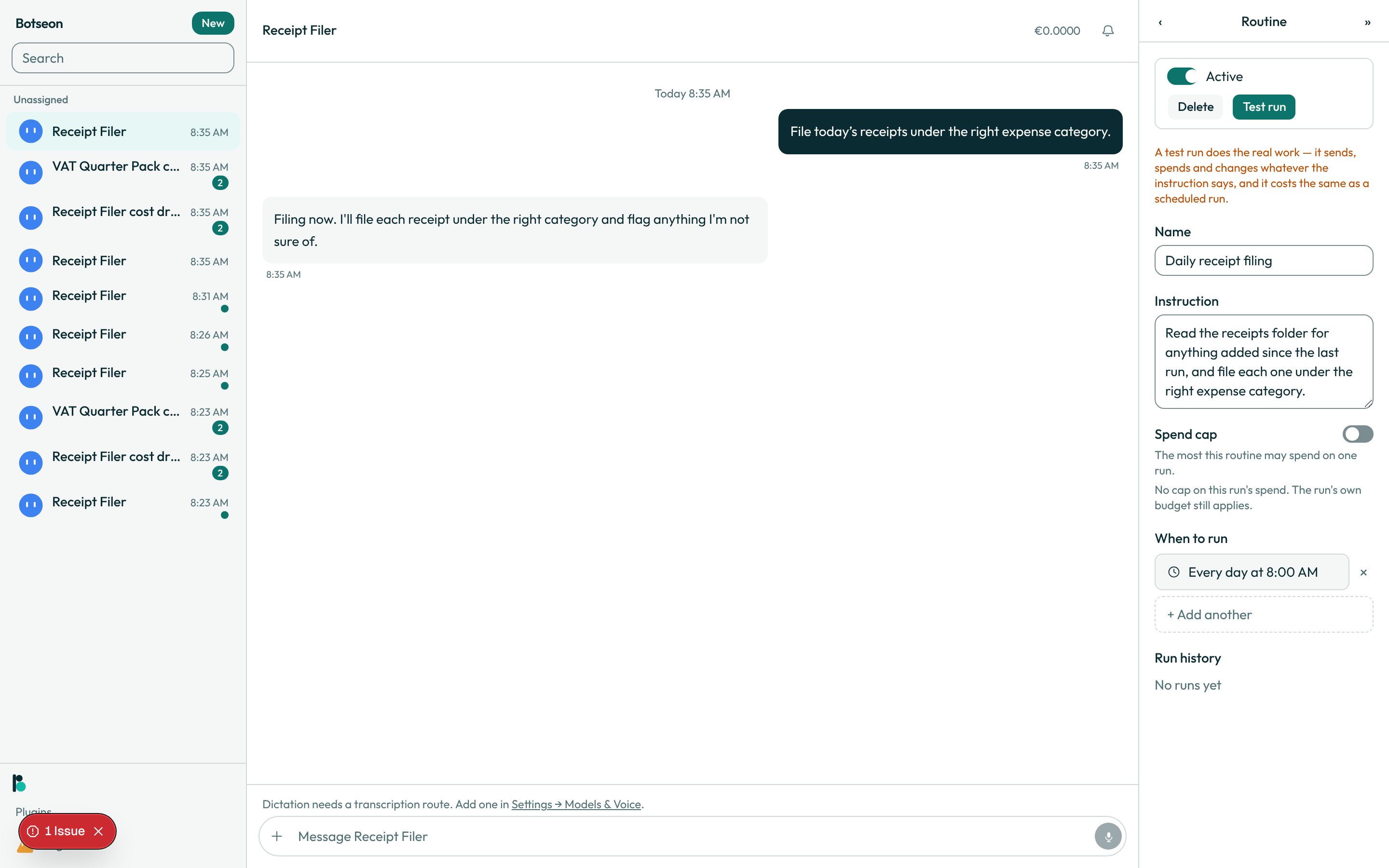
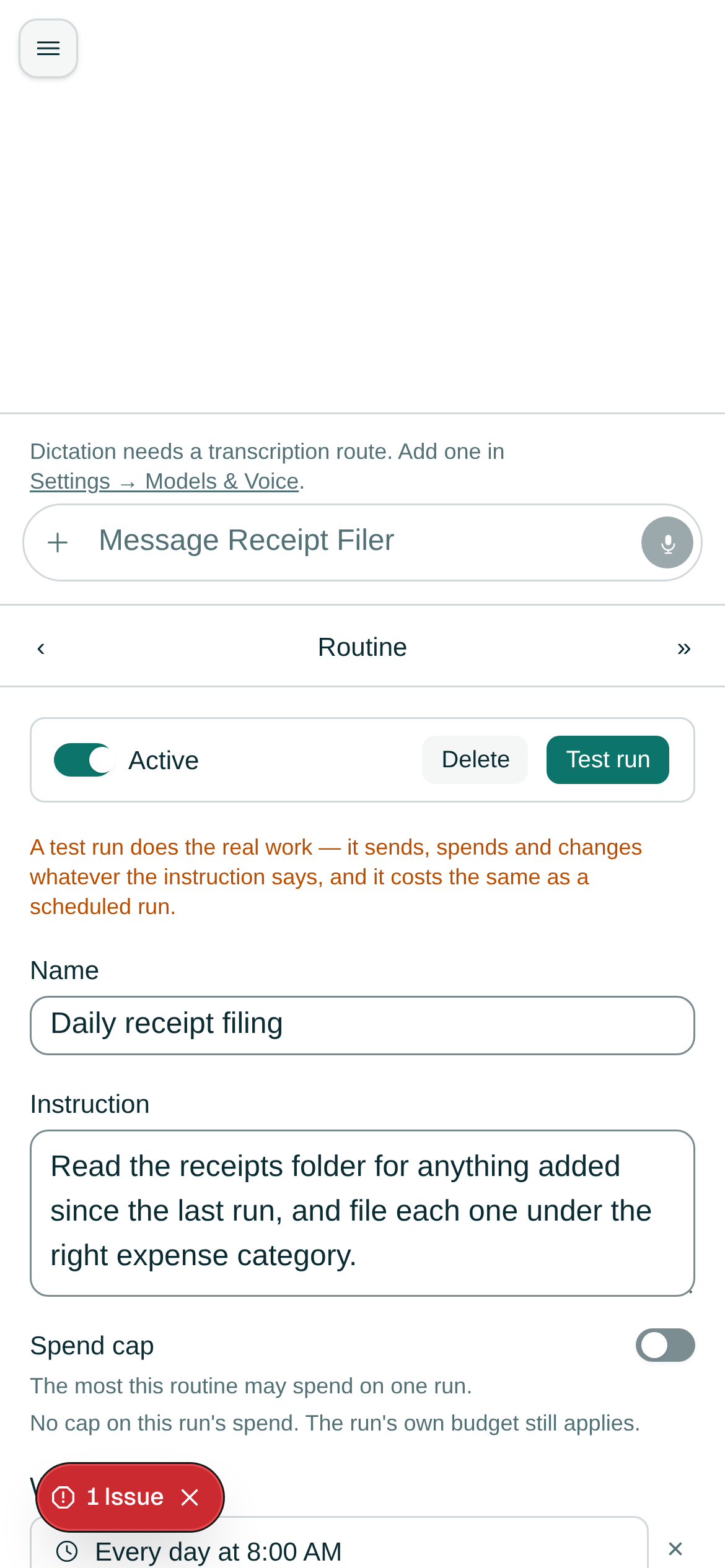
The VAT quarter pack can run the same way, on a quarterly schedule, so the pack is waiting for you at the start of the quarter rather than something you remember to ask for. Both jobs are quiet in between: there is no daily message to read on a week where filing went exactly as expected, only a card on the week it did not.
What the bot may not do
Every action that files, creates or spends stops at a card. Filing offers three answers: "Allow once," "Always allow" and "Deny." "Always allow" creates a standing rule for exactly that kind of action, listed where you can read it and remove it, and it expires on its own. Filing a receipt or creating the VAT pack carries the write permission tag; reading a folder carries read. Neither template here ever spends, signs in or deletes a file; the four tags for which an always-allow rule is never honoured, spend, sign_in, delete and decides_about_person, appear in neither job. Neither template uses the computer either: both read and write through your storage connection alone, so there is no screen the bot operates on your behalf to review.
Where your data is
This is the guide where that matters most: you are handing over receipts, invoices and a VAT pack, financial records about your own business. On the managed service everything the bot reads and stores follows the same rule as the rest of the product: EU/EEA storage, no non-EEA egress by default, US sub-processors under SCCs. Every record this guide's jobs touch carries its own retention schedule, with a floor your organisation cannot shorten and a ceiling it cannot exceed, rather than staying on file indefinitely. The full position, and the rights a member can exercise over what is stored, is on the data residency and rights page; this guide states no legal conclusion of its own.
What can go wrong
| Symptom | Cause | What to do |
|---|---|---|
| A receipt sits waiting and never files | Filing always stops at a card, by design | Open the transcript and answer the card yourself |
| The bot keeps asking before filing a category it has filed before | "Always allow" is a rule you add, not a default it reaches on its own | Add an always-allow rule for "File each receipt under the right category" if you want it to stop asking |
| The VAT pack flags a receipt you do not recognise | First time the bot has acted on that resource, it always asks | Check the receipt yourself before approving |
allowOnce: 'Allow once',
alwaysAllow: 'Always allow',
firstSeen: 'First time this bot has acted on this.',
Do it yourself in 10 minutes
- Create a bot from Receipt Filer and connect it to your receipts folder from Plugins.
- Read the scopes it asks for before you agree.
- Watch the first run in the transcript: what it read, what it decided, what it filed.
- Read the
job-replymoment, what the bot says before it starts, on the desktop and on a phone. - Approve or correct the category, and watch the next run improve.
- Create a second bot from VAT Quarter Pack and point it at the same receipts folder plus your invoices folder.
- Run it once by hand and read the pack it assembles before anyone else sees it.
- Open Routines on the Receipt Filer bot and read the
routine-editormoment on the desktop and on a phone. - Put receipt filing on a daily schedule with a test run first.
- Put the VAT quarter pack on a quarterly schedule the same way.
- Let one scheduled run go by unattended, and read the transcript the next morning.