Organisation policies
Administrator·8 minutes to read
Every row on this page is visible only to an owner or an administrator of this organisation; a member reads none of it.
What this does for you
This page walks an administrator through Organisation → Policies, control by control, and names the audit row each one writes.
Before you start
- You are signed in as an owner or an administrator, on Organisation → Policies.
- To relax residency to Anywhere a model requires, you are the owner — an administrator sees the option but cannot use it — and you know the organisation's name exactly as it is spelled, because the confirmation compares it case-sensitively.
- A plugin's own Allowed, Blocked or Required state is set on the plugin's own detail page, not here; this page only reads it back.
Steps
- Turn
Botseon for this organisationoff to stop every run start for every member at once — chats, routines and channels alike — with nothing deleted, or back on when the reason has passed.Delegate to coding agentslets this organisation's bots hand coding work to a connected coding service and follow each job, its artifacts and its pull request in the chat. It is on by default; turn it off to block that. While it is off, a member's bot page offers no coding service to serve their bot (itsCoding agentcard says an admin turned delegation off), and a bot already served by one gets every hand-off refused; going back to the model is always allowed. A people group with this setting turned on lets its members past the switch. A personal organisation has no such switch: it is always on there. Both writes an audit row (org.product_toggled,org.delegation_toggled). TurnDictation: no-retention providers onlyon to keep dictation off ElevenLabs. Dictation asks ElevenLabs for zero retention on every recording, and where ElevenLabs does not grant it to the service's account, ElevenLabs may keep the recording and its transcript under its own terms. With the switch on, recordings go to Mistral Voxtral in the EU instead. It is off by default and writesorg.dictation_no_retention_changed.Voice with team botsis on by default: a member can talk by voice with a team bot someone else made, in their own chat with it, on the web and on the phone. Turn it off to keep those chats to text; the call control then stays on screen, disabled, with a sentence saying an admin turned it off. The bot's own maker can still call it. In a personal organisation you are the admin and change it here directly, with no approval step. It writesorg.team_bot_voice_toggled.Delegate coding tasks to separate computersis on by default: a bot can hand a coding task to a separate computer of its own and attach the files it makes to its reply. Turn it off and bots in this organisation say they cannot delegate, and do the work on their own computer instead. A task already handed off finishes. A personal organisation has no such switch, and a self-hosted install has none either. It writesorg.coding_computers_changed.Messaging Between Botsis on by default: a bot can message another bot in this organisation or hand work to it, in a chat and in a group chat. Turn it off and no bot here messages or hands work to another — the bot is told why and says so, and a hand-off written just before you turned it off is refused rather than delivered. Turn it back on and the next one goes through. With it off, a Primary bot's suggestion that you accept is done by the Primary itself rather than handed to a specialist. A personal organisation has no such switch. It writesorg.messaging_between_bots_changed.
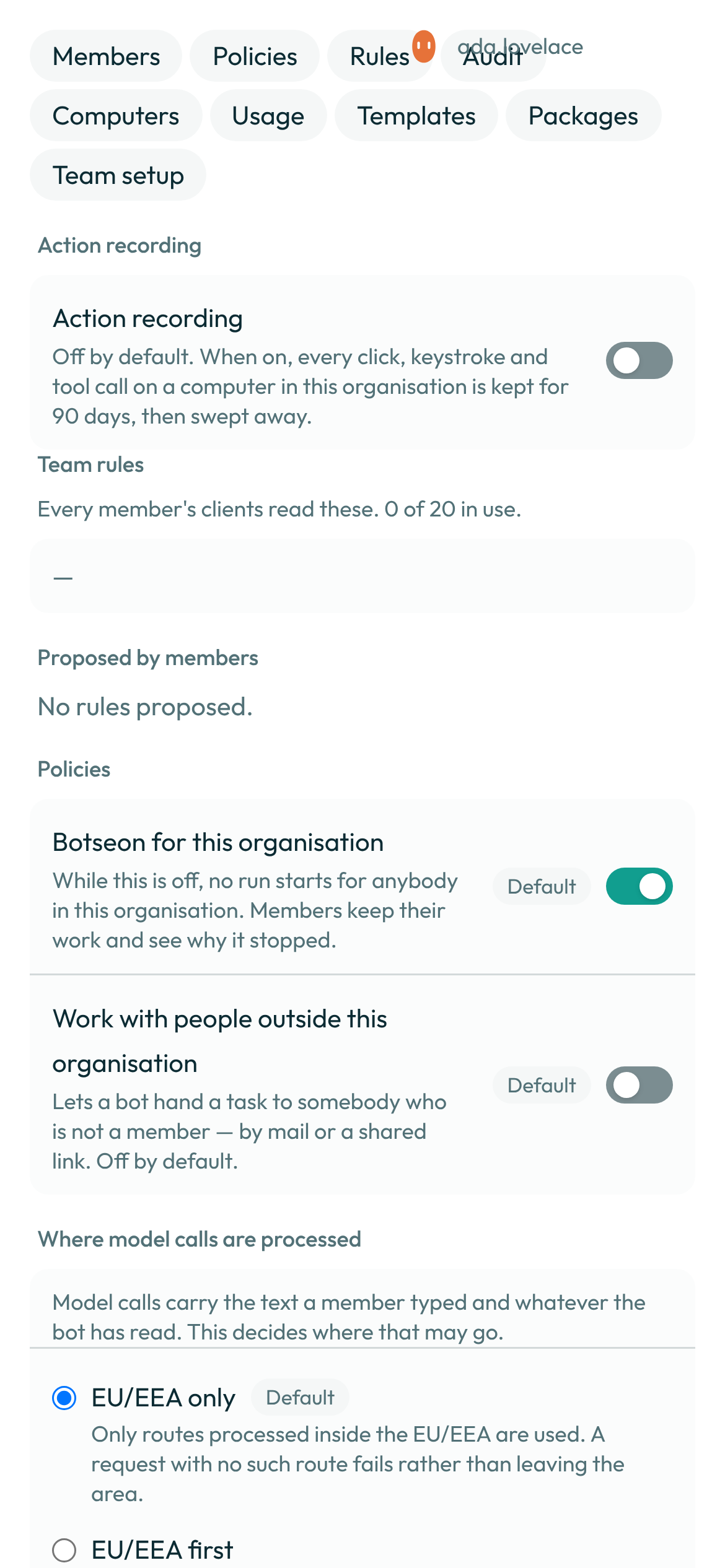
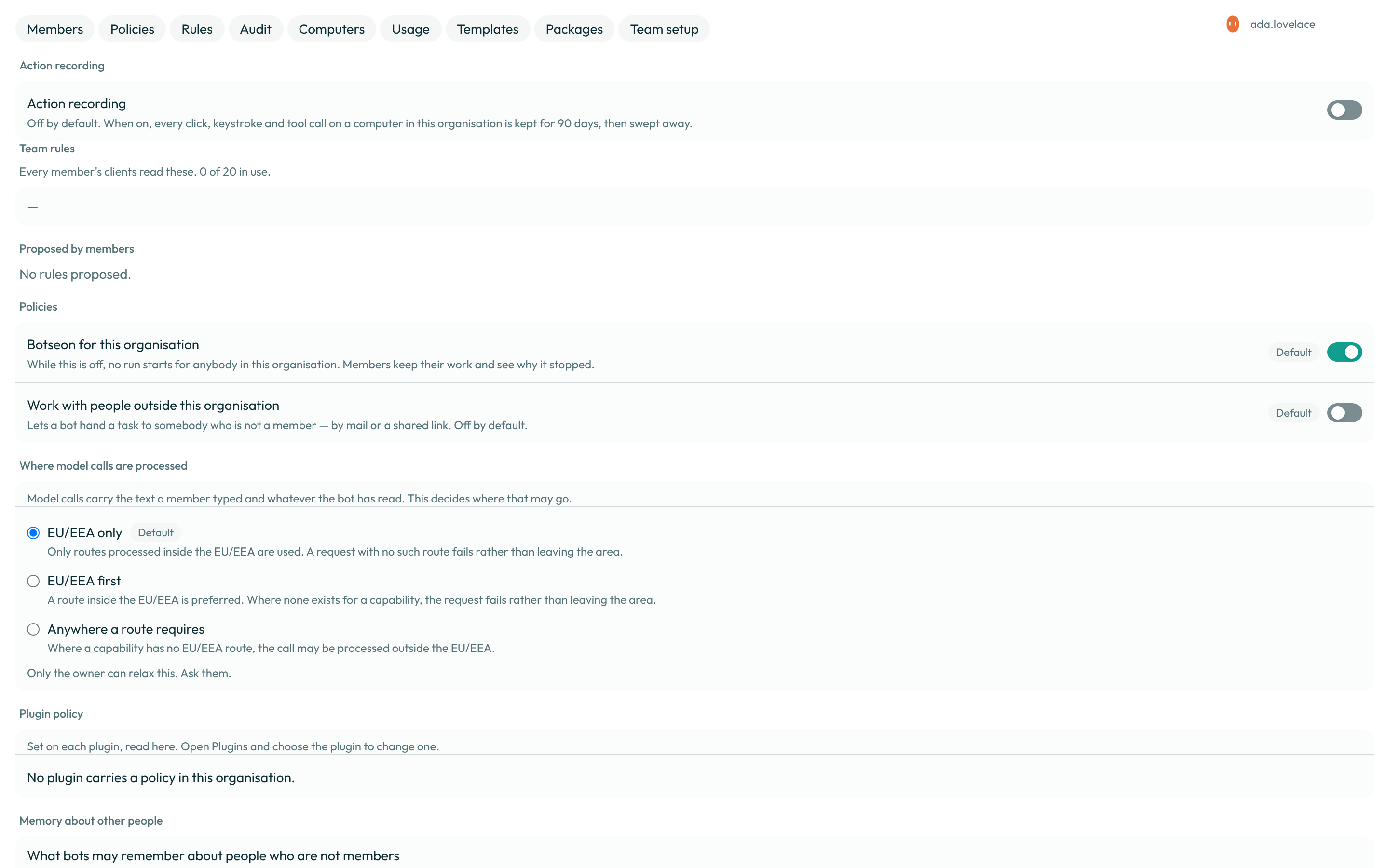
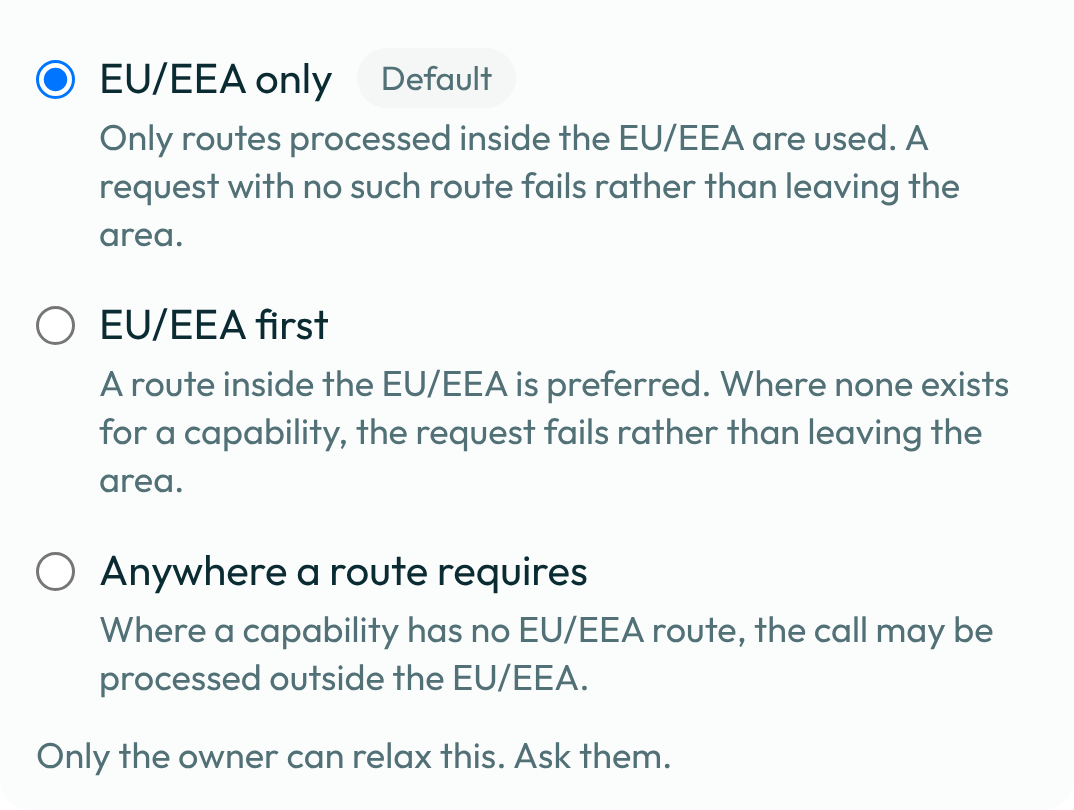
- Choose where model calls may be processed: EU/EEA only (the default), EU/EEA first, or
Anywhere a model requires. The first two commit at once; the third opens a panel that asks
the owner to type the organisation's name before it takes effect. Every choice writes
org.residency_changedto the audit log, and the confirmation panel's typed name is kept on the organisation's own settings row, never inside the audit body an export hands to a third party.

- Read back each plugin's policy, and choose which models bots in this organisation may use.
Ticking one or more boxes in the Model allowlist and saving writes
model.allowlist_changedwith the list before and after; leaving every box unticked allows every compliant model. A plugin's policy, set on the plugin's own page, writesorg.plugin_policy_changedwhenever its state or reason changes. Above the allowlist, Pinned model isAutoby default: every bot chooses the model best suited to each turn, inside the residency policy and the allowlist. Picking one model there serves every turn of every bot in the organisation on it, overriding each bot's own setting; choosingAutoagain removes the pin. Each change writesmodel.pinned_route_changedwith the model before and after.
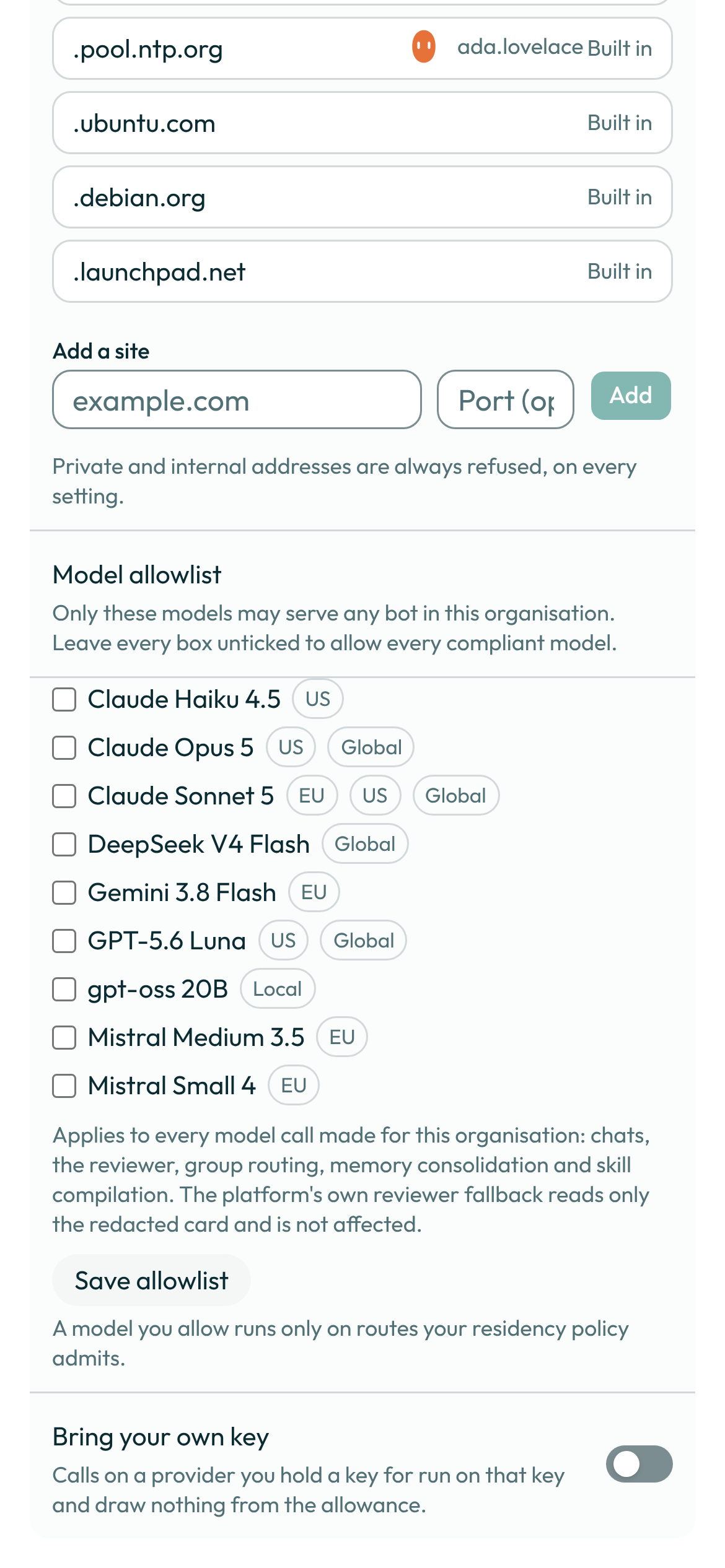
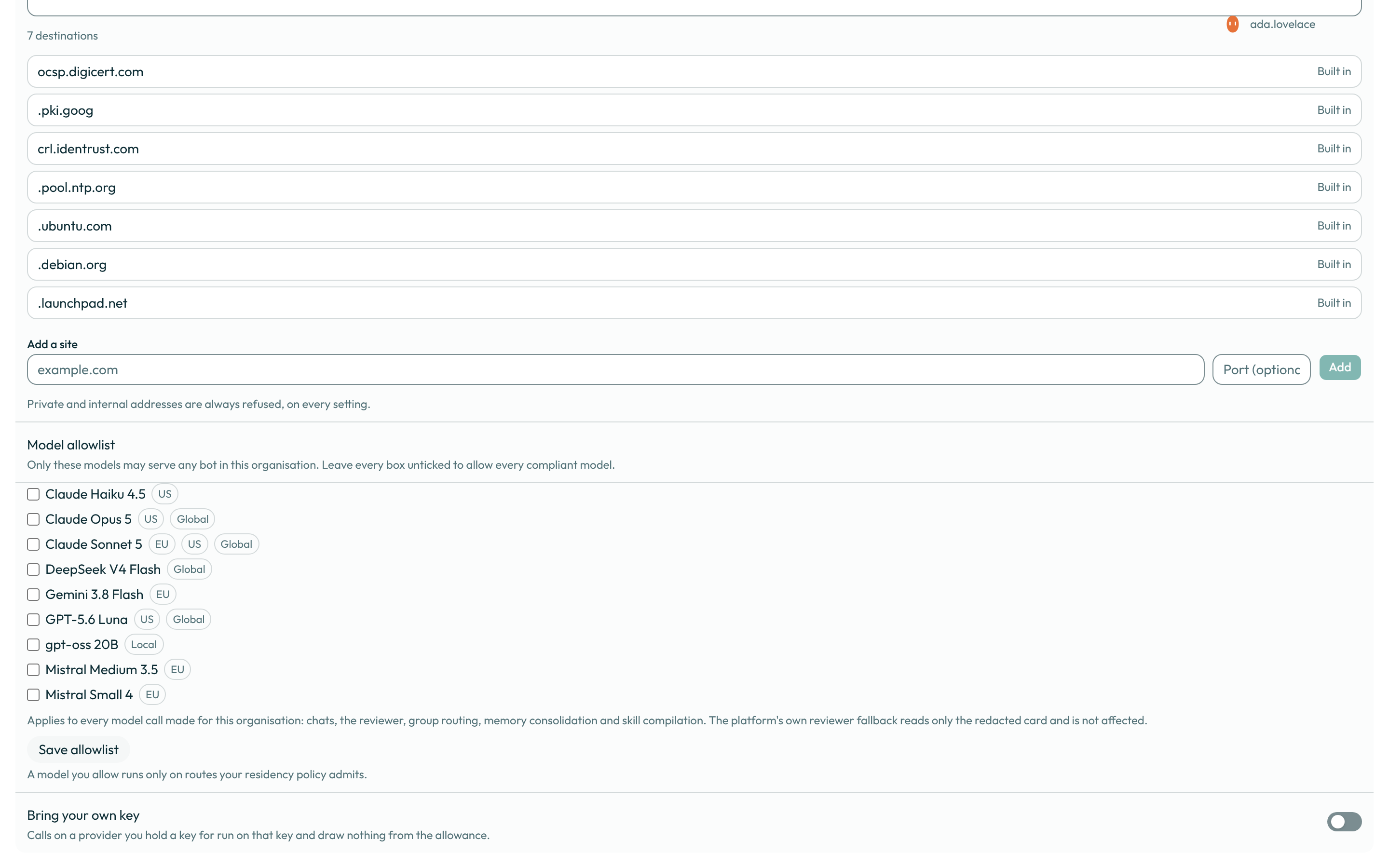
- On a team organisation, turn on Bring your own key to run calls on a provider you hold a
key for, drawing nothing from the shared allowance; your residency policy still decides which
of that provider's routes may be used. This writes
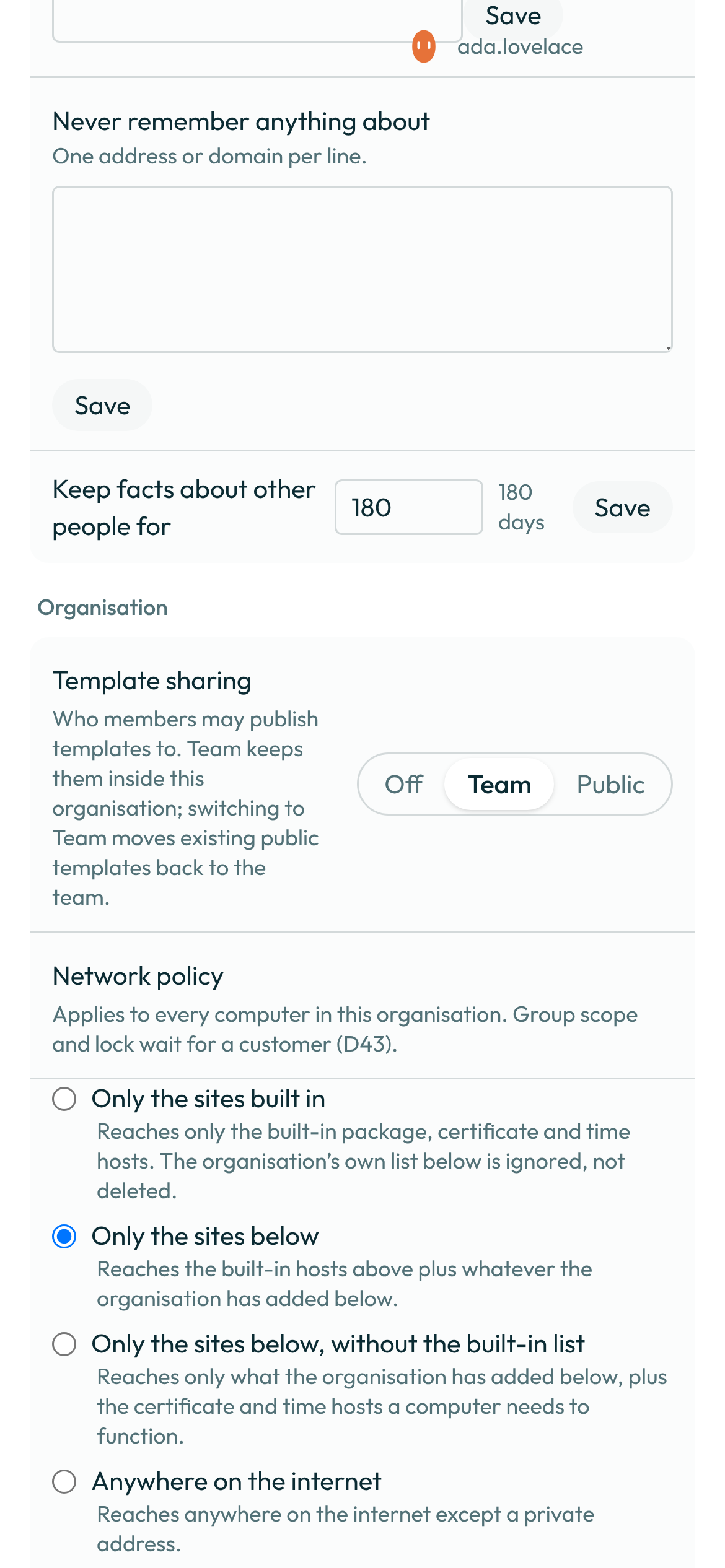
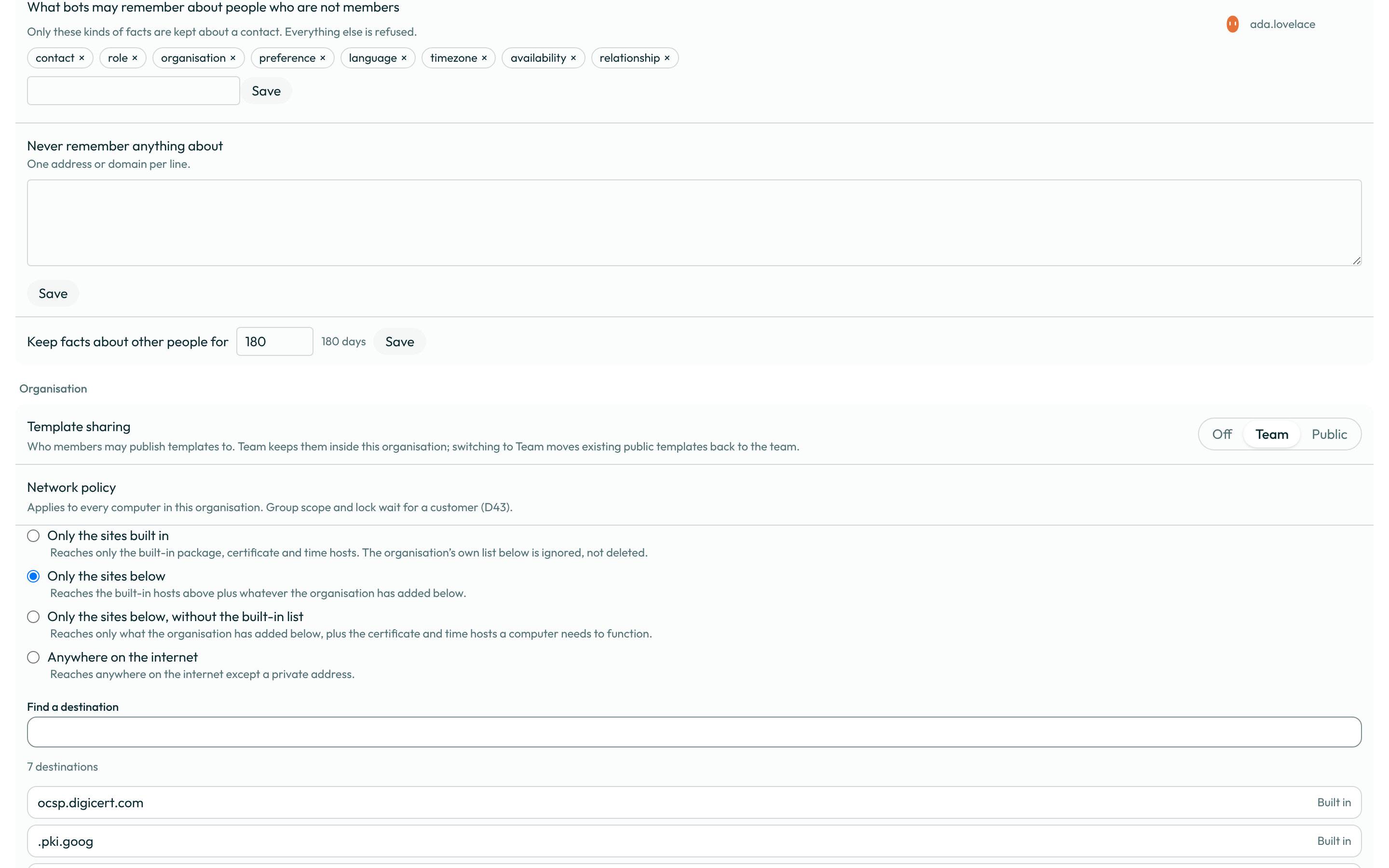
org.byok_changed. Choose who members may publish templates to — Off, Team (the default) or Public — with the segmented control before the Network row; switching to Team moves every public template back to the team at once. This writesorg.template_sharing_changed, and the saved notice names how many templates were moved.
- A member's plugin is published as soon as they import or upload it, and a skill's pinned
scripts run without anyone reviewing them first: an organisation adds restrictions, it does not
start from them. Turn on Review plugins before they are published to send every member's
plugin to the queue instead (
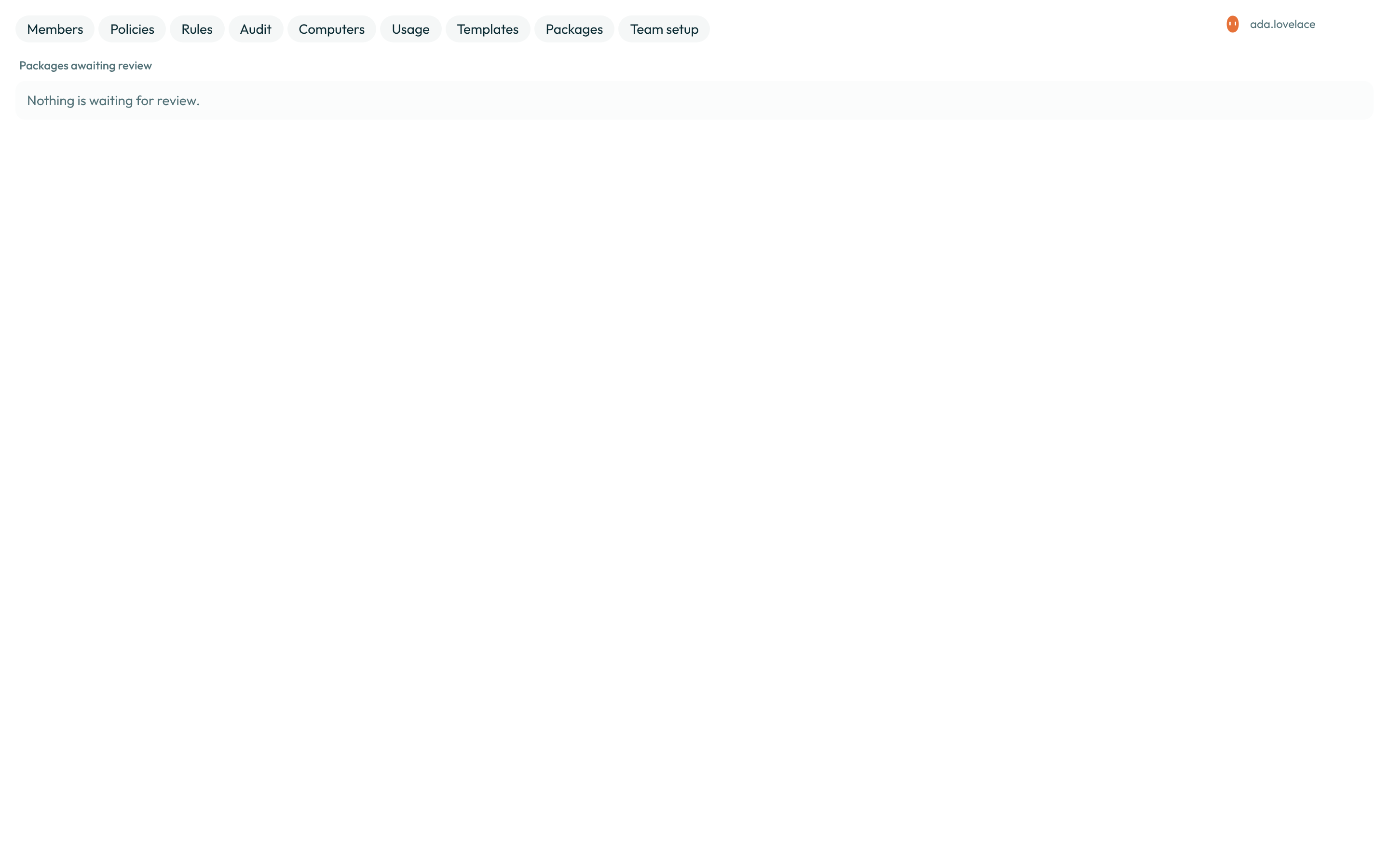
org.plugin_review_toggled), and Review skill scripts before they run to hold a skill's scripts until an administrator marks the skill reviewed (org.skill_script_review_toggled). In-computer MCP servers is on until you turn it off (org.mcp_stdio_toggled). With plugin review on, open Organisation → Packages to review a plugin package a member submitted: the manifest, its skill documents and its server configuration exactly as written, and the advisory findings beside them. Approving publishes it; rejecting needs a note the author reads. Either decision writespackage.reviewed; a member's own publication without review writespackage.published.
- On a team organisation, set a spend cap for every member at once — turn it on to apply the
default, type a different amount, or turn it off to remove it. It is a limit, not a spend: every
member sees the amount (an administrator sets it; a member reads it), and wherever it is the
lower of a bot's own cap and this one, the bot's own cap card says so. This writes
billing.team_limit_changedwith the amount before and after.
A worked example
An audit row for a residency change reads back roughly like this once decrypted and rendered for export:
{
  "action": "org.residency_changed",
  "actor_user_id": "1f2e-…-a9c4",
  "target": "1f2e-…-a9c4",
  "details": { "from": "eu_only", "to": "eu_first" }
}
What can go wrong
| What you see | Why | What to do |
|---|---|---|
Only the owner can relax this. Ask them. | You are an administrator, not the owner, and chose Anywhere a model requires. | Ask the owner to make the change, or have them promote you to owner first. |
Type the organisation’s name to confirm this change. | You chose Anywhere a model requires without typing the organisation's name in the panel. | Type the organisation's name exactly as it is spelled, then confirm. |
That is not this organisation’s name. Type it exactly as it is spelled. | The typed name did not match, including case. | Copy the name from the page heading and paste it into the panel. |
Only an administrator can change this. | You opened a control on this page without an owner or administrator role. | Ask an owner or an administrator to make the change. |
This deployment bills every model call through Botseon. A customer-held provider key is not offered yet. | This organisation is personal, or the deployment does not offer bring-your-own-key here. | Bring-your-own-key is a team-organisation setting; create or switch to a team organisation first. |
See also
Last verified against build c0f77aa.