Notices
Member·3 minutes to read
What this does for you
The bell in the conversation header holds every notice you have not cleared, so nothing important is lost even when you miss the moment it happened.
Before you start
- Nothing to set up — the bell is always in the conversation header, at its right-hand end.
- A bot's own Notifications toggle, in its settings pane, decides whether that bot writes a notice when it finishes. An approval it is waiting on always reaches you.
Steps
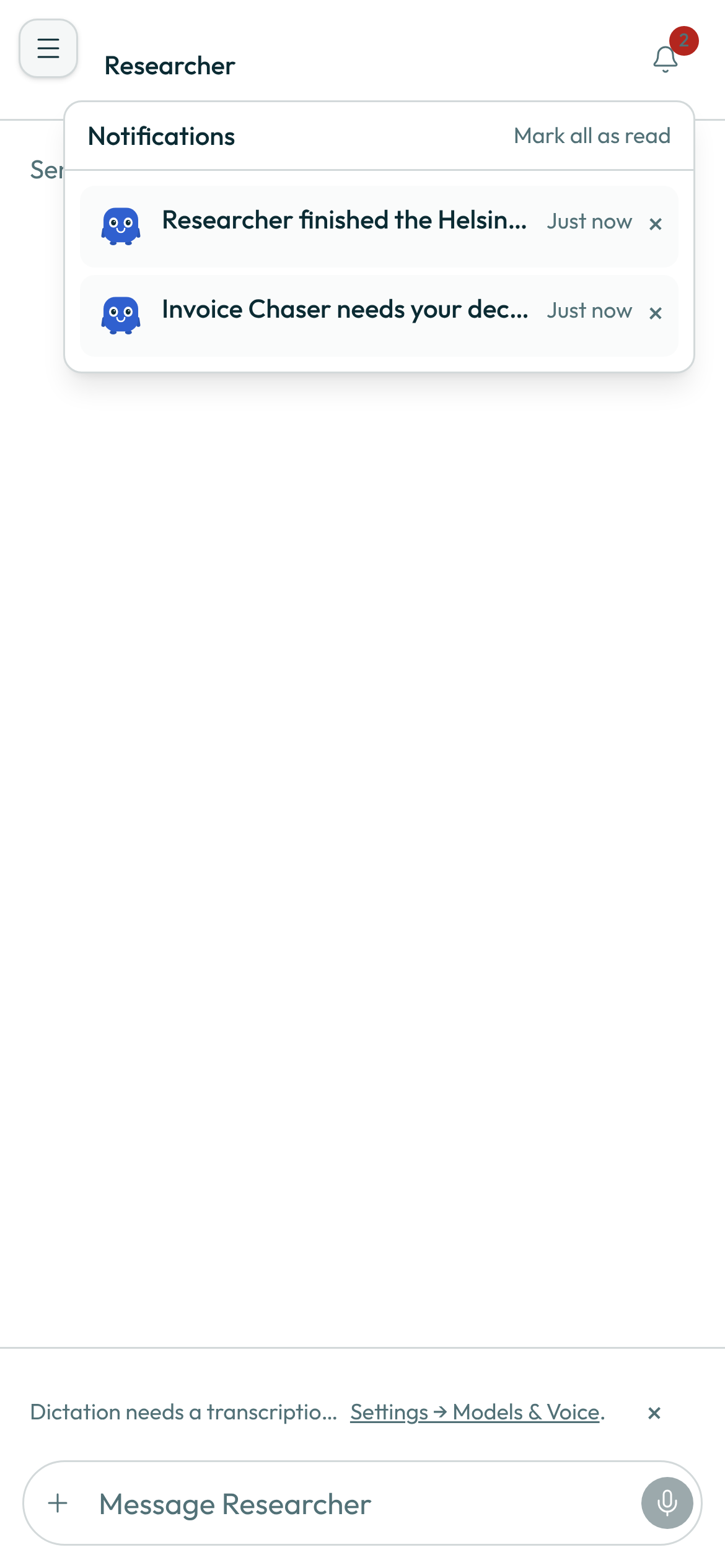
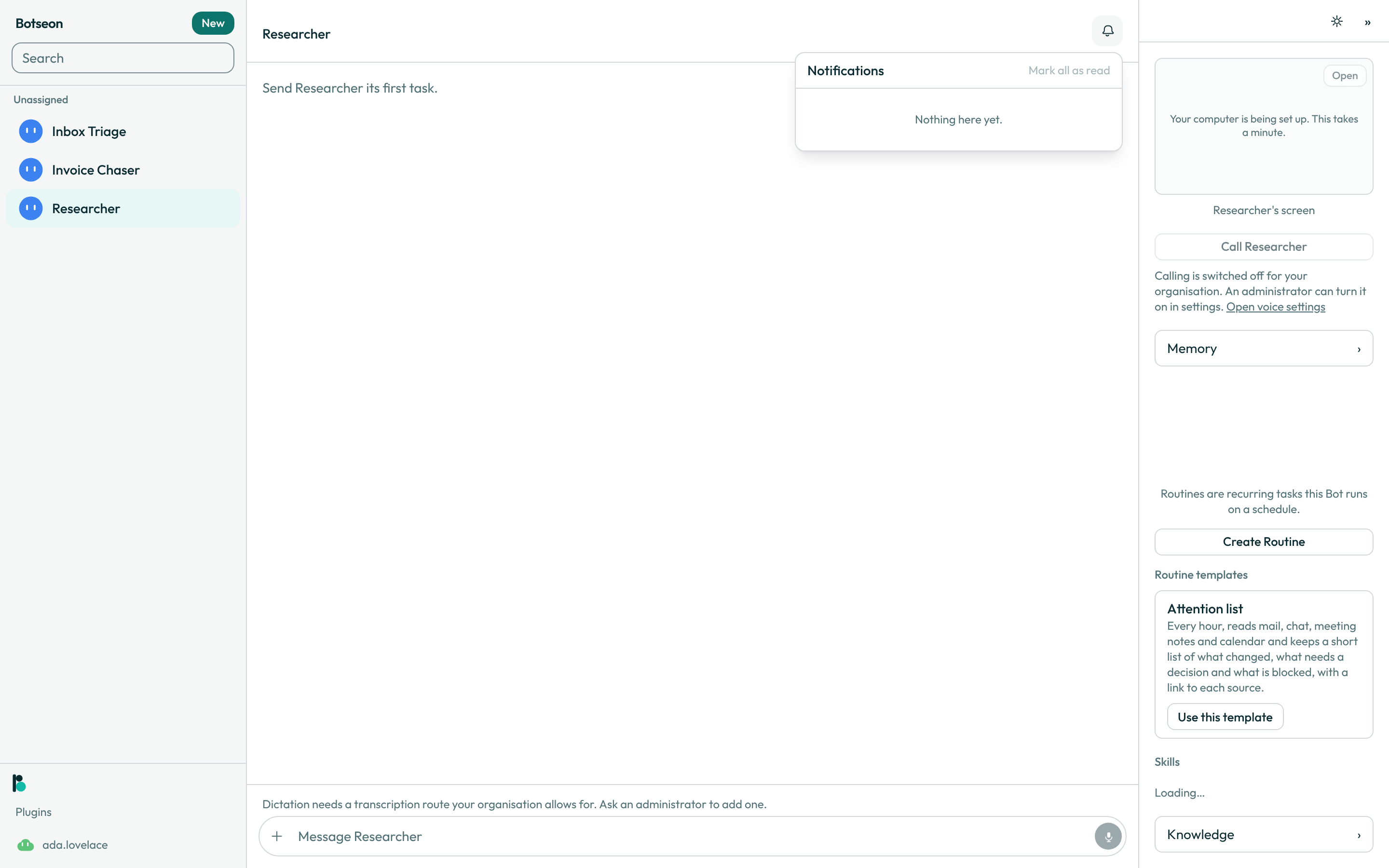
- Press the bell. Your notices load when you open it, so the count on the bell can lag until you do.
-
Read a row. Each one shows the bot's avatar (or a plain
!when there is none), a title, the notice's own line of detail, how long ago it happened, and, for a run that failed, a request id you can give support. Pressing a row marks it read and, when it points somewhere, takes you there. -
Press Clear (the × at the end of a row) to remove it from the tray. Clearing only removes the notice; it never undoes what the notice reported.
-
Press Mark all as read to clear the unread count without removing any row.
A worked example
Which notices reach you, and which you can quiet. Eight kinds of notice exist. Five always reach you, whatever you have set: an approval a bot is waiting on, a run that failed, a change to your access, a routine that is not healthy, and the digest.
The other three follow the bot's own settings: a finished run and a routine's progress follow its Notifications toggle, which is on for a new bot, and a bot's updates are off by default. So a new bot stays quiet about small things but still tells you the moment it finishes or needs you.
What can go wrong
| What you see | Why | What to do |
|---|---|---|
Nothing here yet. | You have no notices — every one has been cleared, or none has been written yet. | Nothing to do; the tray fills in as your bots run. |
Could not load notifications. Try again. | The tray's fetch failed. | Close and reopen the bell. |
Could not update that notification. Try again. | Marking a row read, dismissing it, or marking all read did not save. | Try the action again. |
See also
Last verified against build 2ba34c8.