Your first ten minutes
Member·5 minutes to read
What this does for you
By the end of this page you have signed in, met your first bot, and given it a name.
Before you start
- A way to sign in — an email address, or an Apple, Google, Microsoft or GitHub account if your deployment has one set up. See Sign in.
- About ten minutes with nothing else pulling at your attention.
Steps
- Sign in. Botseon shows a small set of provider buttons and an email form; which ones you see depends on how your deployment is configured. This step has its own page — see Sign in. On a self-hosted deployment with no model provider set up yet, a first step asks you to add one and test it; its Next stays disabled until the test call answers.
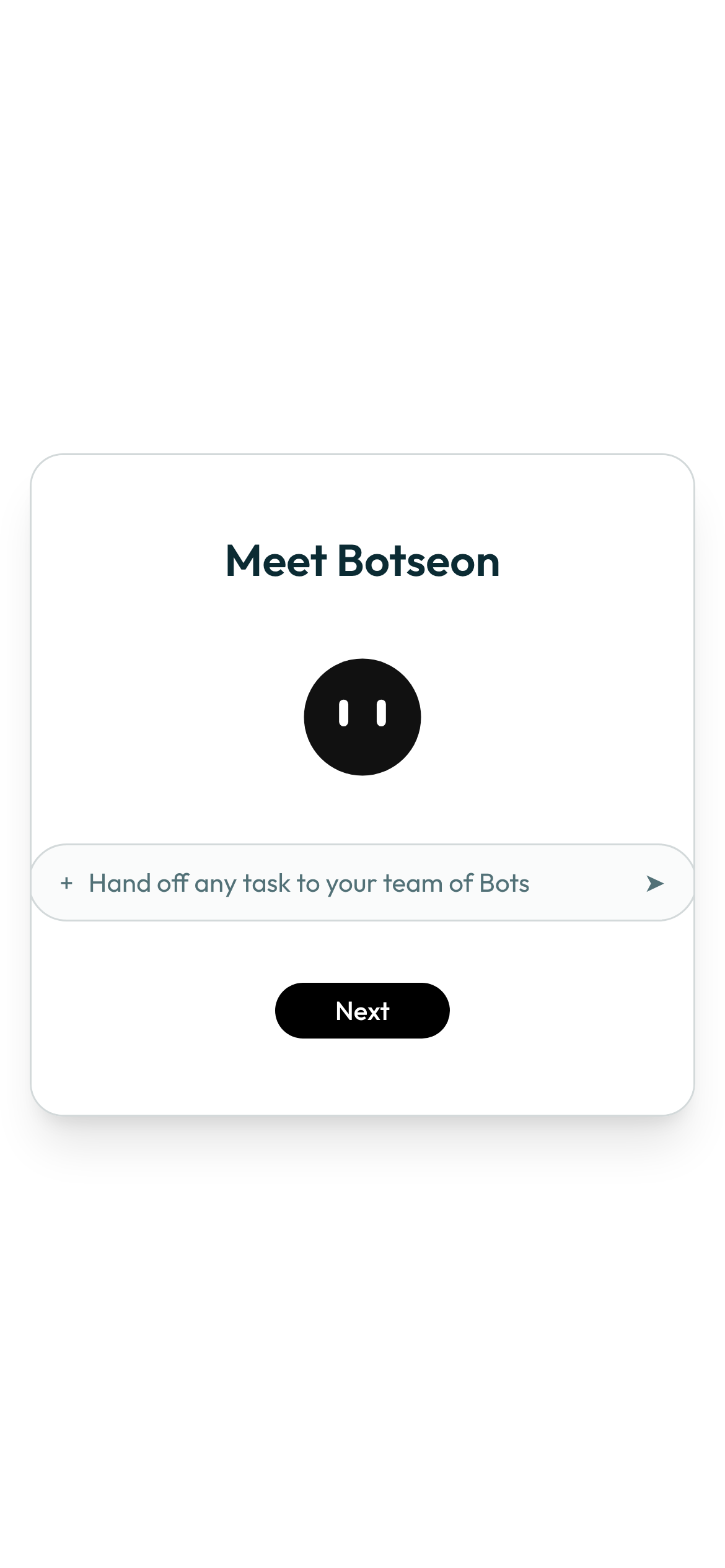
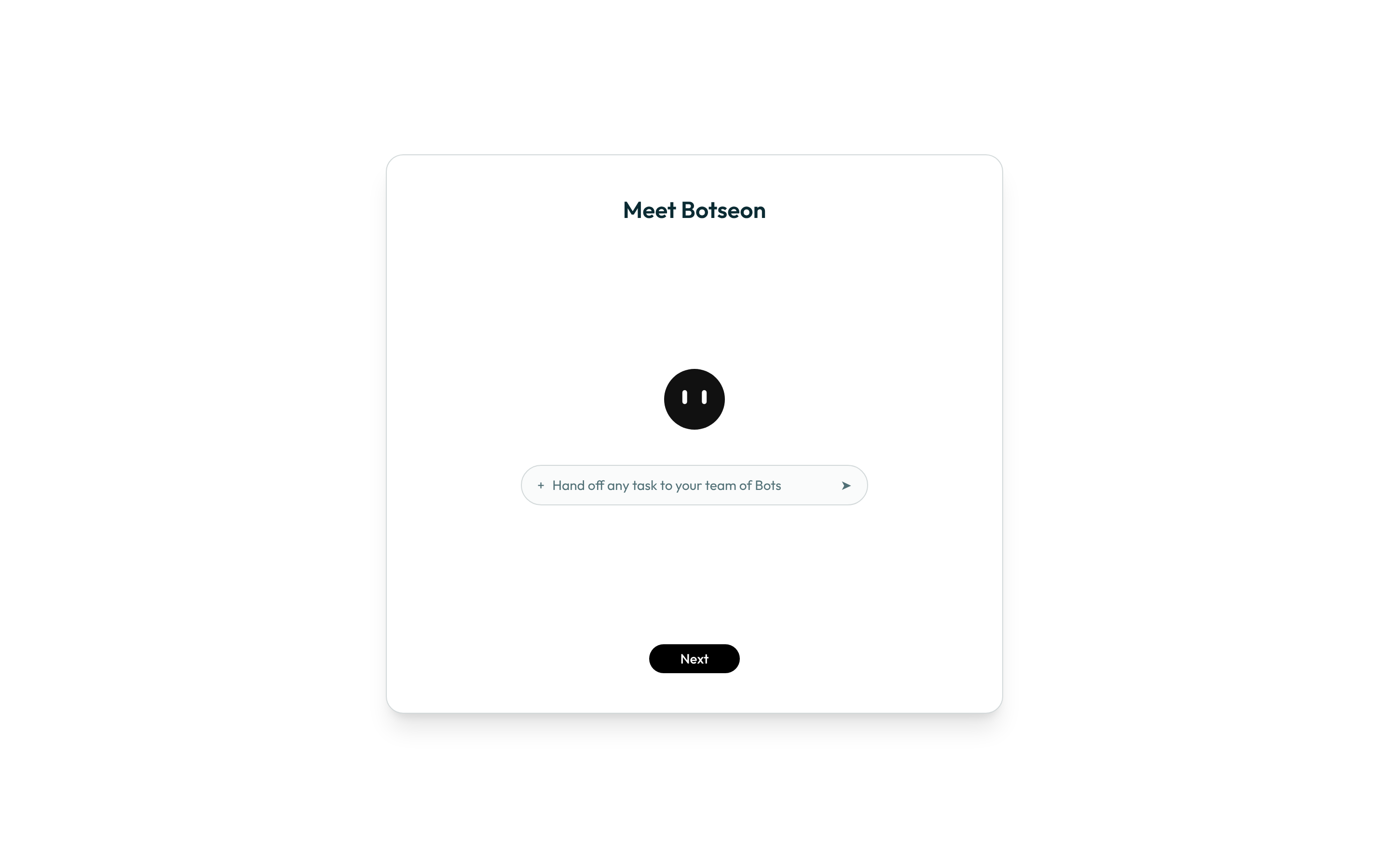
- Meet Botseon. A small window opens in the middle of the page, with the bot mark and a sample message box that reads "Hand off any task to your team of Bots". Nothing on this screen is clickable except Next (and Back, if the provider step came first).
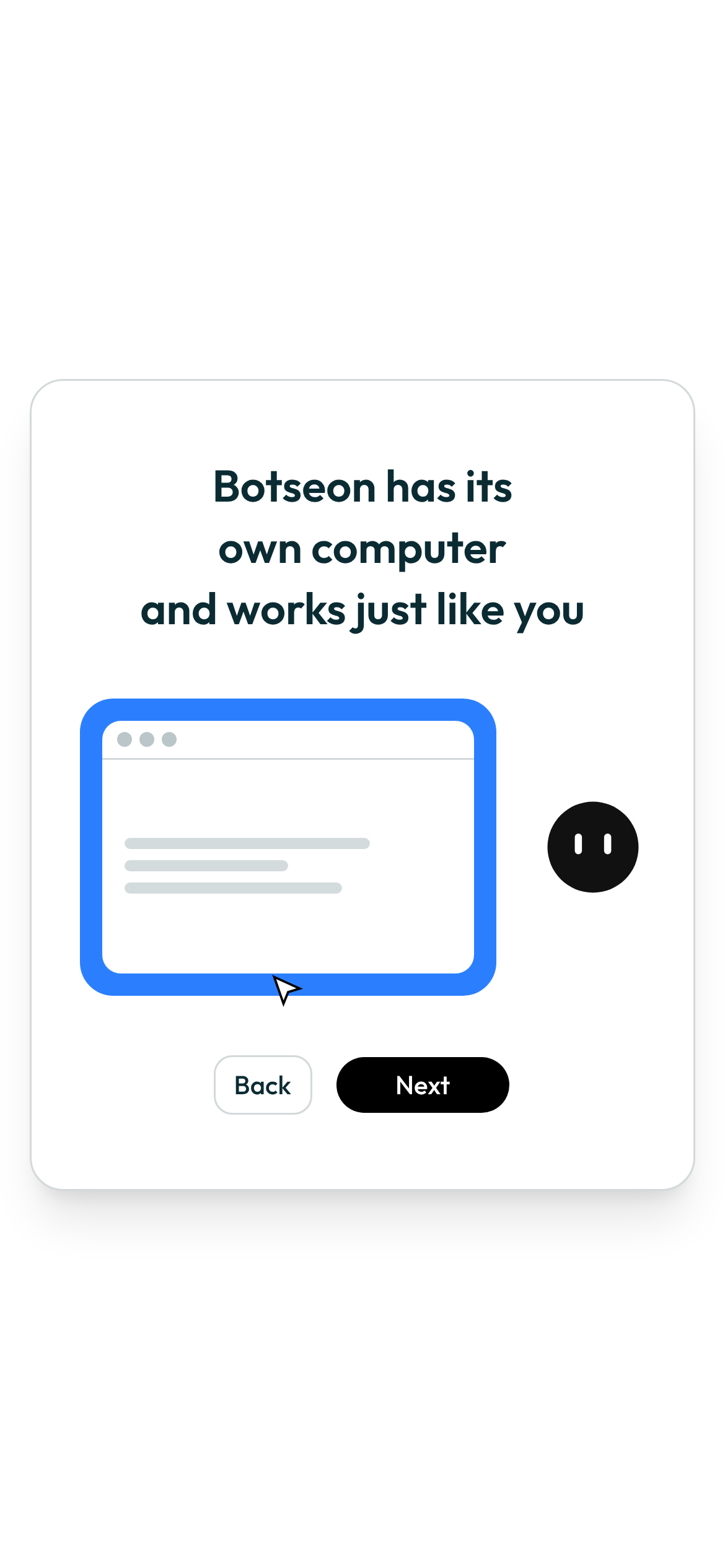
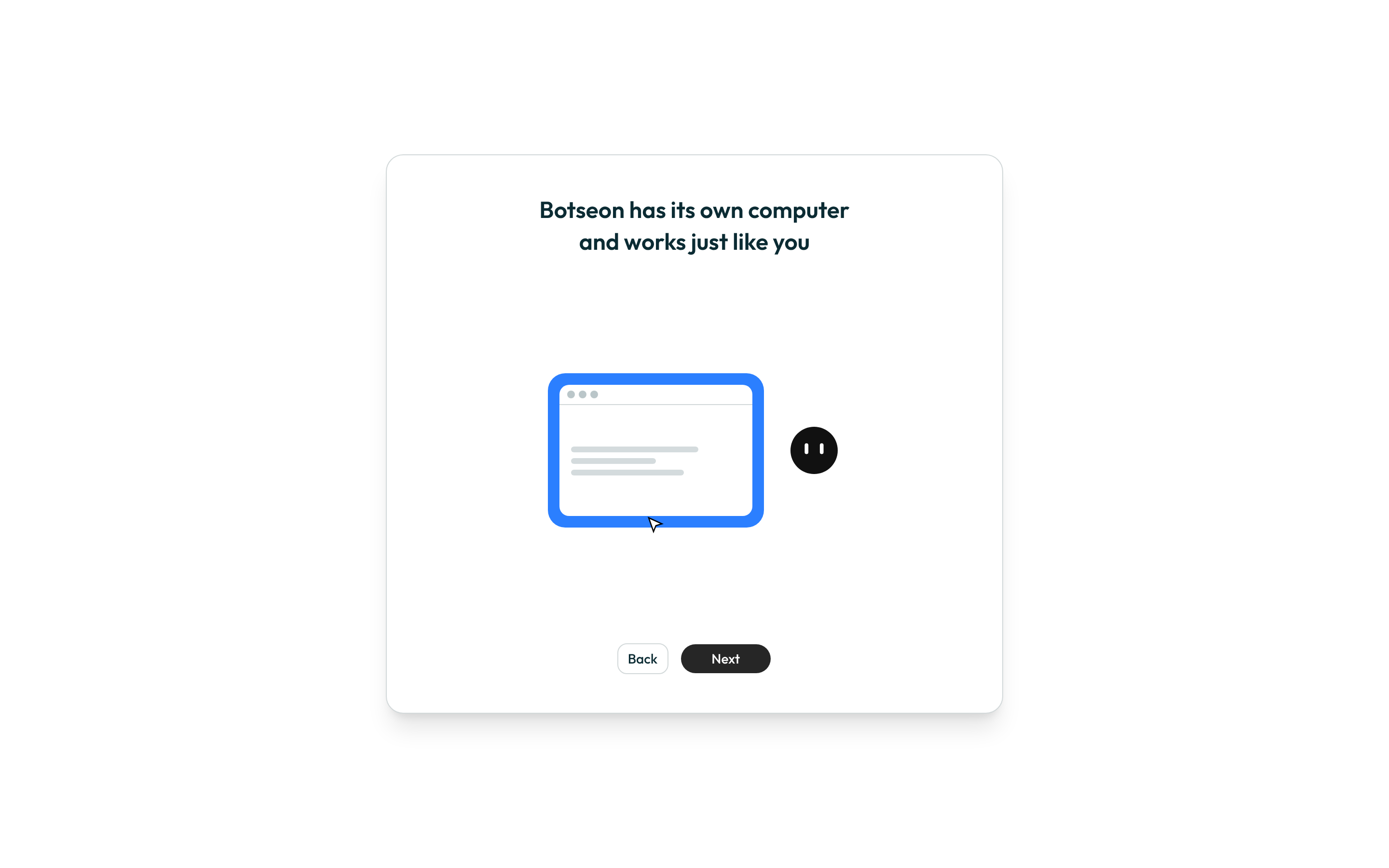
- See the bot's own computer. The next step, "Botseon has its own computer and works just like you", explains that a bot works from its own computer, not yours — a screen with no input to give, only Next and Back.
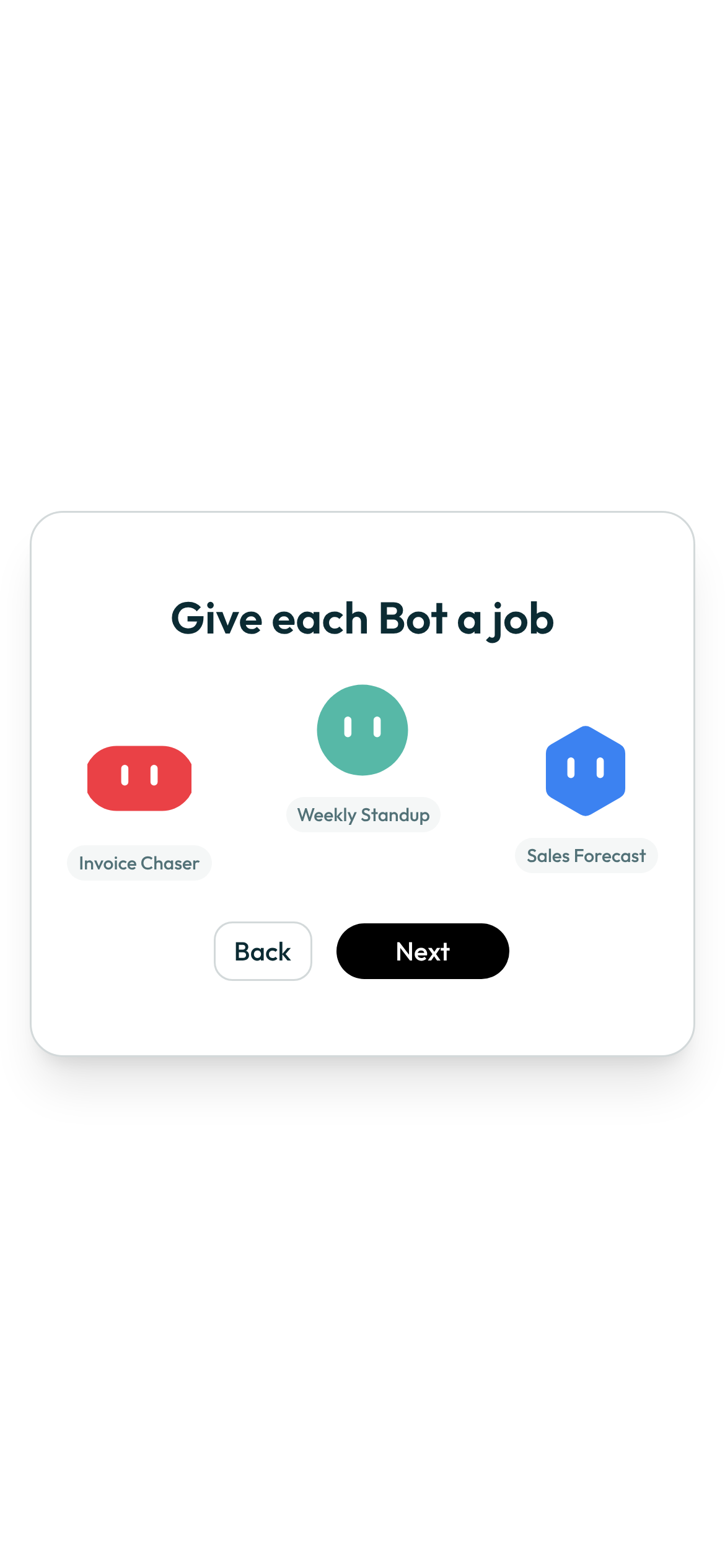
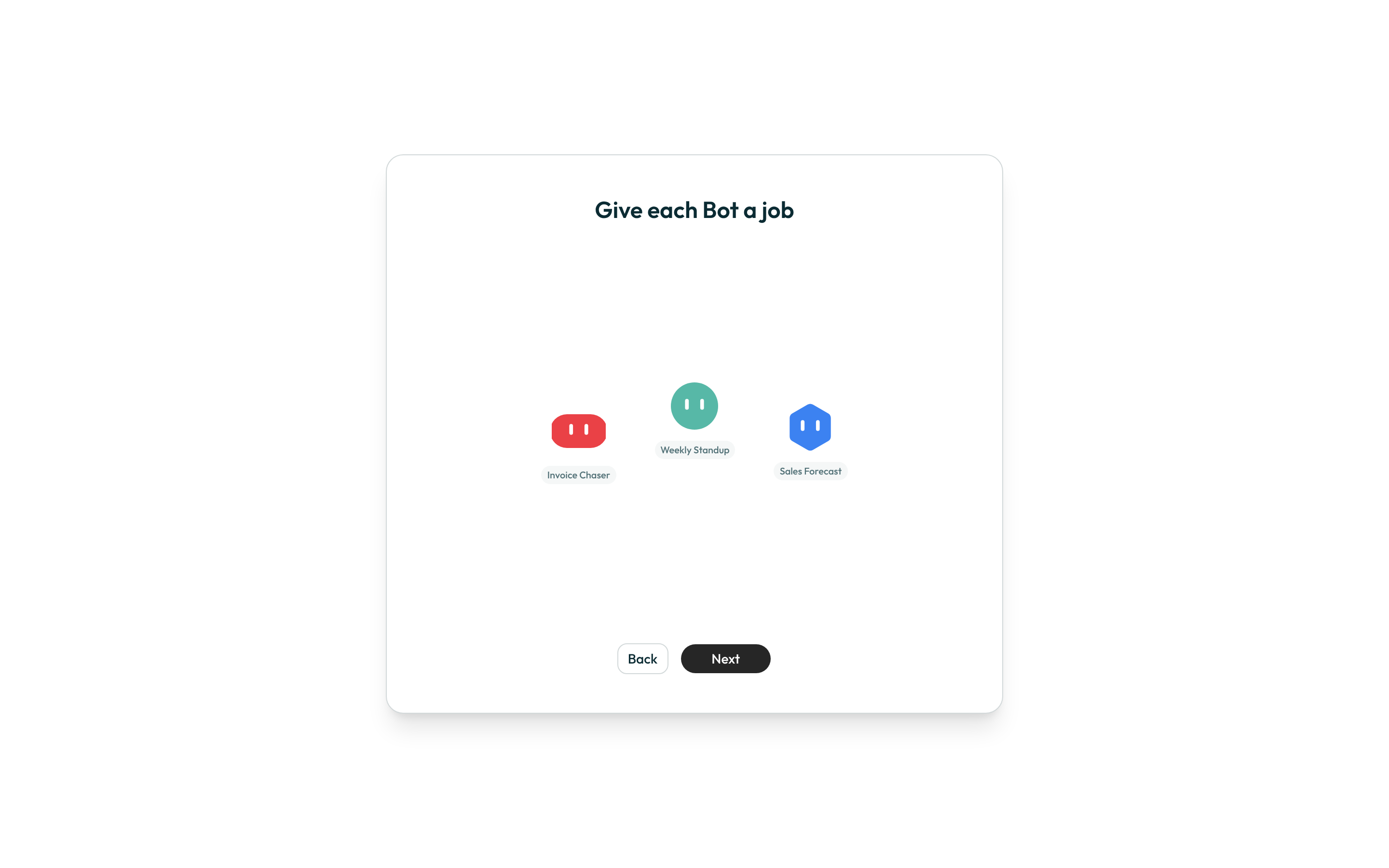
- Give a bot a job. Three sample bots drift across the screen as examples of the kind of job a bot can hold — this step is illustration only and creates nothing yet.
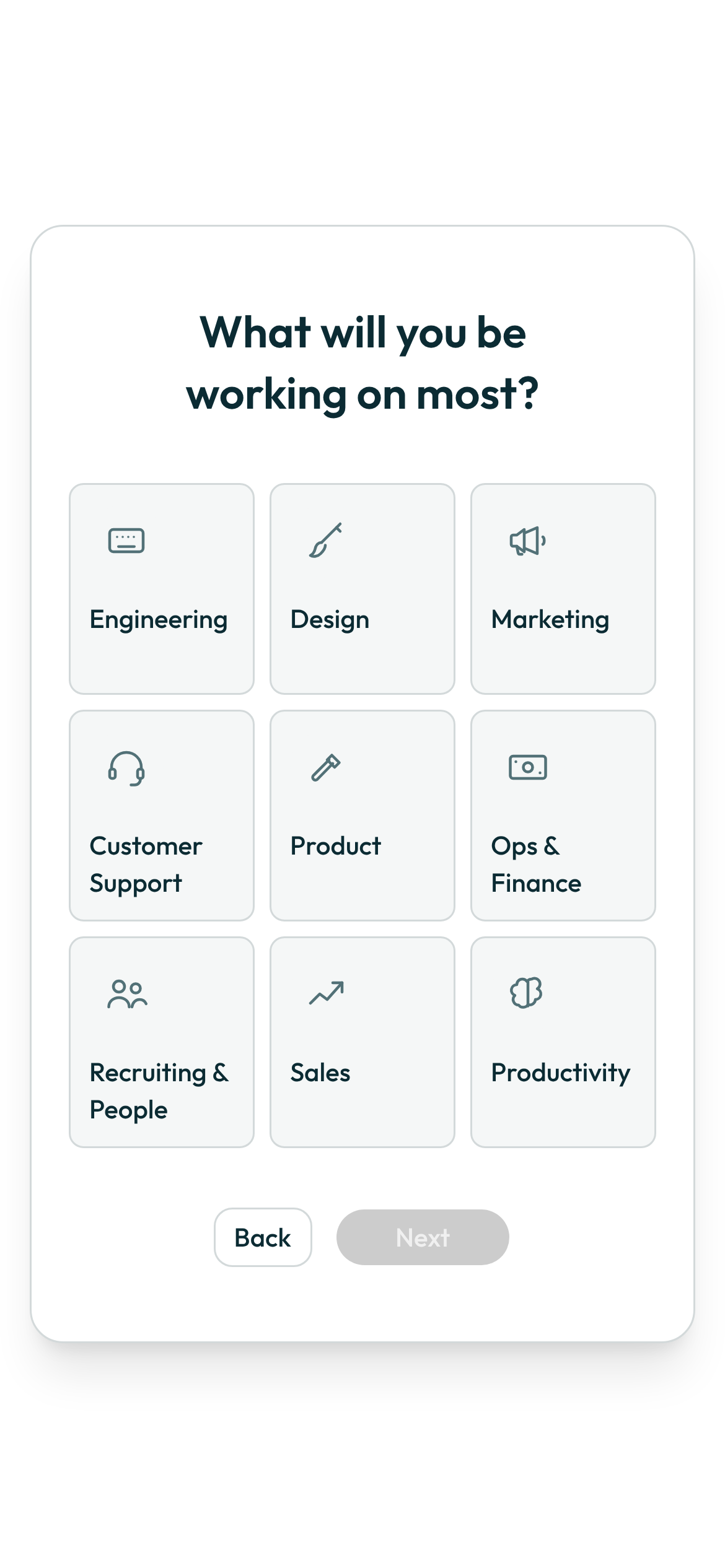
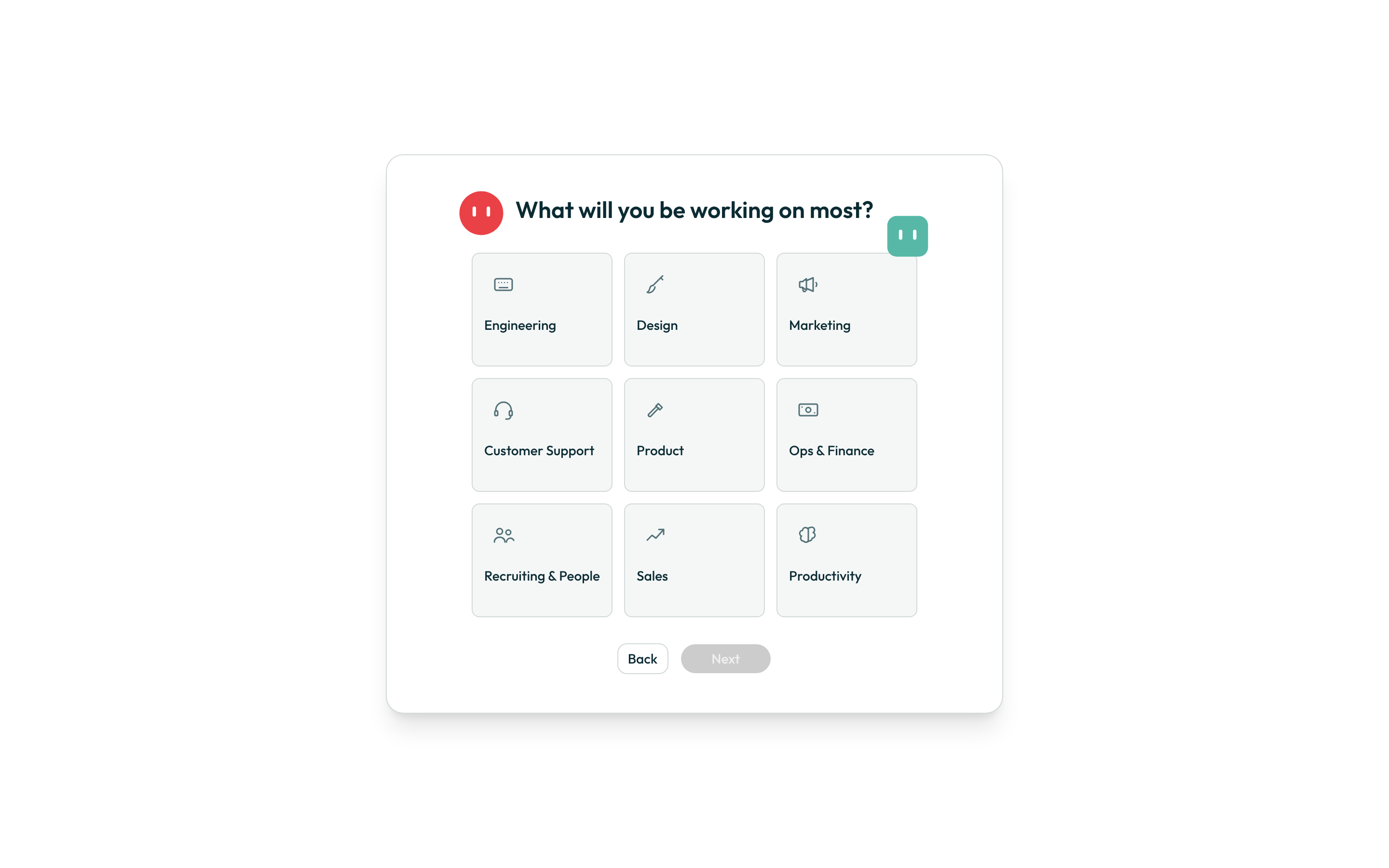
- Say what you'll be working on. Pick one of nine tiles — Engineering, Design, Marketing, Customer Support, Product, Ops & Finance, Recruiting & People, Sales, or Productivity. Next stays disabled until you pick one; your answer decides which starter bots are suggested when you later make another bot.
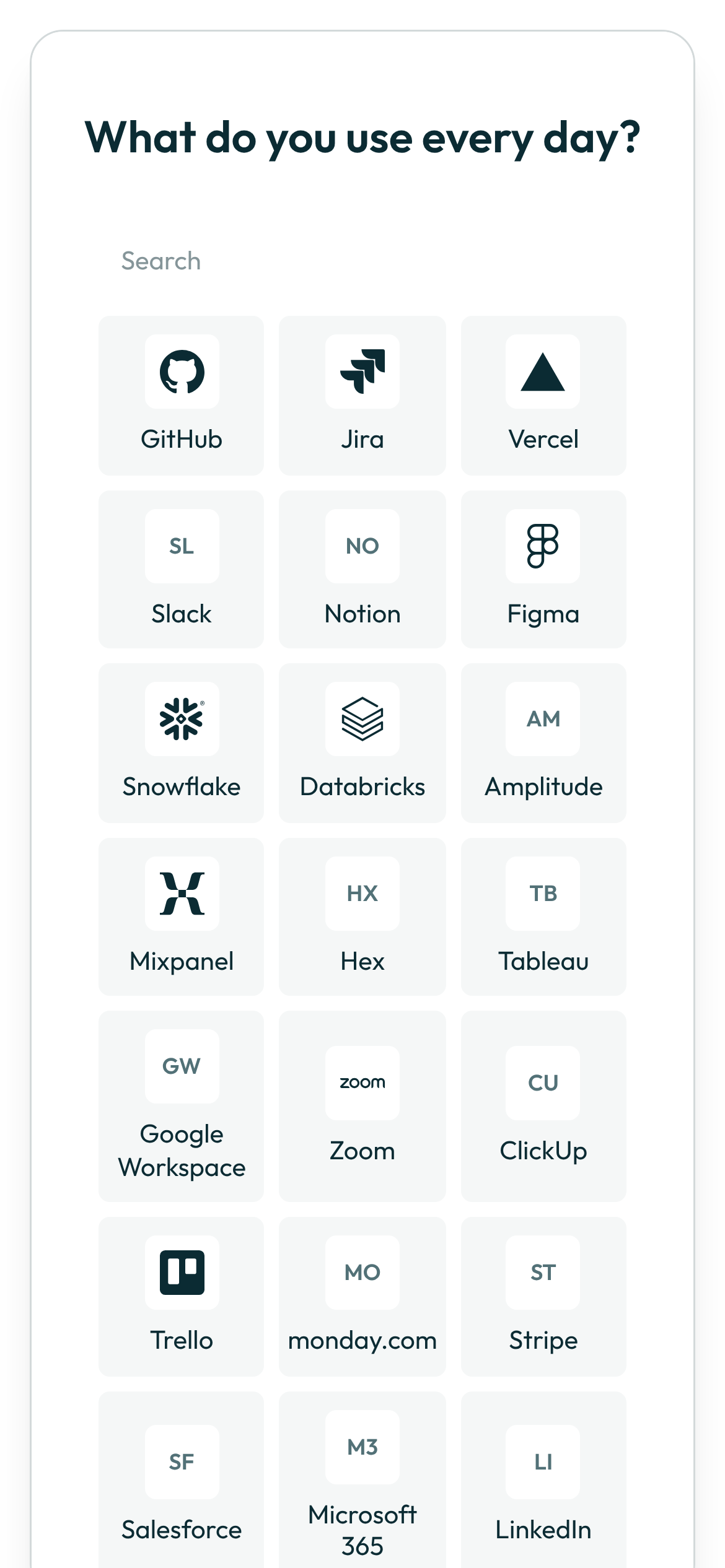
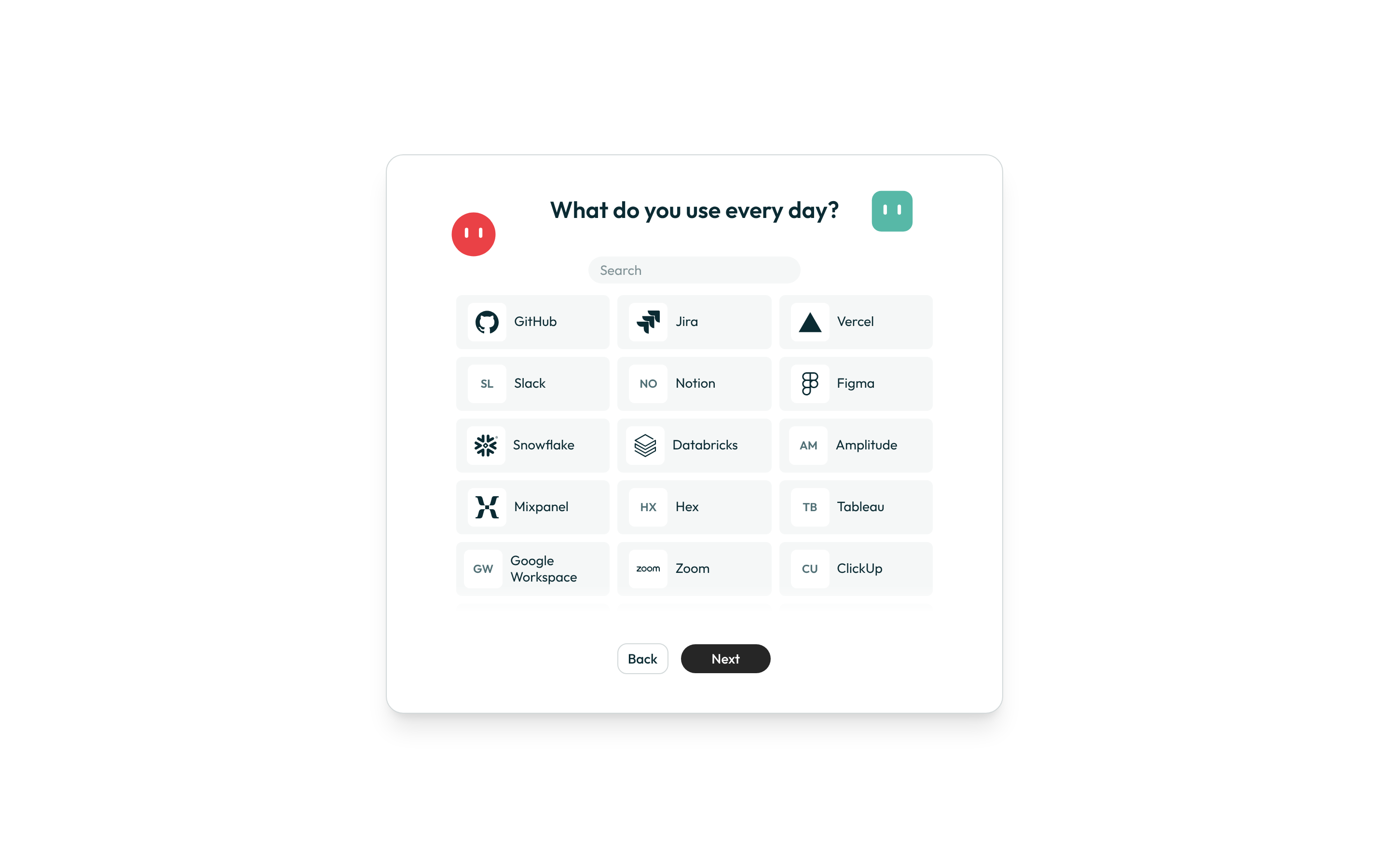
- Say what you use every day. A searchable grid lets you mark the tools you already use. There is no limit and no requirement — you can select nothing and still continue.
- Meet your first bot. When you press Next on the tools step, Botseon sets up your first bot for you, called Botseon, and opens its chat. On the hosted edition a short consent screen comes first.
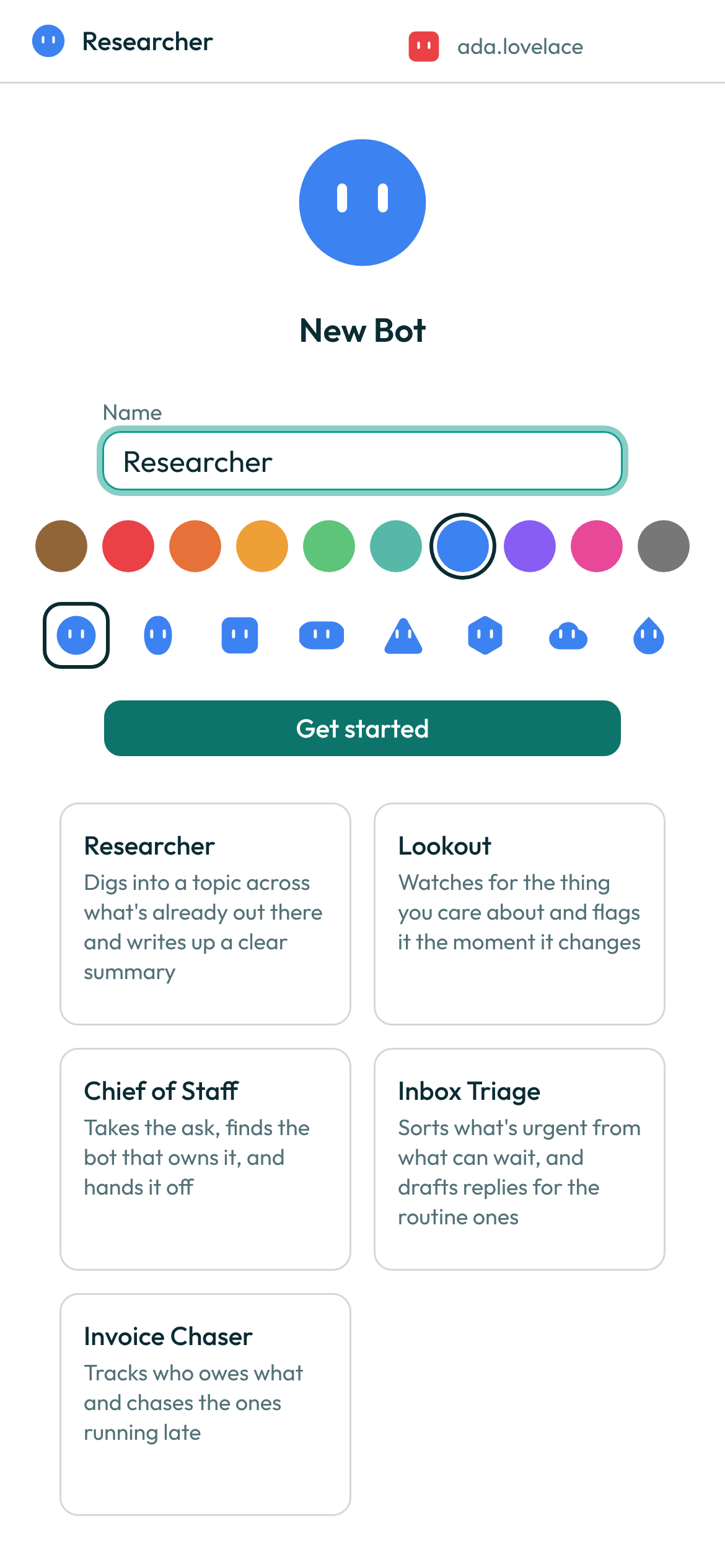
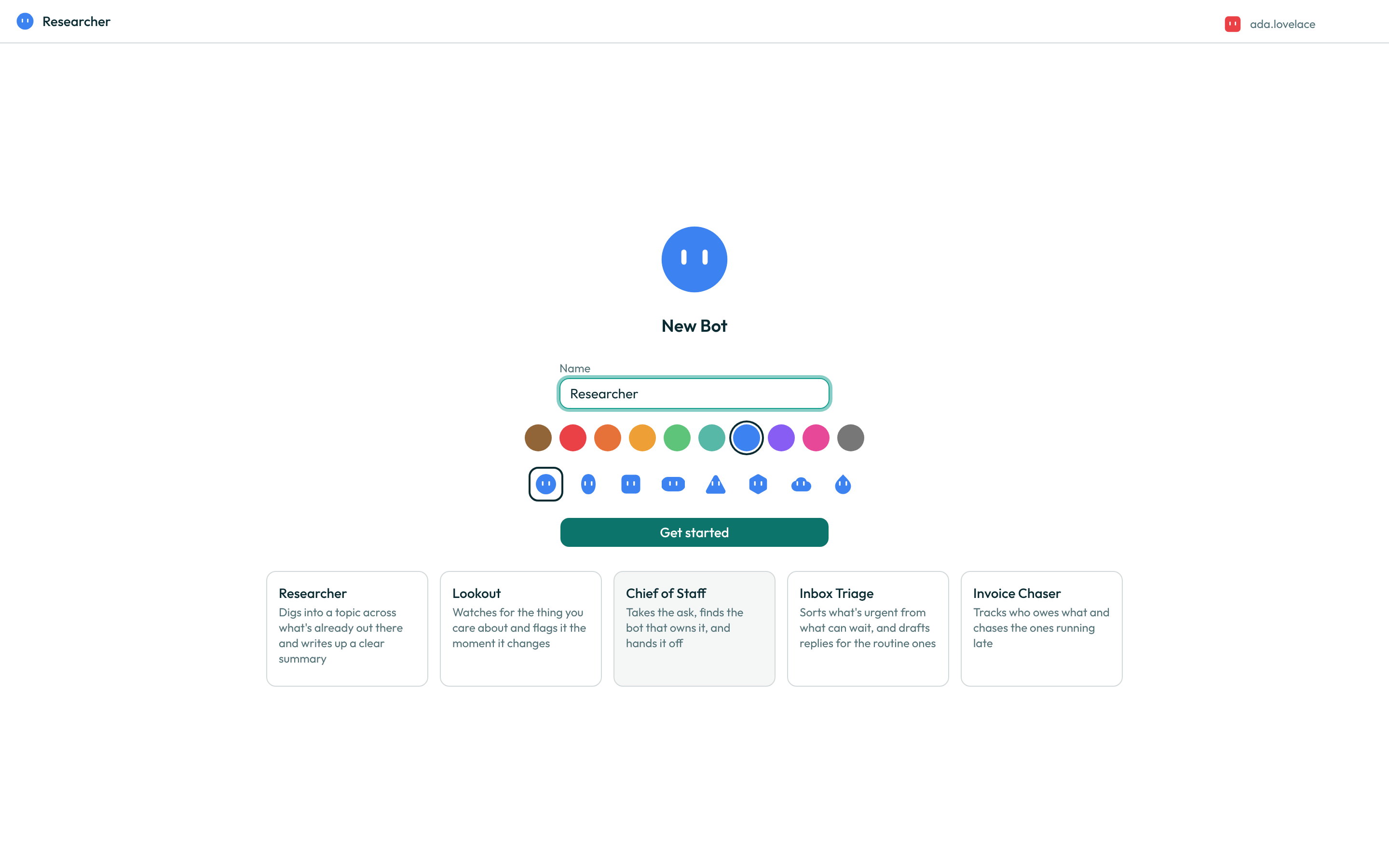
To make more bots later, use New chat → Create new Bot: name the bot, then pick from ten colours and eight shapes. The name starts as "New Bot", and you can keep it: Get started works with any name and is held back only while the name field is empty. Tick Make this my Primary if you want this bot to be your main one. Starter-bot suggestions matched to the role you picked appear alongside the form; clicking one fills in the name and shape for you.
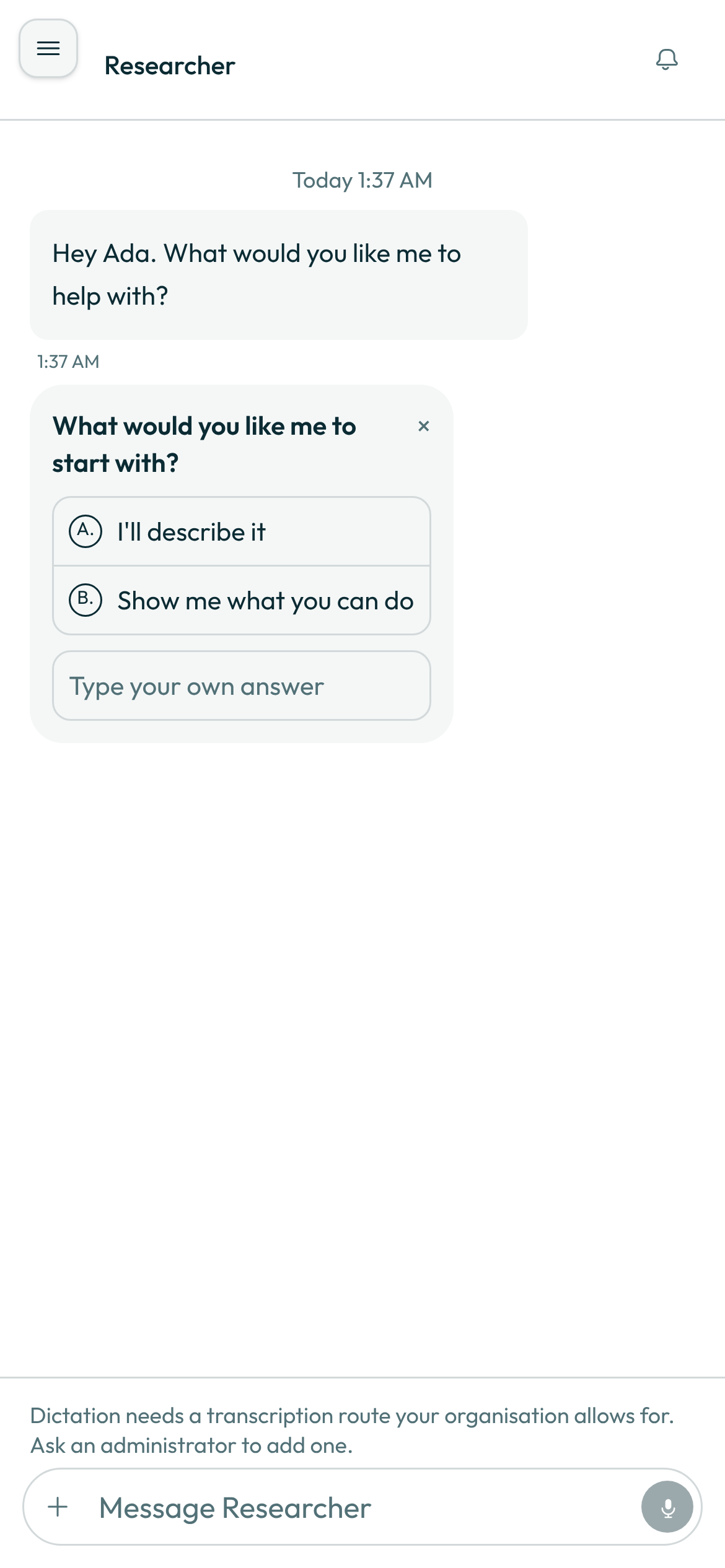
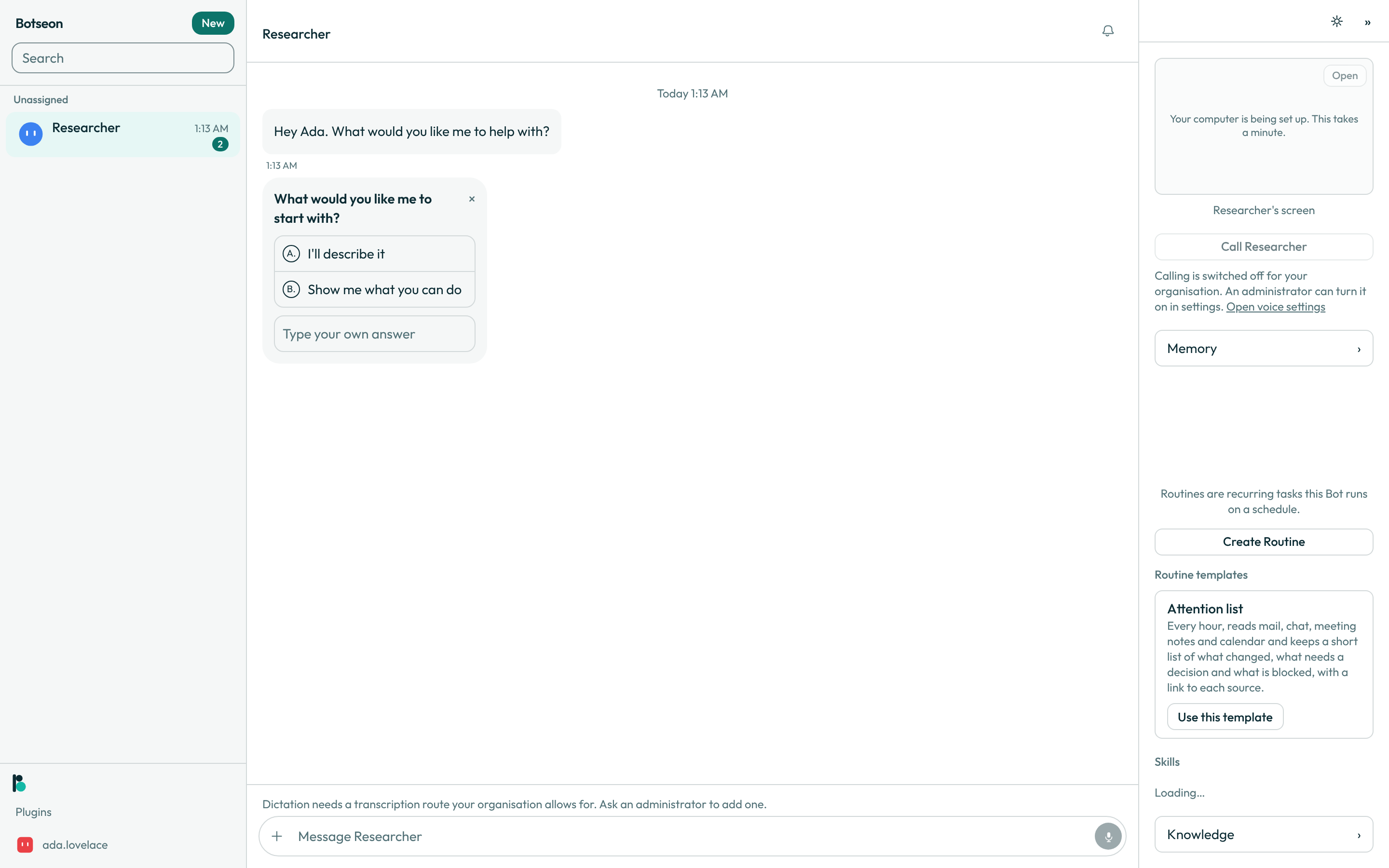
- Give it a name, and watch it work. Your bot greets you by first name — "I'm your personal assistant." — and follows with a card asking "What would you like to call me?": keep its current name, or type another in the free-text row. It then tells you two things about itself and offers to connect your email. While it works, its avatar appears alone on its own line with three moving dots, with no message bubble and no name beside it.
A worked example
The naming card's free-text row takes any name you like instead of the one offered:
Ada
What can go wrong
| What you see | Why | What to do |
|---|---|---|
Could not save your answer. Try again. | The role step's answer failed to save — usually a dropped connection. | Pick the role tile again and press Next. Nothing else on the step is lost. |
You have reached the limit of 50 Bots and group chats. Delete one to make room. | Your account already holds fifty bots and group chats, and creating a new one would go over that. | Delete a bot or a group chat you no longer need, then create your first bot again. |
See also
Last verified against build 2ba34c8.