Sign in
Member·8 minutes to read
What this does for you
Signing in gets you from a browser into your own organisation in Botseon, however you choose to prove who you are.
Before you start
- An Apple, Google, Microsoft or GitHub account, or an email address you can read — which ones you see depends on how your deployment is set up.
- Nothing else: your first successful sign-in also creates your account.
Steps
- Choose how to sign in. The page shows the email form first, then the providers below a divider, in this order: Apple, Google, Microsoft and GitHub. Only the providers your deployment has set up are shown; one it has not set up is left off the page. If you have signed in on this device before, the page may offer Continue as followed by your address, so you can pick that account in one press.
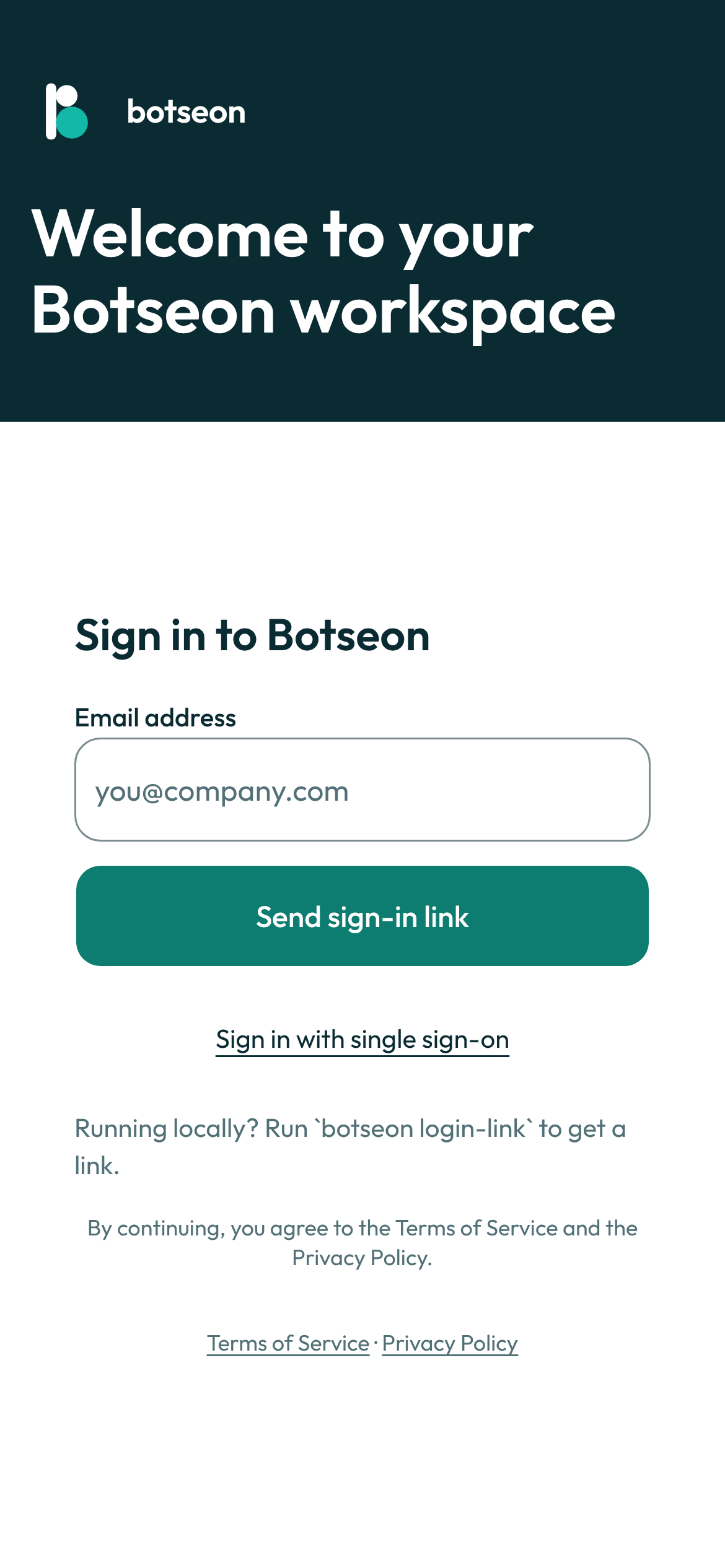
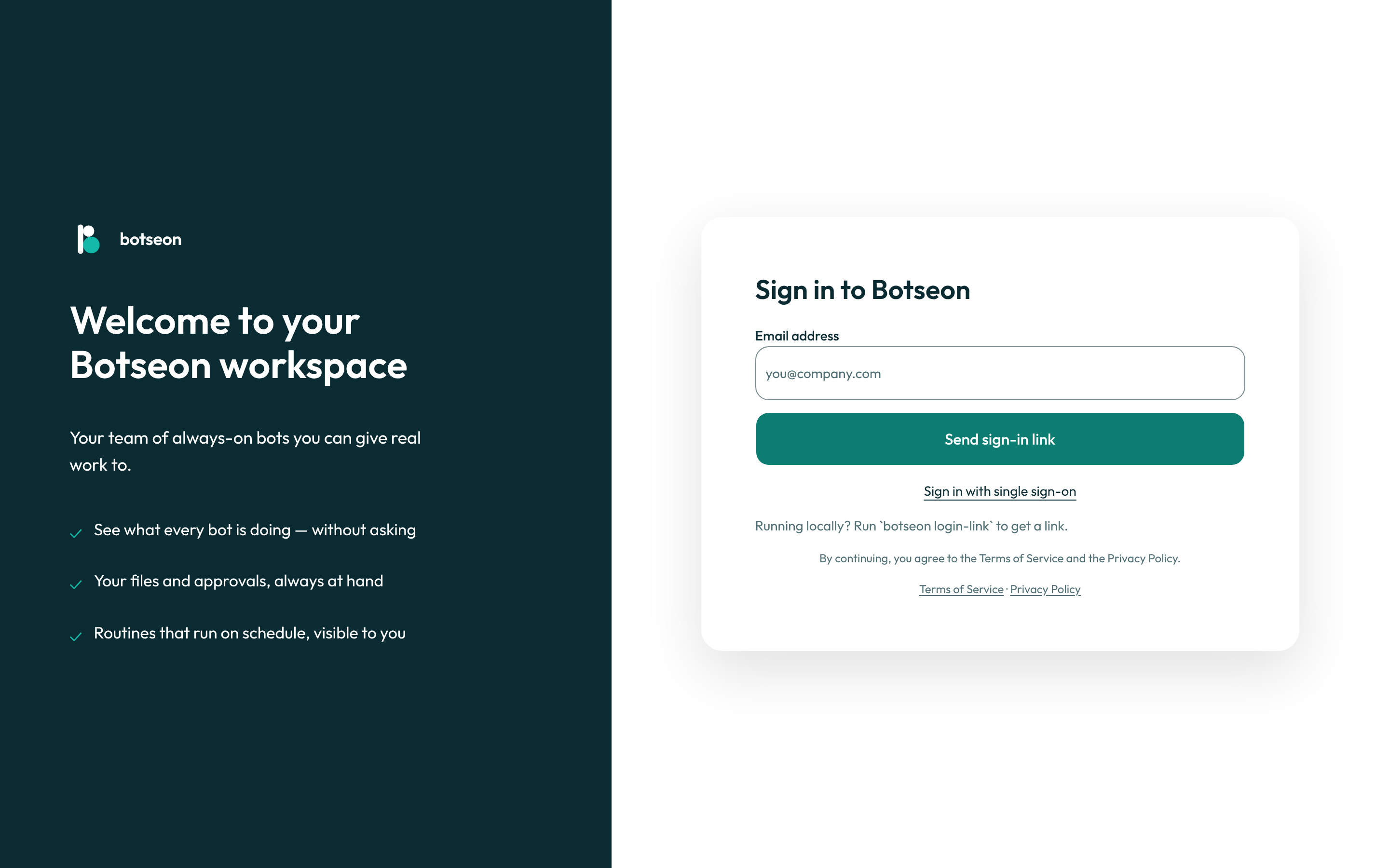
- If you use email, enter the code you're sent. A six-digit code arrives at the address you typed and works for ten minutes; a Send a new code button becomes available sixty seconds after it was sent.
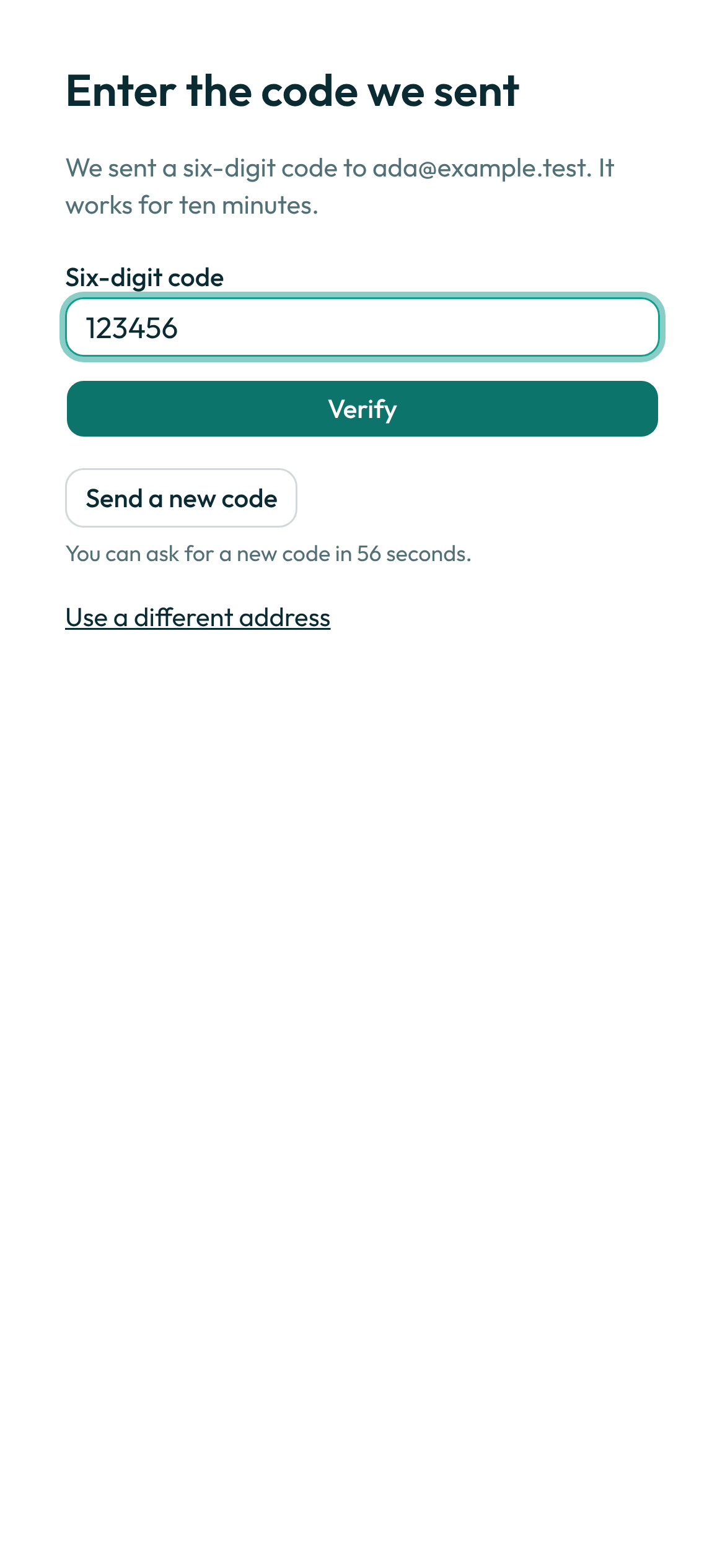
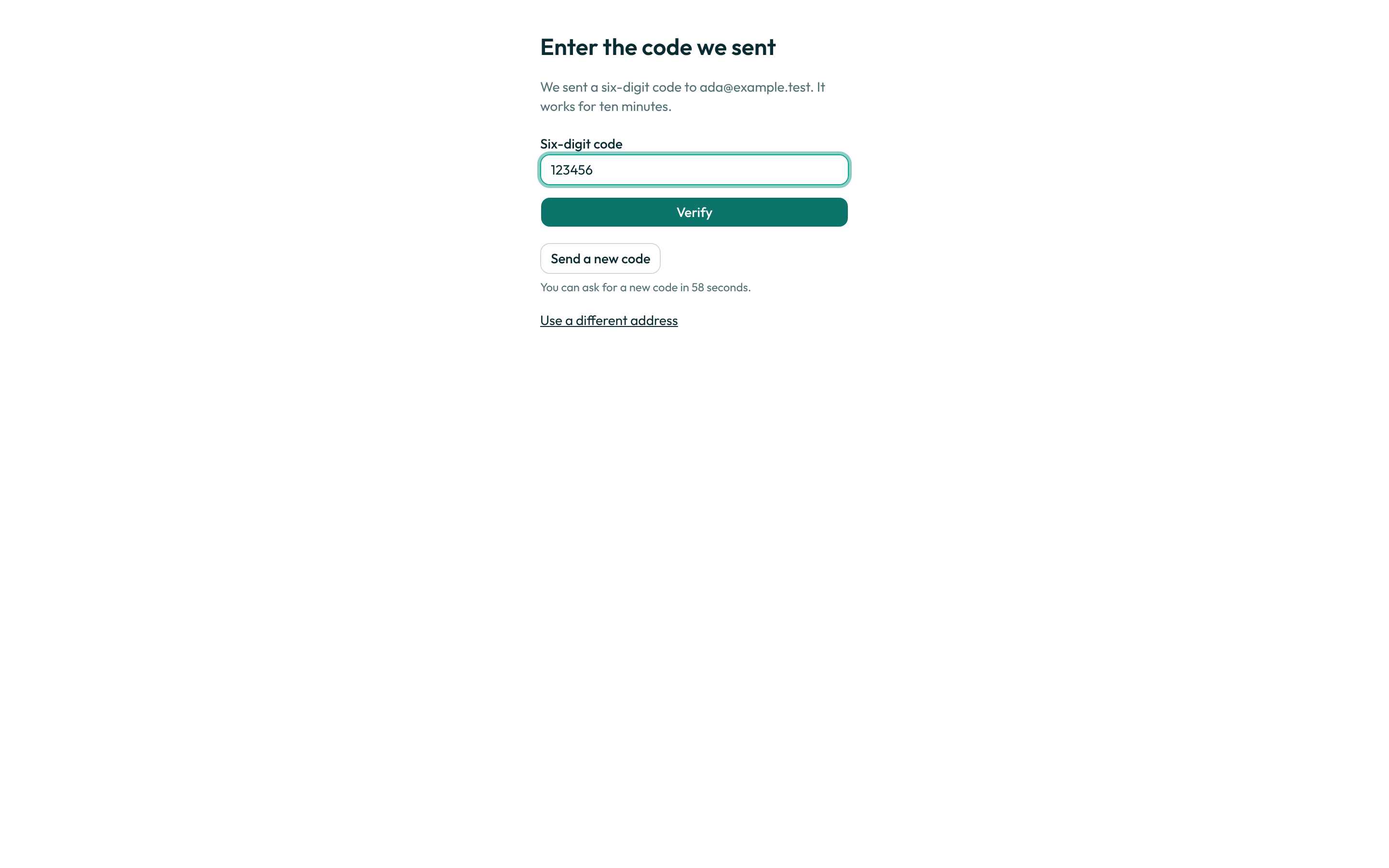
- If you use a provider, finish there and come back. You land back in Botseon signed in. If the provider could not confirm your email address, Botseon first sends a six-digit code to it, and you enter it as in step 2.
- If you don't have an account yet, create one. The Create an account page at
/signupcollects your first name, an optional last name, and an email address, alongside the same provider buttons. Submitting it sends you the same six-digit code step 2 describes, and typing that code is what creates the account: one person, one personal organisation, and the name you typed on both. The last name is optional, and only the first name is required. This page shows the same providers as the sign-in page, in the same order. It exists on the hosted edition only; a self-hosted deployment answers it with "not found". Above Continue, the page shows Where your data is hosted: a new account's data is hosted in the European Union, and the page says so in one line — "Your data is hosted in the European Union." There is nothing to choose today; the region is shown as selected. Learn more opens Data residency and rights, which explains how your organisation's residency policy decides which model routes a bot may use. Signing up with a variation of an address you already have an account on —ida+work@example.comwhen the account isida@example.com, or a Gmail address with the dots moved — signs you into that existing account rather than creating a second one. Nothing is merged and nothing is lost; there was only ever one account, and this is the one you already had.
A worked example
If your deployment runs on your own machine and you cannot reach your inbox or your terminal's logs, print a fresh sign-in link from a shell on that machine:
botseon login-link
What can go wrong
| What you see | Why | What to do |
|---|---|---|
That does not look like an email address. Try again. | The address you typed does not parse as an email address. | Check it for typos and submit again. |
Too many sign-in attempts. Wait fifteen minutes and try again. | You, or someone using your address, has tried to sign in too many times in a short period. The Create an account page shows this same sentence, so a refusal there never tells anyone whether an address already has an account. | Wait fifteen minutes, then try again. |
We could not send the sign-in link. Please try again in a moment. | The hosted edition's mail send failed. | Try again in a moment. |
That link no longer works — it has been used or has expired. Ask for a new one. | The sign-in link was already used, or has expired. | Start the sign-in again from the beginning. |
We could not send the code. Please try again in a moment. | The six-digit code could not be sent, or a resend failed. | Try again in a moment. |
Enter the six digits. | What you typed in the code field is not six digits. | Retype the six-digit code exactly as it arrived. |
That code has expired. Ask for a new one. | The ten-minute window on the code you were sent has passed. | Ask for a new code and try again. |
Too many wrong codes. Ask for a new one. | You entered the wrong code too many times. | Ask for a new code and try again. |
That sign-in has expired. Start again. | The whole sign-in attempt timed out before you finished it. | Go back to the sign-in page and start again. |
That sign-in did not complete. Try again. | The browser lost track of the sign-in you started — it took more than ten minutes, cookies were cleared, or you came back from the provider without its confirmation code. | Choose a sign-in method again from the sign-in page. |
Sign-in was cancelled. Try again. | You cancelled the provider's own sign-in screen. | Choose a sign-in method again. |
We could not sign you in that way. Try another option. | The provider you chose could not complete the sign-in. | Try a different sign-in method. |
Sign-in links are no longer used here. Enter your email address to get a six-digit code. | You followed an old-style link on a deployment that now sends codes instead. | Enter your email address again to get a code. |
| A provider you expected is not on the page | Your deployment has not set that provider up, so its button is left off. | Use a different sign-in option, or ask your administrator. |
Your organisation requires single sign-on. Use your organisation’s single sign-on to sign in. | Your organisation only lets its members sign in through its own single sign-on, so a code, a link or another provider is refused. | Use the single sign-on link on the page. |
This computer is managed by your organisation and only allows sign-in to its own teams. Sign in with your work account, or ask your administrator. | You are on a company computer, and the account you used is not in any of the teams that computer allows. | Sign in with your work account, or ask your administrator. |
Enter your first name. | On Create an account, the first-name field was empty, was only spaces, or was longer than 60 characters. | Type your first name and submit again. A last name is optional, and a long one is shortened rather than refused. |
That does not look like an email address. Try again. (on Create an account) | The address you typed on the sign-up page does not parse as an email address. | Check it for typos and submit again. |
We could not send the code. Please try again in a moment. (on Create an account) | The six-digit code for a new account could not be sent. Nothing was created and no code is waiting for you. | Try again in a moment; you will start from a clean form. |
Use an address you can receive mail on. | On Create an account, the address's domain is one a new account cannot be created on — a disposable or temporary-mail domain, or a domain that accepts no mail at all. The sentence is the same for both, and it says nothing about whether the address itself already has an account. | Sign up with an address you can receive mail on — a work or personal mailbox. If you believe the domain is a real one, ask whoever runs your Botseon deployment; an operator can allow it. |
Too many sign-in attempts. Wait fifteen minutes and try again. (on Create an account, after several new accounts from one network) | Five sign-ups have already been started from your network in the past hour. This is the same sentence a refused sign-in gets, so it never confirms anything about an address either. | The sentence says fifteen minutes; the window behind it is an hour — wait an hour, not fifteen minutes, and try again. On a shared or office network, someone else on it may have used the hour's allowance. |
See also
Last verified against build 2ba34c8.