Usage, the meter and spend caps
Member·7 minutes to read
What this does for you
This page explains how Botseon meters what your bots spend, where you see what a reply cost, resets your weekly allowance, and stops a run before it spends more than you allowed.
Before you start
- You're signed in — see Your account and settings.
- You know which plan you're on and what it includes — see Plans and the trial.
- One credit is one euro cent of model usage at the route's published price; every figure on this page is in credits, with its euro value alongside.
Steps
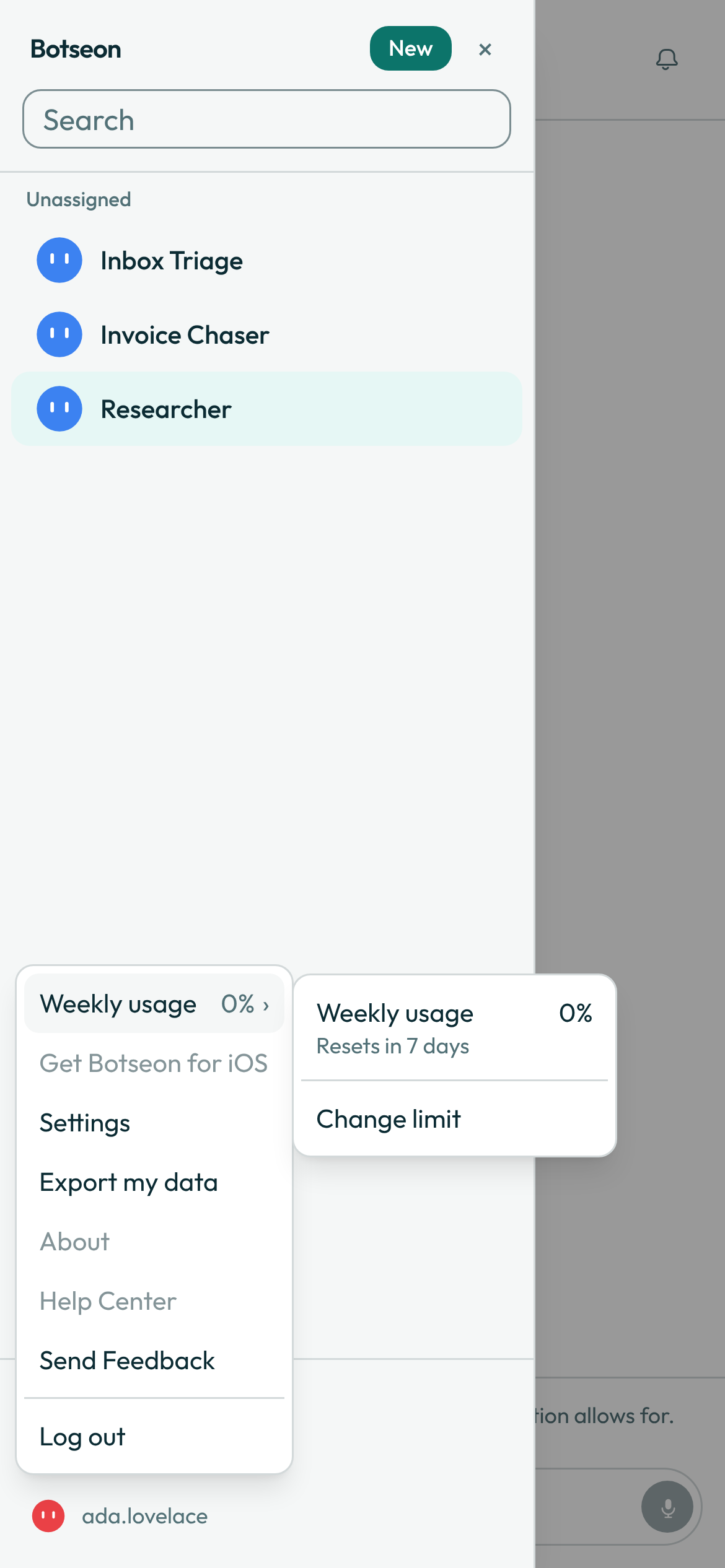
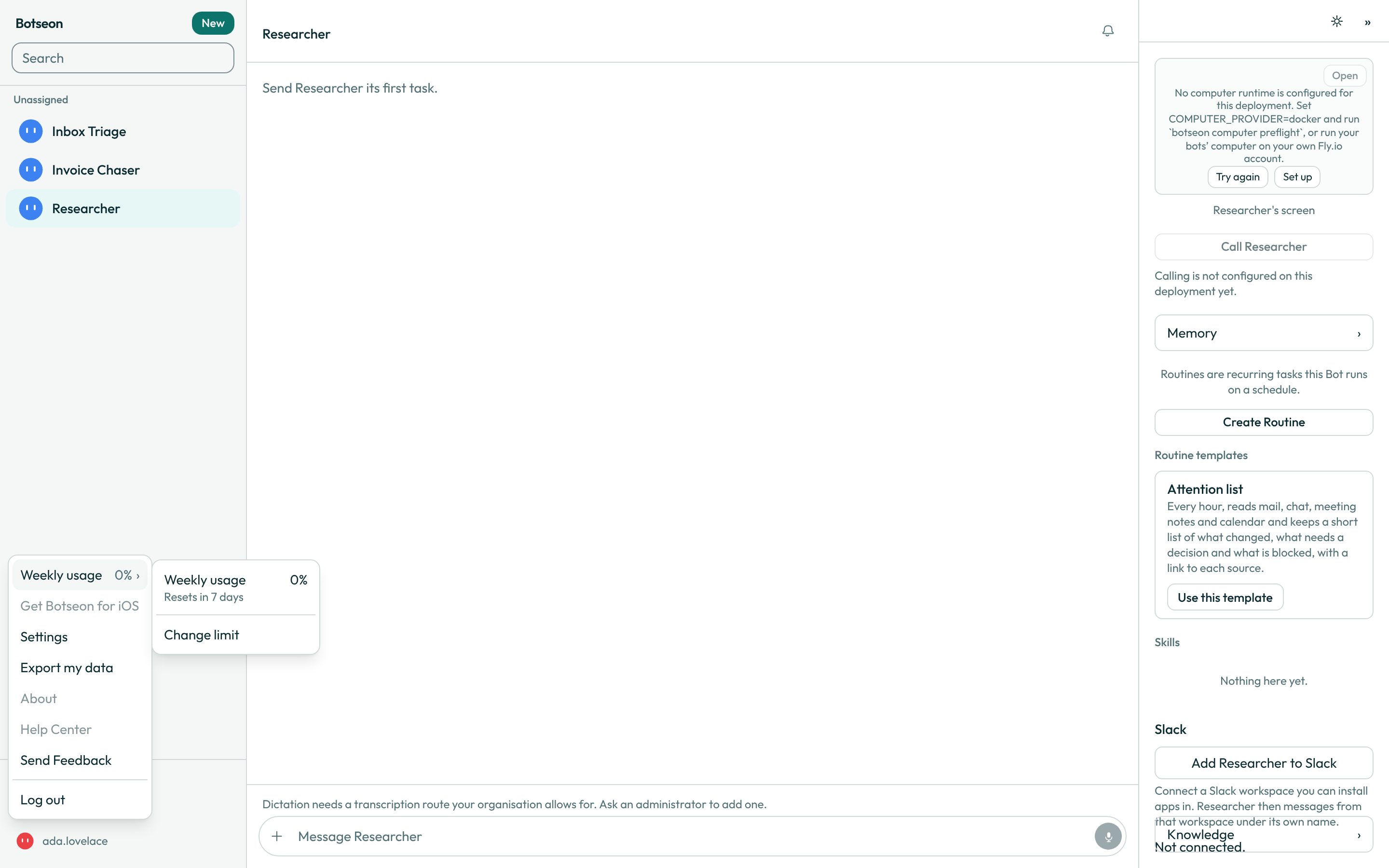
- Open the account menu and hover Weekly usage for the flyout: your percent used and the day countdown to reset.
- Open Settings → Usage & Billing for the full picture: the same percent as a bar, the reset countdown, and how many credits you've used and have left this week.
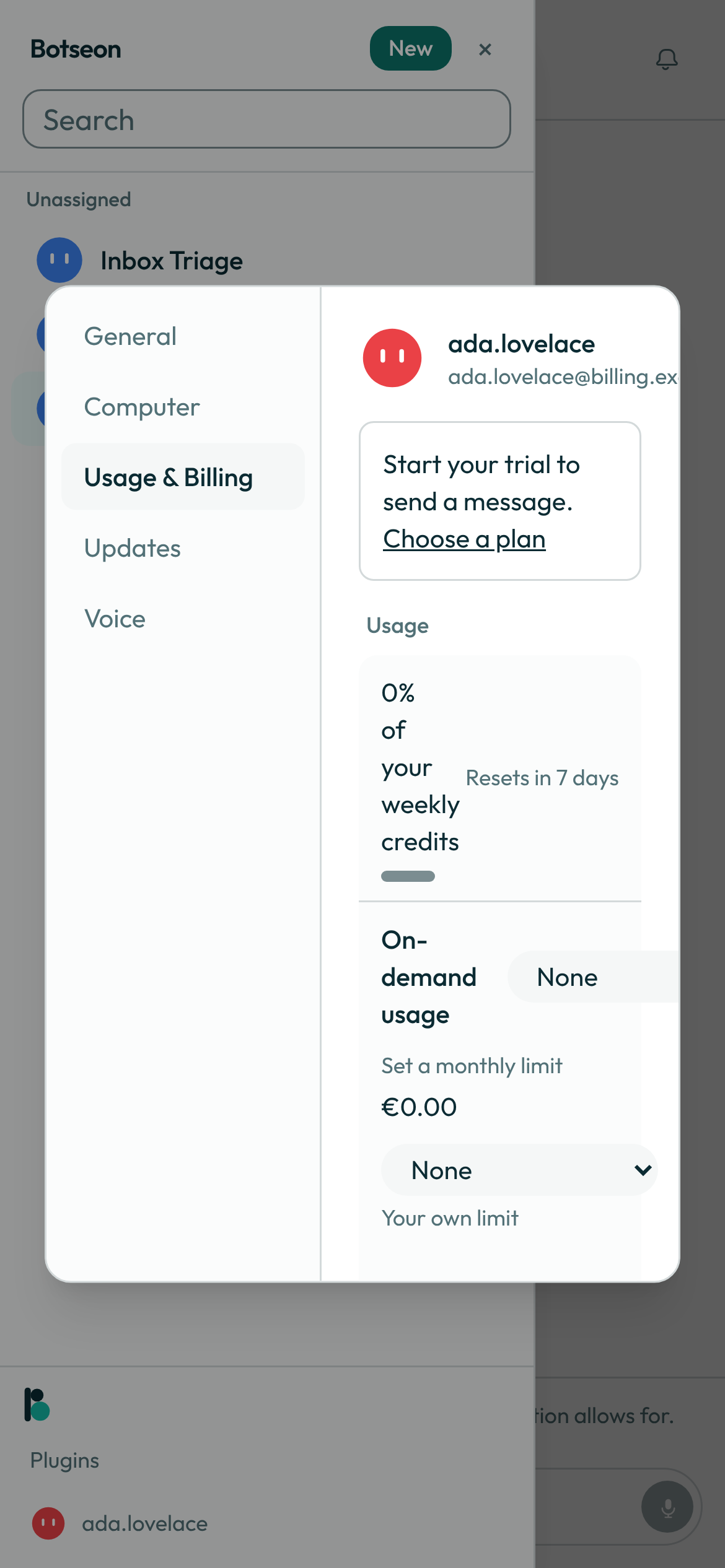
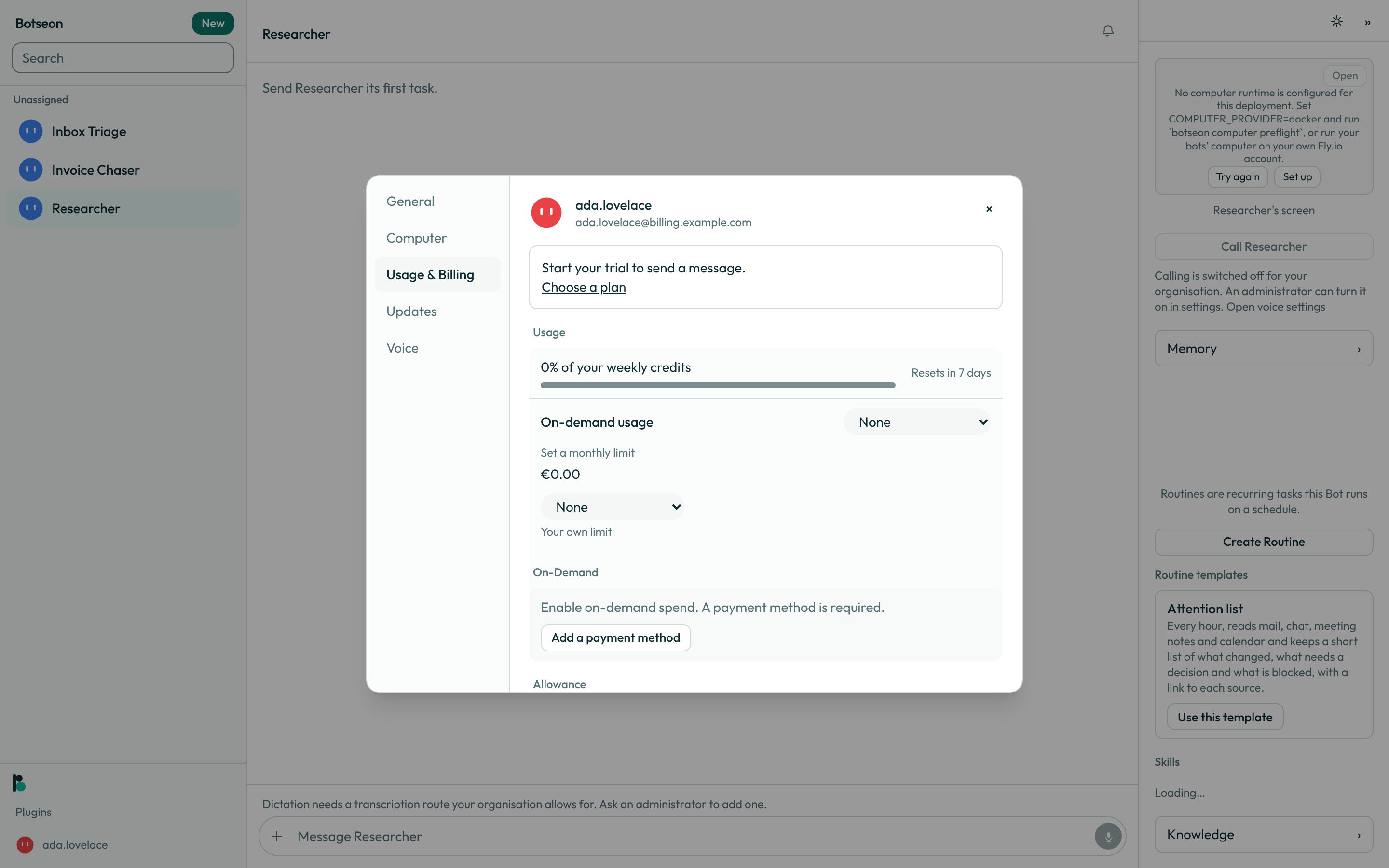
- Below it, read the per-bot and per-routine breakdown, credits descending, to see what used your allowance; it reads "No usage recorded yet" until your first run.
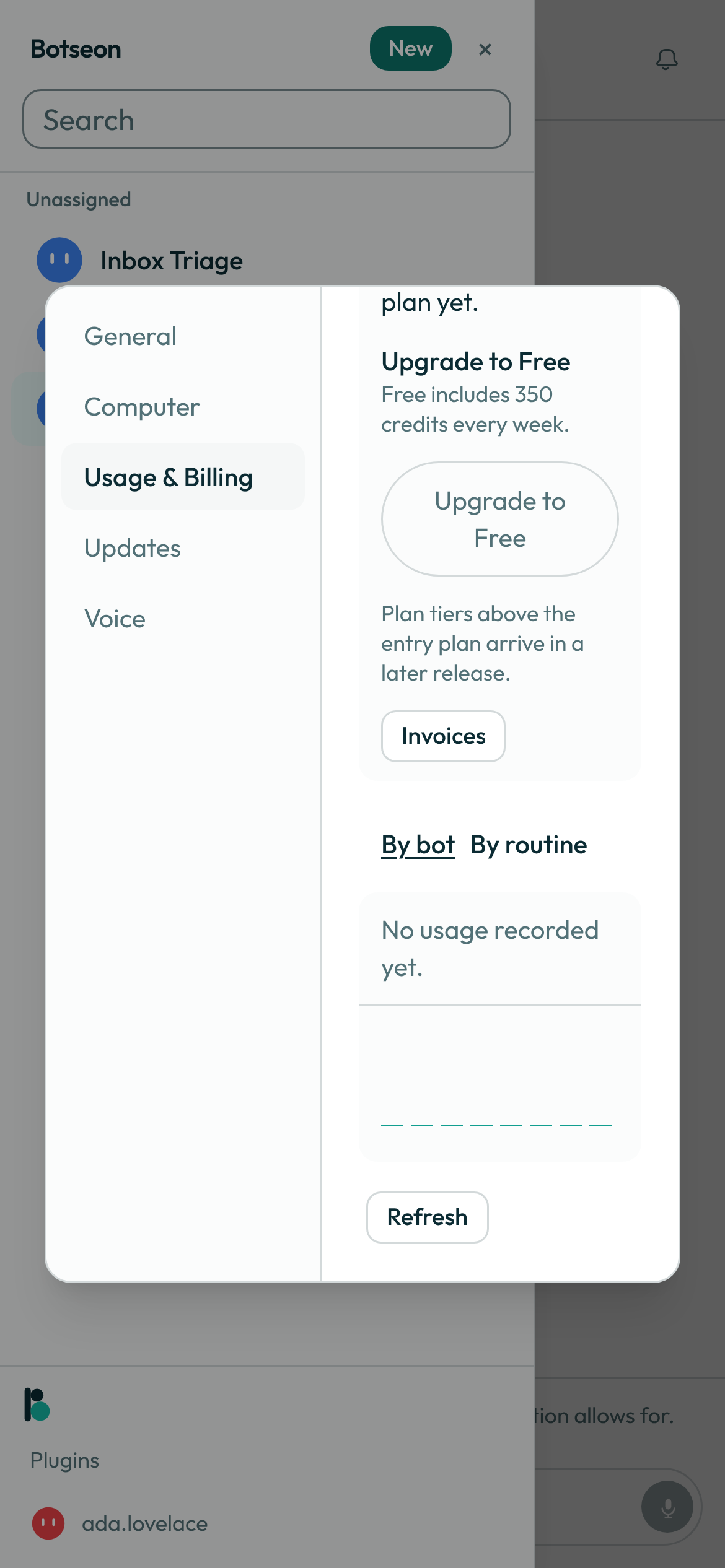
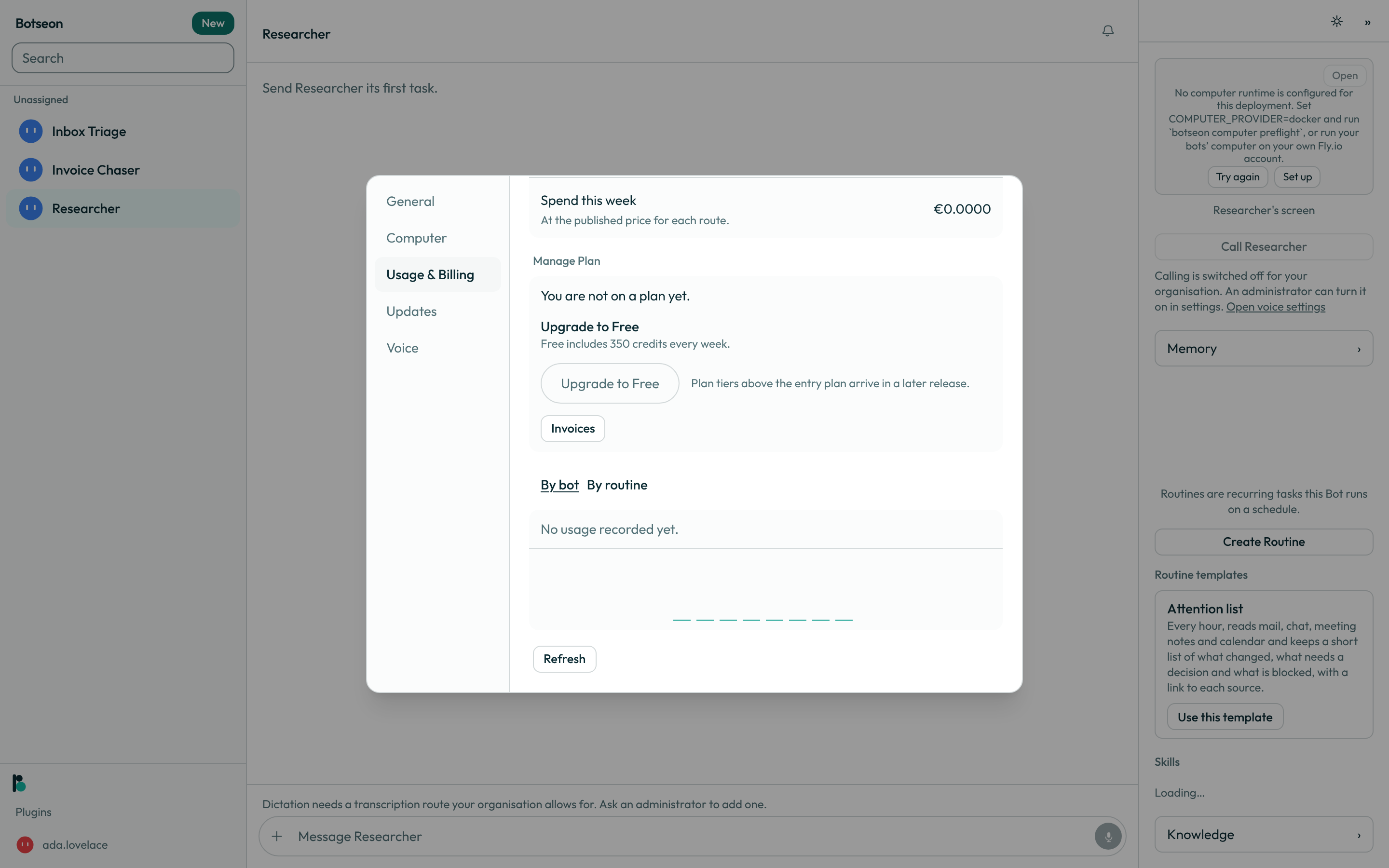
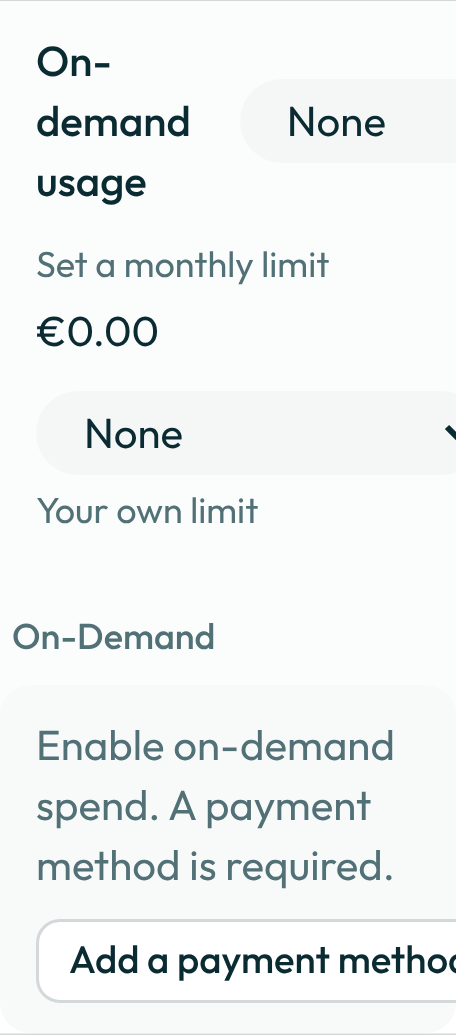
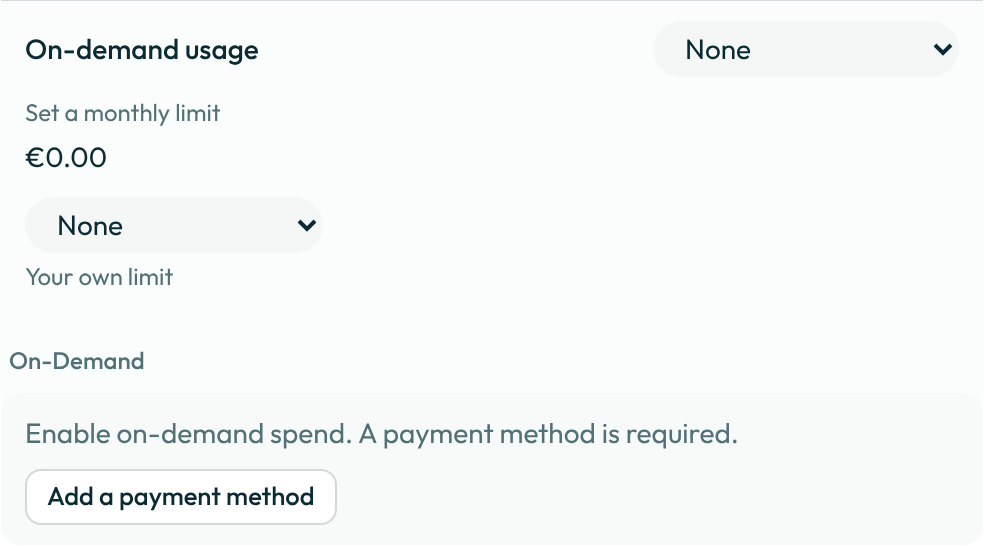
- To keep going past your weekly allowance, use Prepaid credit: choose Buy credits, pick an amount and pay at checkout, or turn on an Automatic top-up that charges your saved card once whenever the balance falls below a trigger you choose. Promotional credit grants show under Credit grants with what is left and when they expire, and are used before bought credit. A Monthly extra-usage cap stops use for the calendar month even when credit remains. Postpaid on-demand spend is no longer offered: an account that had it on keeps its monthly ceiling as its cap.
- Watch what a single run costs against its own, always-on ceiling: 200 credits (about €2.00) and 50 steps for a chat run you start yourself, or 10 credits (about €0.10) and 30 steps for an unattended routine, either way within ten minutes — this applies before you set anything on a bot or a routine. No screenshot: this is a limit the run loop enforces, not a screen of its own.
- Set a lower spend cap on a bot or a routine so one run of that bot or that routine can't spend more than you choose: turn on Spend cap in the bot's details or in the routine editor, and enter a whole number of credits.
- Check "Your spend by bot, this cycle" under the By bot tab of Settings → Usage & Billing for a running total by bot rather than by week.
A worked example
A member on Pro (1,200 credits a week) partway through a week, read straight off the meter:
Weekly allowance (Pro):         1,200 credits   (≈ €12.00 of model usage)
Used so far this week:            640 credits   (≈ €6.40)
Remaining:                        560 credits   (≈ €5.60)
Percent of weekly credits:           53%
Resets in 4 days
53% · resets in 4 days
Beneath the bar, one line sums the same two numbers up — 53% · resets in 4 days. The percent is always a whole number and the countdown is always whole days, rounded up — never an hour and never a date — and both are read from one materialised period row, never summed from raw usage records.
What a turn costs
Before it runs. The composer shows an estimate for the turn you are about to send, always marked as an estimate — "≈ amount estimated" beside the model's window. Money is always shown first, and on a metered deployment the credit figure rides beside it in parentheses; on an unmetered deployment there is no credit figure at all. The estimate comes from the price of the model your bot would use and the length of what you have typed; you are never charged for that number, only for what the turn actually uses.
After it runs. The chat keeps cost out of the conversation by default: no cost line sits under a reply, and the chat header shows no amount. Spend shows in three places instead:
- Run details. Hover a reply (or tap it on a phone), open its … menu and choose Run details. It shows what that reply cost and how many steps it took — "1 step", "2 steps" — and, if the run cost more than its own estimate led you to expect, it says "longer than estimated" in as many words rather than leaving the difference unexplained.
- Spend this month. The bot's Details tab, under its name, shows Spend this month: what your own conversations with that bot have cost since the 1st of the month.
- Usage. Settings → Usage & Billing keeps the totals and the per-bot and per-routine breakdown, as in the steps above.
Every amount shows in euros with two decimals, such as €0.00 or €1,234.50. An amount that is more than nothing but less than half a cent shows as "< €0.01", so a cheap reply never reads as free. Botseon still meters and charges the exact amount; only the figure on the screen is rounded to the cent.
Show cost under replies. To see the cost of every reply as you chat, turn on Show cost under replies in Settings → General. It is off by default. On, each reply's last message carries a small line with the amount and the steps — "€0.03 · 1 step" — and the chat header shows the current run's amount again. The switch applies on the device where you turn it on. No screenshot: the switch is one row in General, and the line is the same small text the steps above describe.
What a routine costs each time it runs. The "By routine" view on this page breaks a routine's spend down per firing, so you can read what one run of it costs each time rather than only its total for the cycle.
What can go wrong
| What you see | Why | What to do |
|---|---|---|
This model's price is not confirmed yet. Choose another model or try again later. | A paid plan may only be metered against a price Botseon has confirmed against the provider's own published list. | Pick a different model, or try again once the price is confirmed. |
You have used this week's credits. Buy credits to continue, or wait 4 days for them to reset. | Your weekly allowance is exhausted and you have no prepaid credit. | Choose Buy credits, or wait for the reset. |
You have used this week's credits and your prepaid balance is empty. Buy credits to continue, or wait 4 days for your credits to reset. | Your allowance and your prepaid balance are both used up. | Buy credits, or turn on an automatic top-up. |
You have reached your monthly extra-usage cap of €25.00. Raise it to continue, or wait 11 days for it to reset. | Extra usage hit the monthly cap, even though credit remains. | Raise the cap in Settings → Usage & Billing, or wait for the next month. |
See also
Last verified against build c0f77aa.