Group chats
Member·5 minutes to read
What this does for you
This page covers composing a group of bots, telling who said what, addressing one bot or all of them, and the group's own membership and settings.
Before you start
- You have at least two bots — a group holds between two and six.
- You already know how to compose to one bot; a group reuses the same recipient field.
Steps
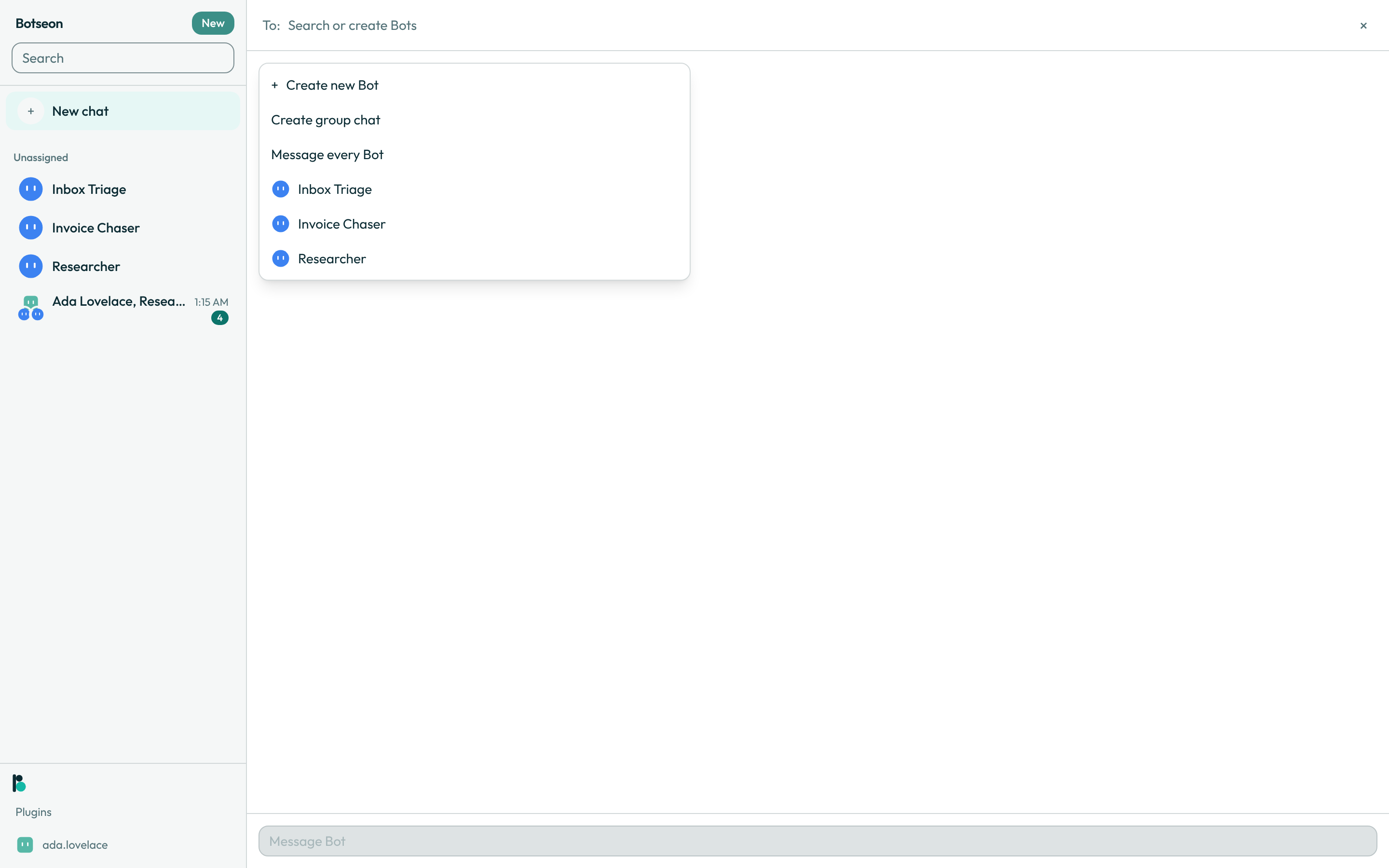
- Start a group. Add a second bot after the first in the
To:field, or choose Create group chat from the new-chat picker.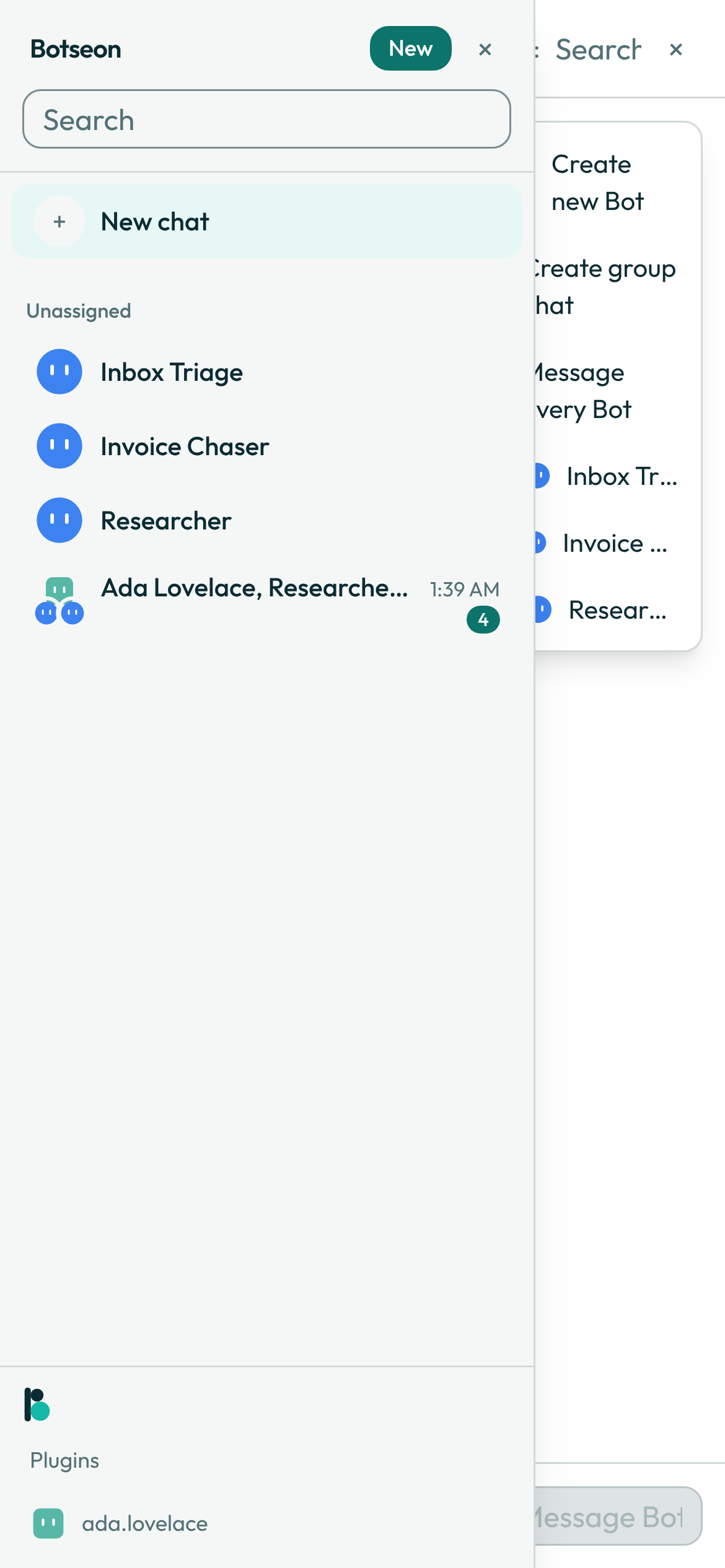
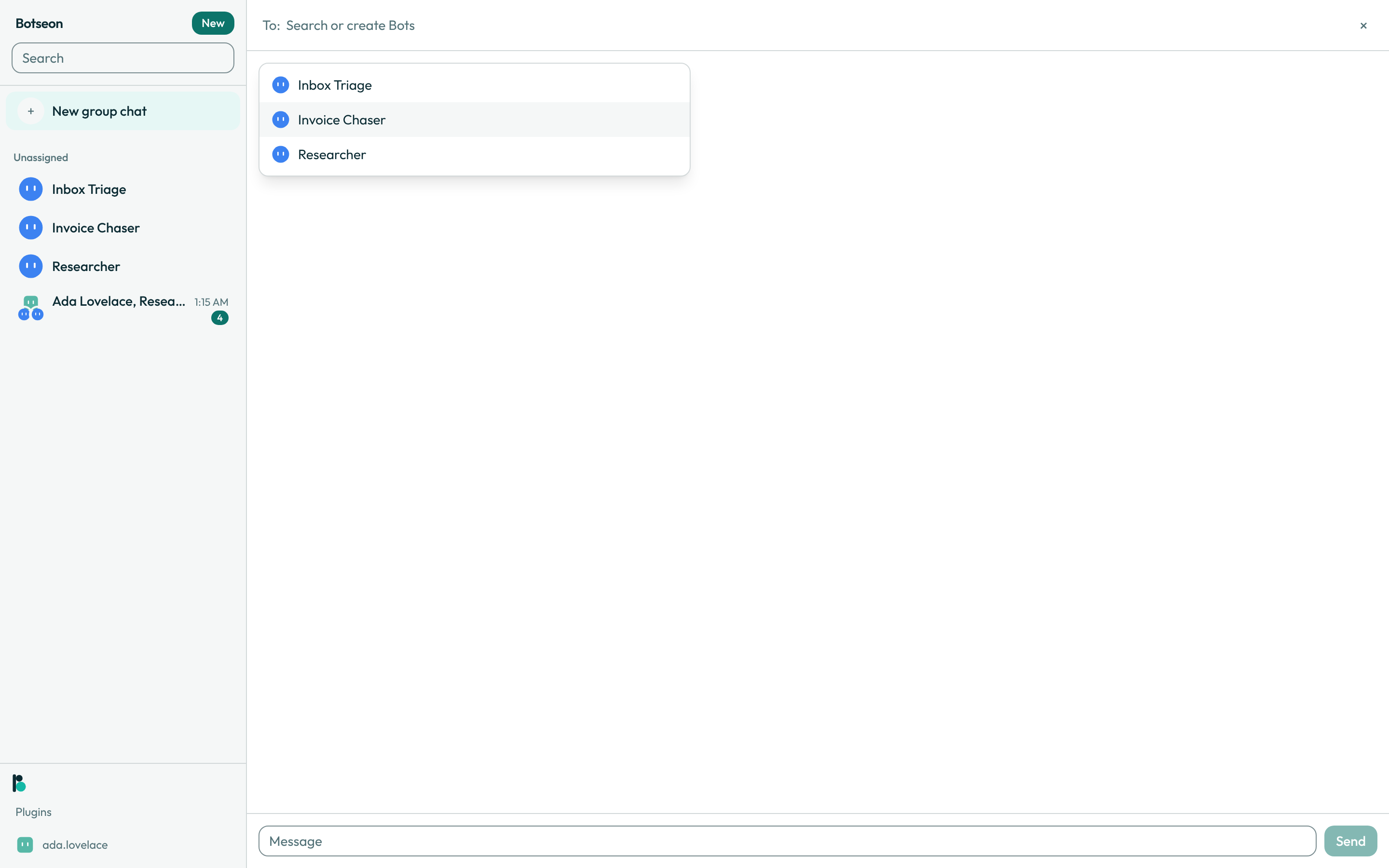
- Compose the group. Each recipient is a token chip carrying the bot's avatar; typing a name that matches no bot offers to create one. A group holds two to six bots, and a seventh is refused before it's added.
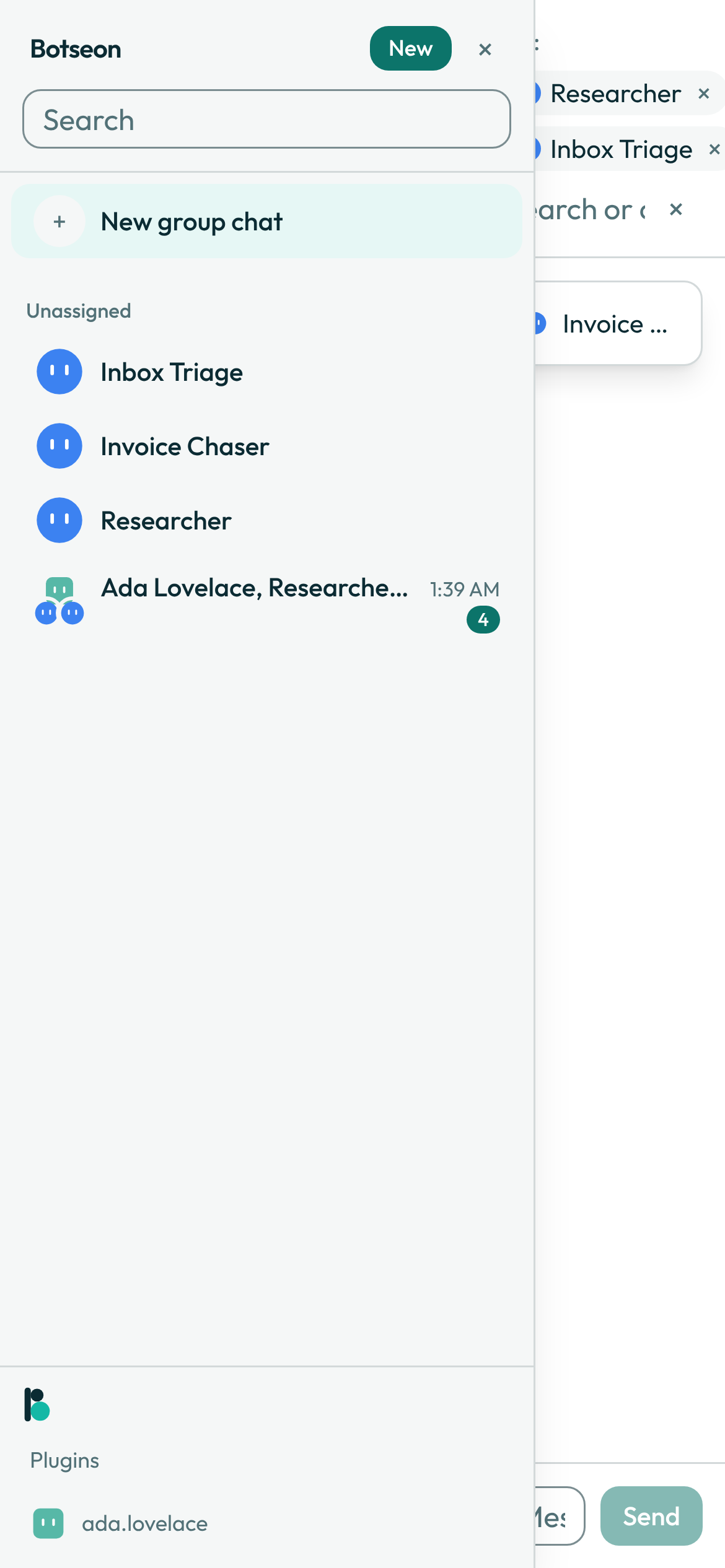
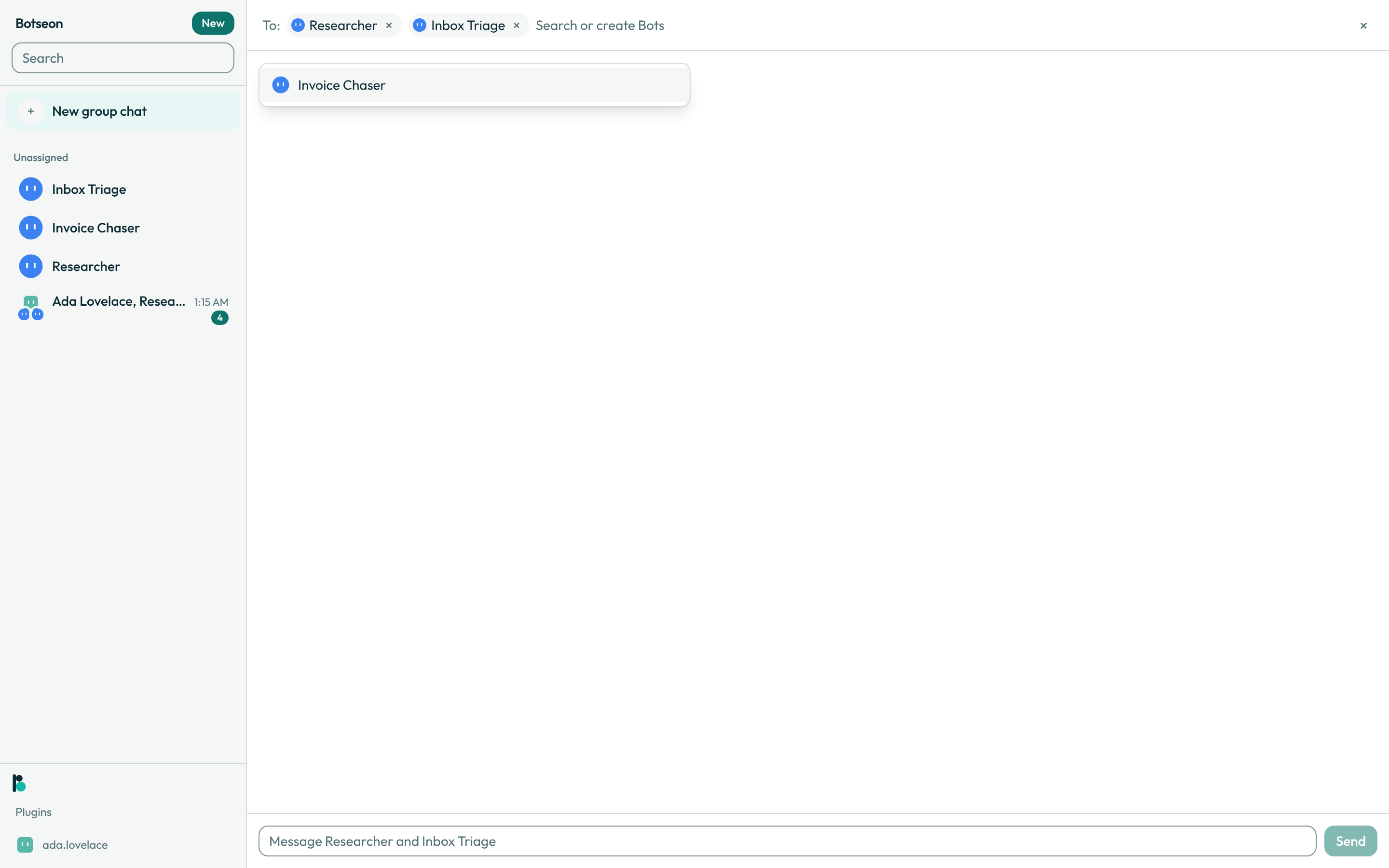
- Send the first message. Until then, the sidebar shows a selected New group chat row above your sections. After it, the group's sidebar row shows your avatar stacked above up to two of its bots', and the last message under the group's name. When a bot sent that message, the preview starts with its name —
Release Notes: Draft is ready— and your own messages show without a name.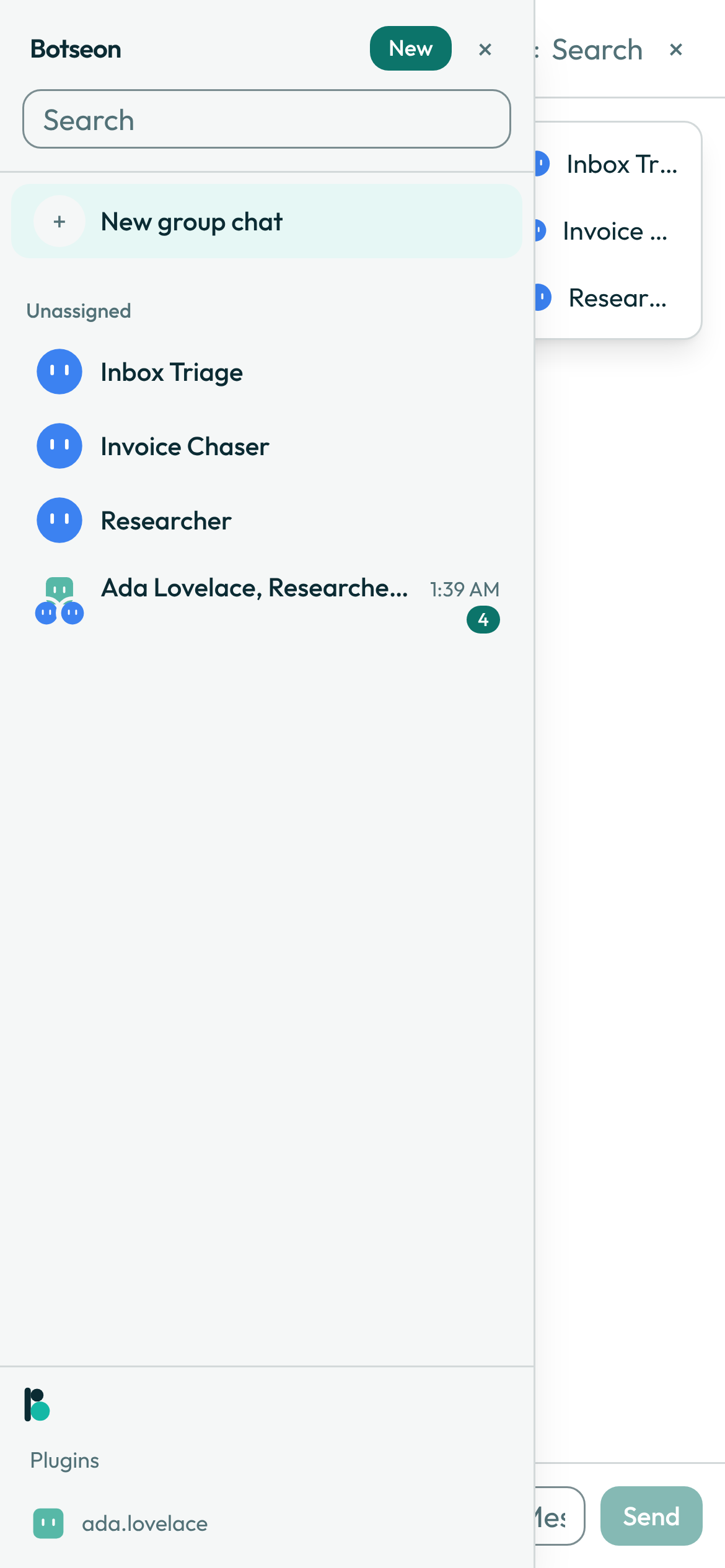
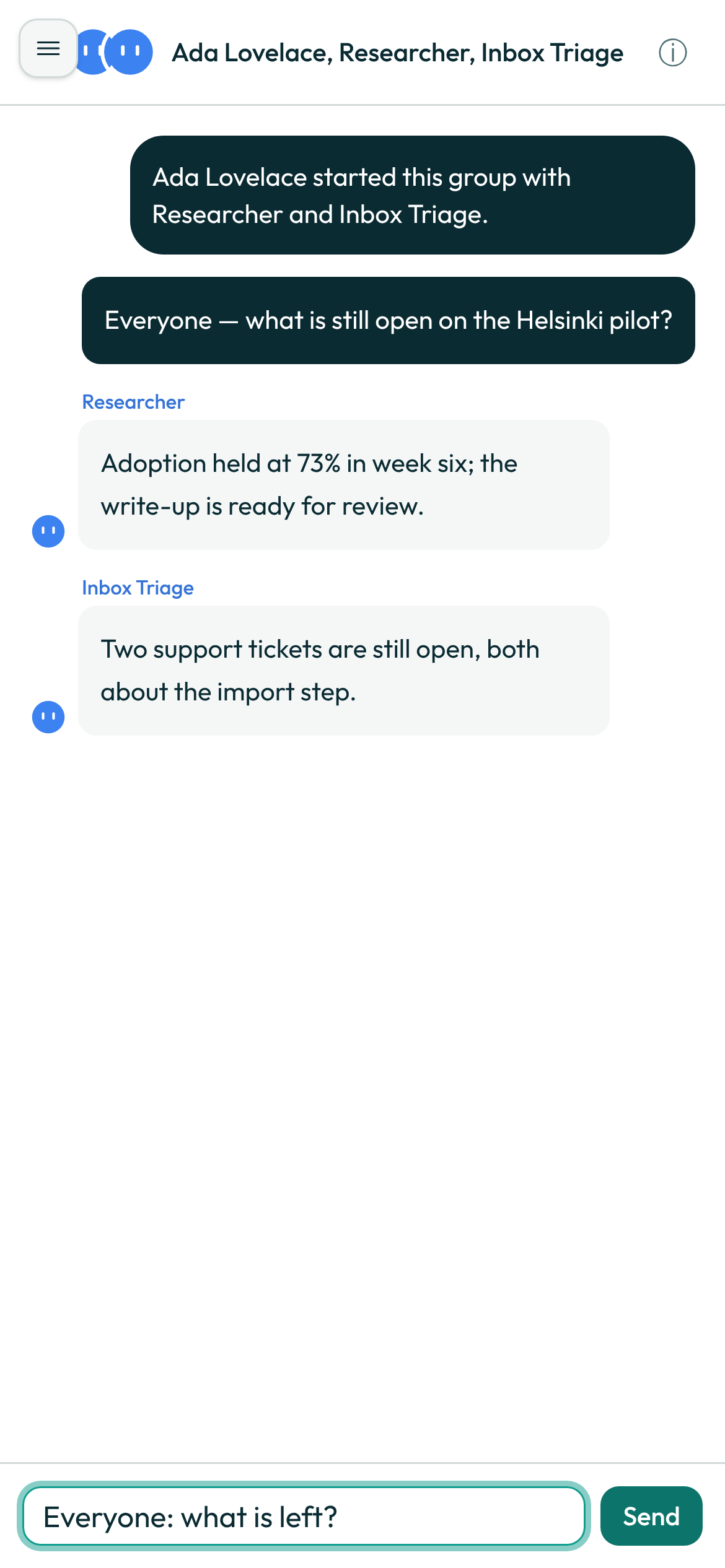
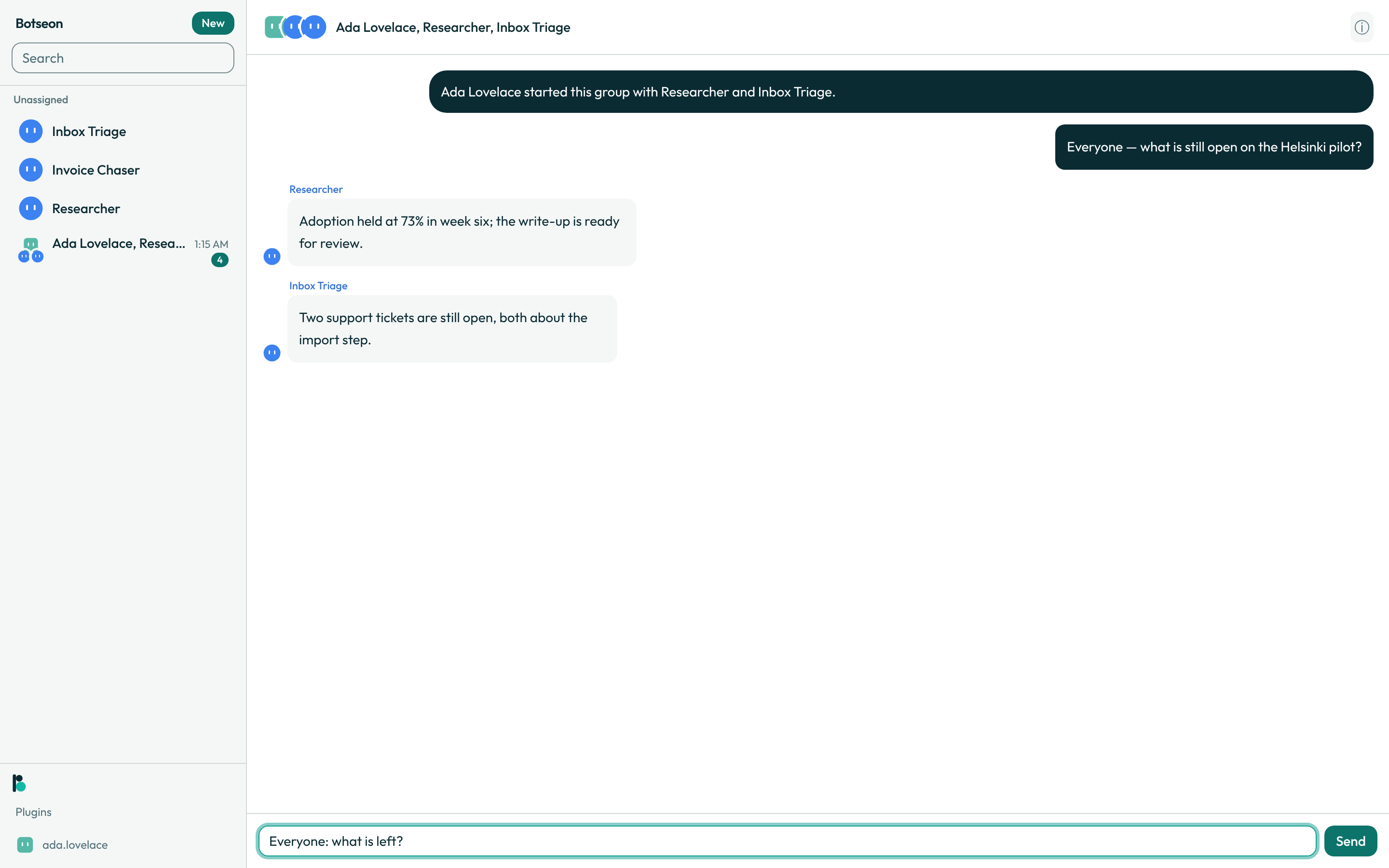
- Read who said what. Each bot's name and avatar appear beside its own bubbles, in its own colour, every time — never collapsed the way a one-to-one thread collapses consecutive messages. While a bot is composing, only its avatar shows at the next message slot.
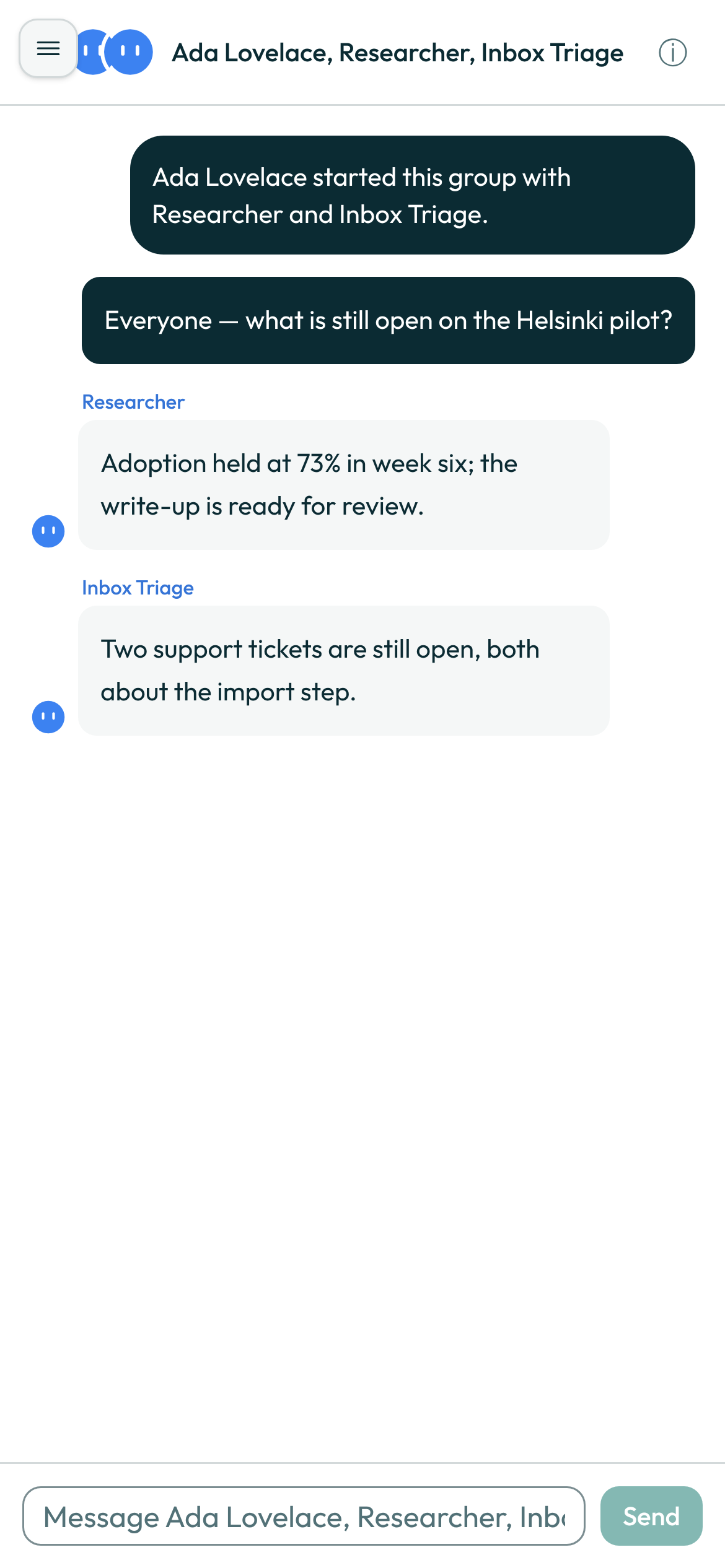
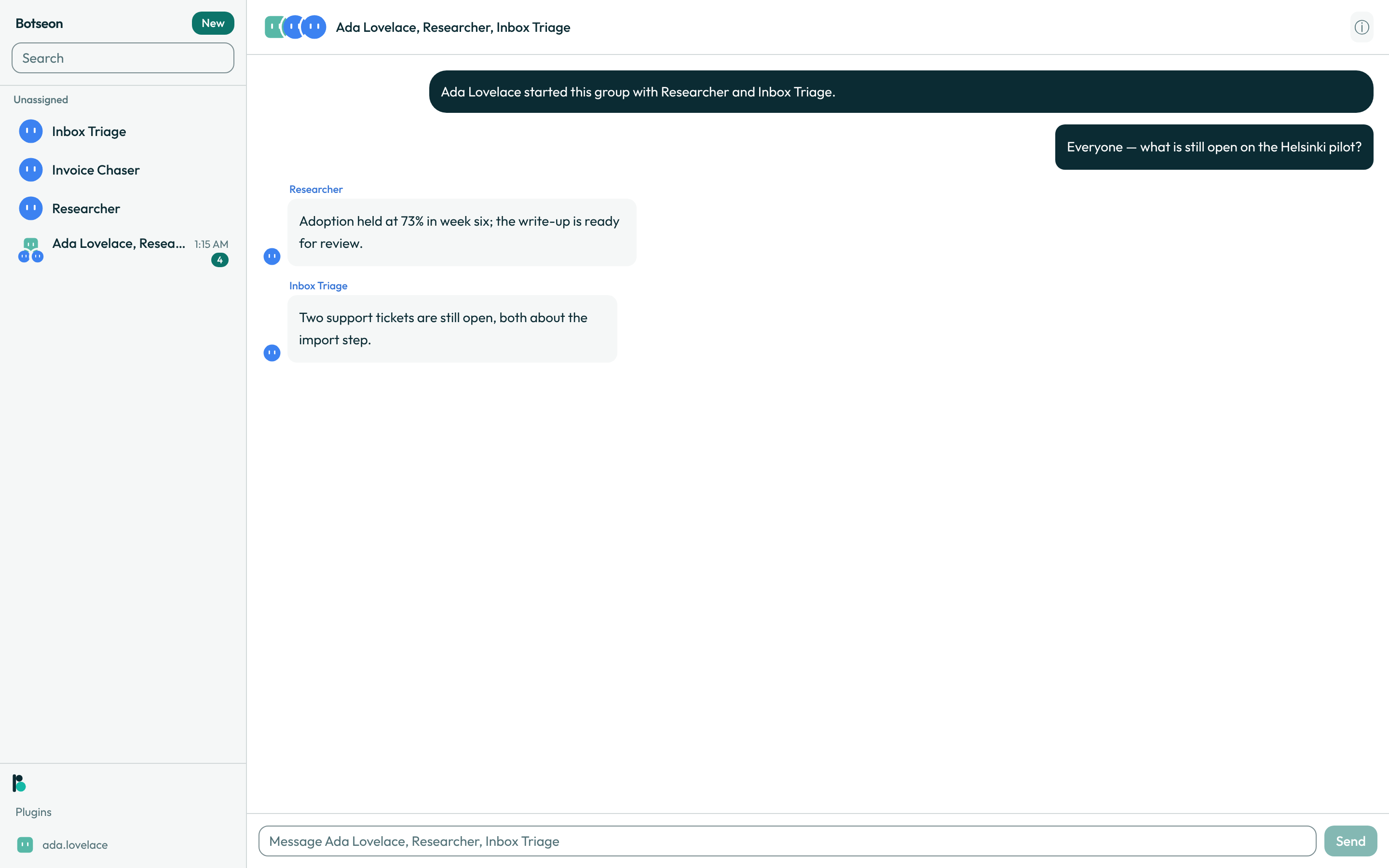
- Address one bot, all of them, or neither. Name a bot directly, address the whole group near the start of your message ("everyone", "both", "all of you"), or leave it unaddressed and let the group decide who answers.
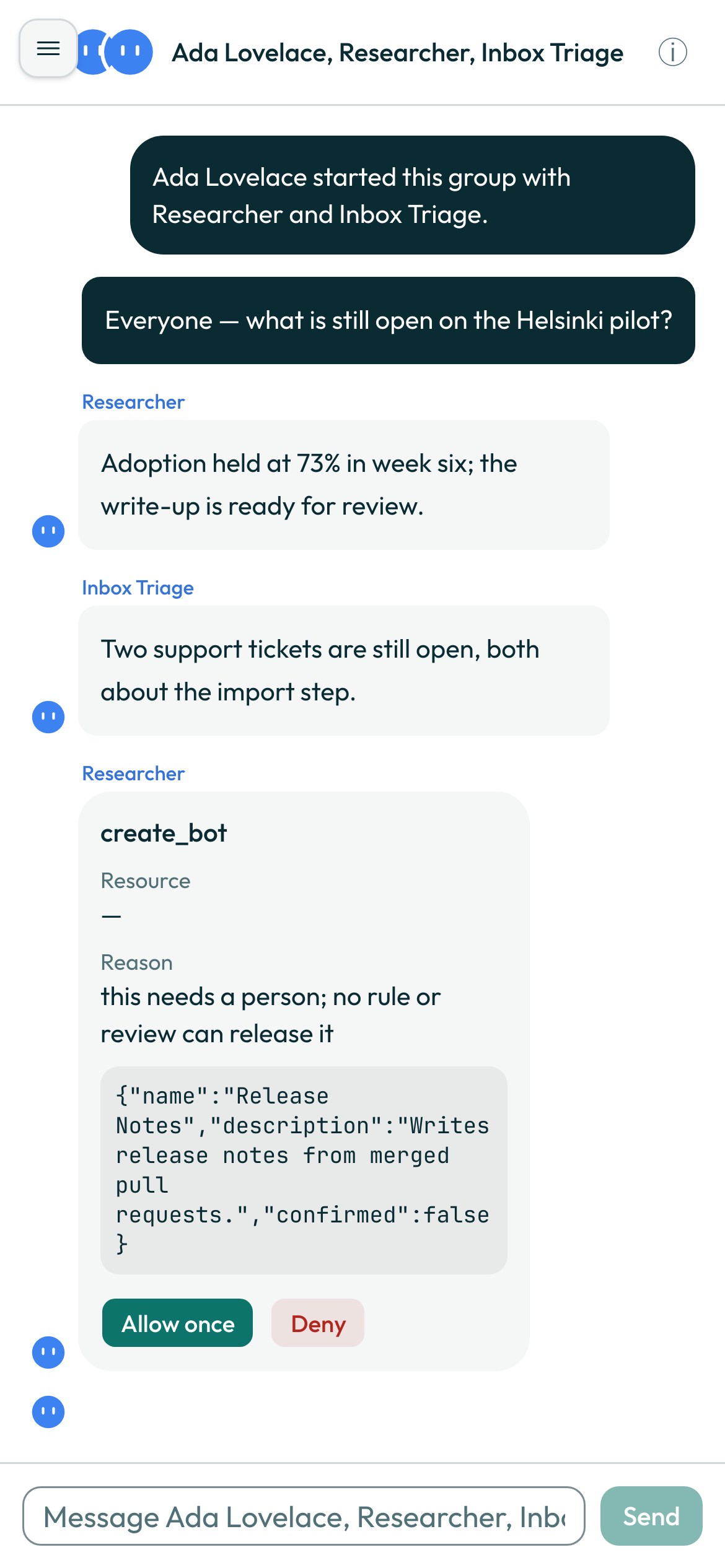
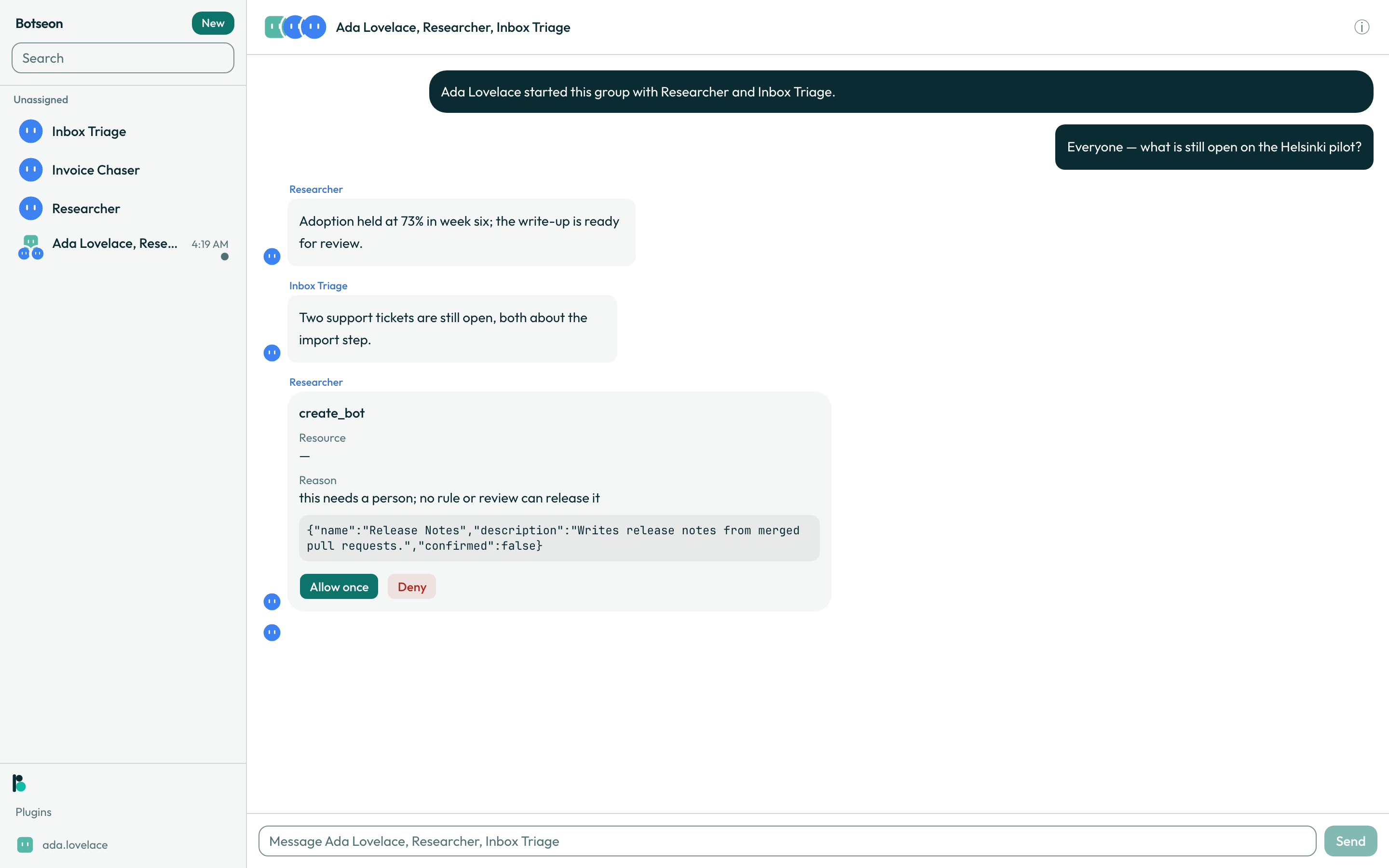
- Let the group staff itself carefully. Creating a bot from inside a group still needs your yes: an existing bench bot is reused first, and only two new bots can be proposed in a single run.
- Open the group's details from the ⓘ button. It has three sections: Members, Routines, and a task board.
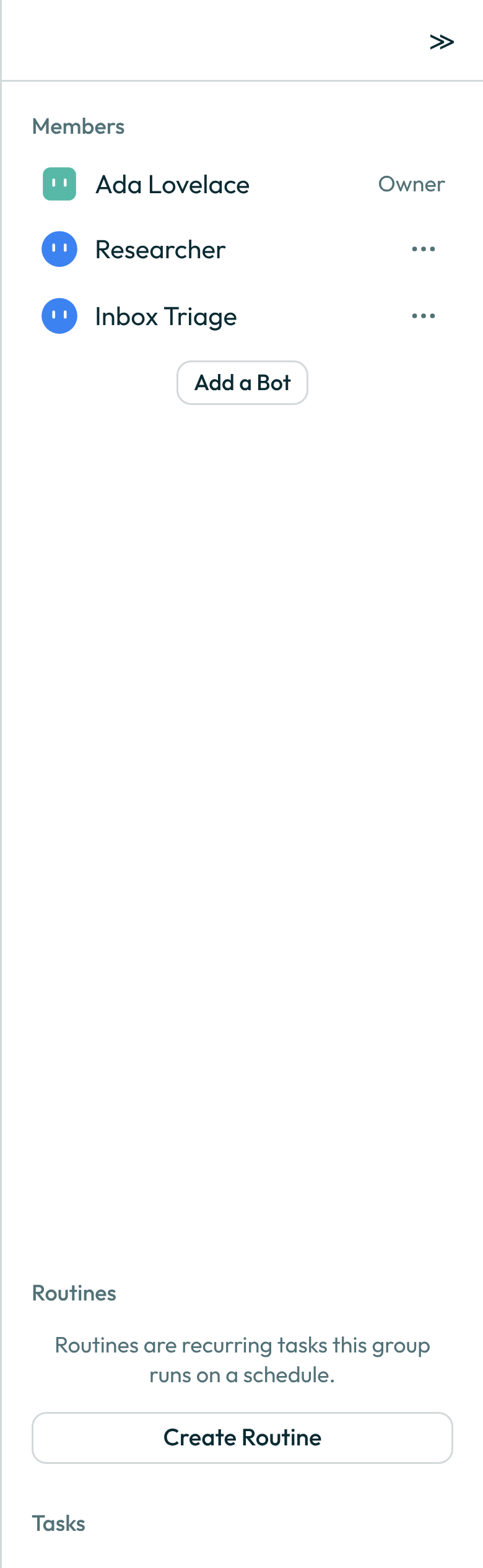
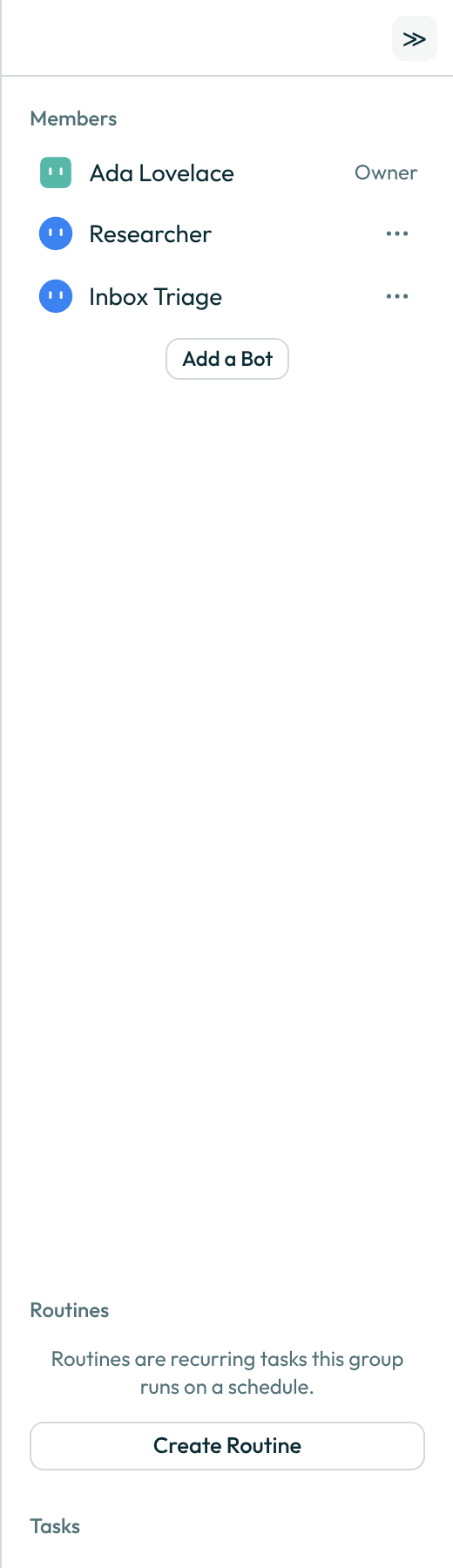
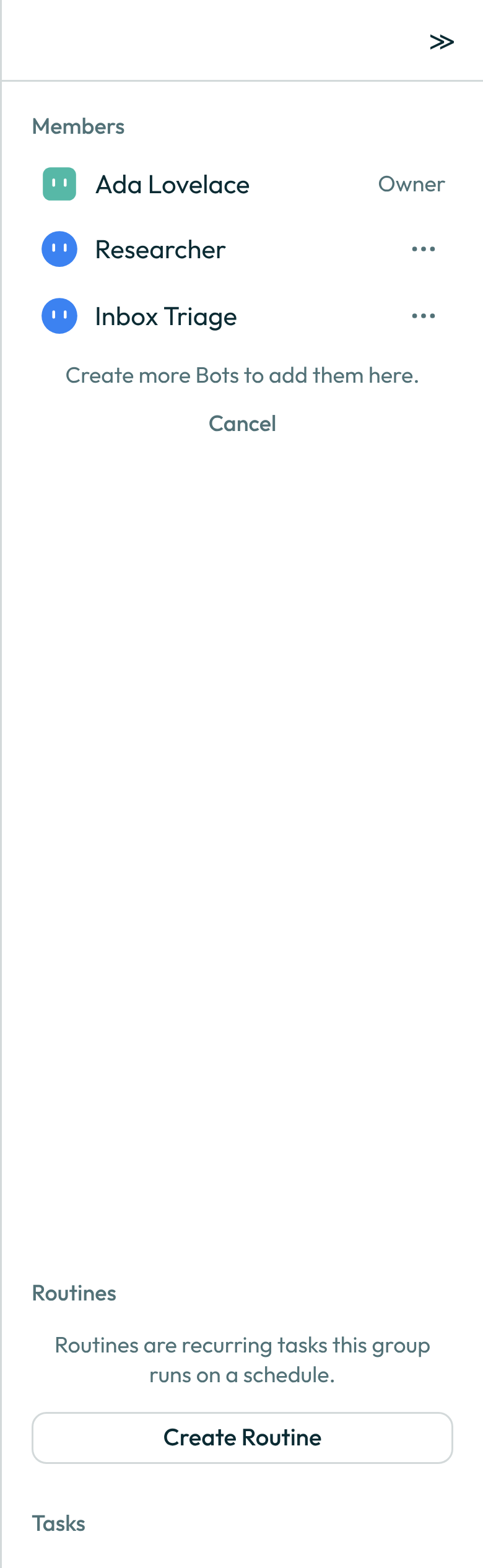
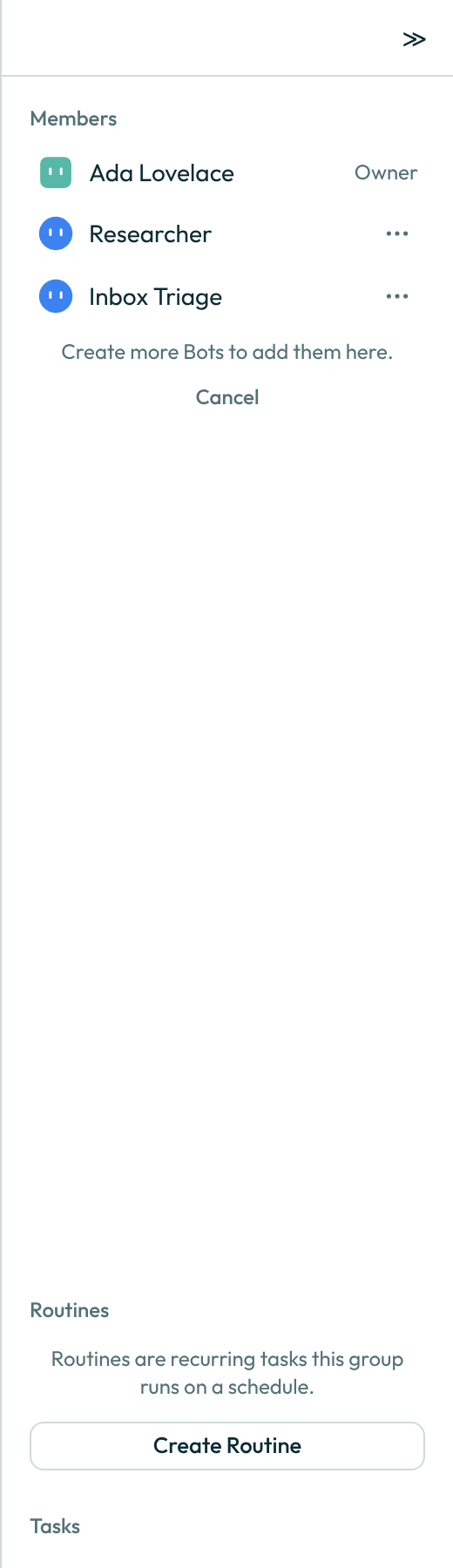
- Add or remove a member. A bot added later reads the transcript only from the point it joined, unless you — as the group's owner — grant it the backlog; removing a bot ends its access immediately. Both are recorded in the transcript.
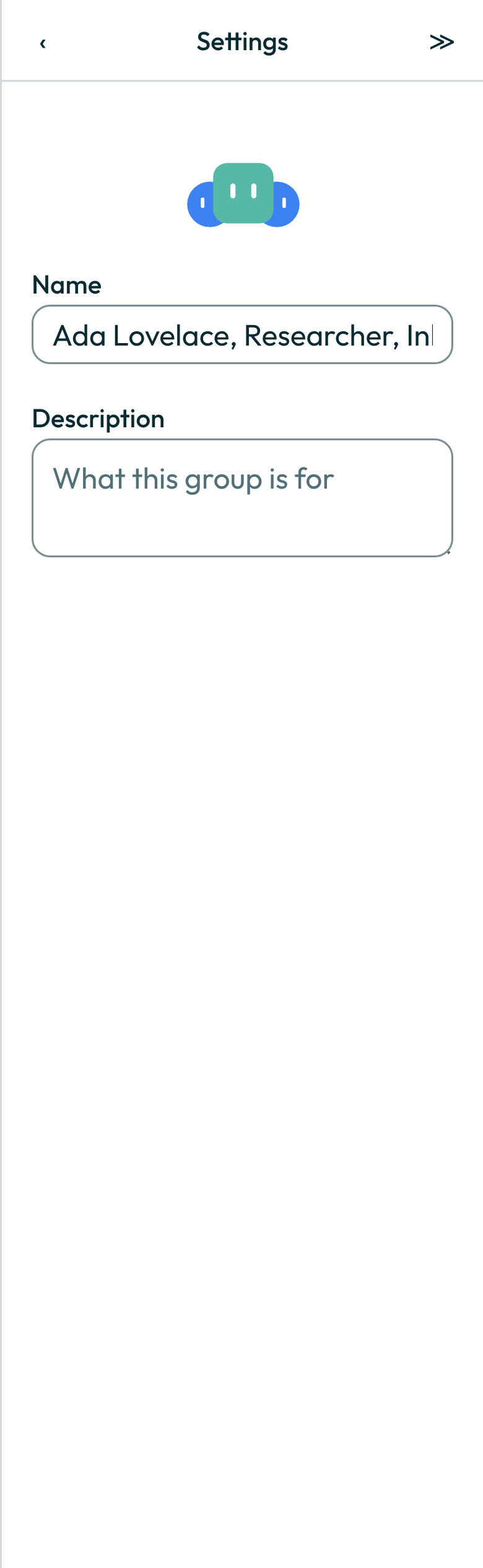
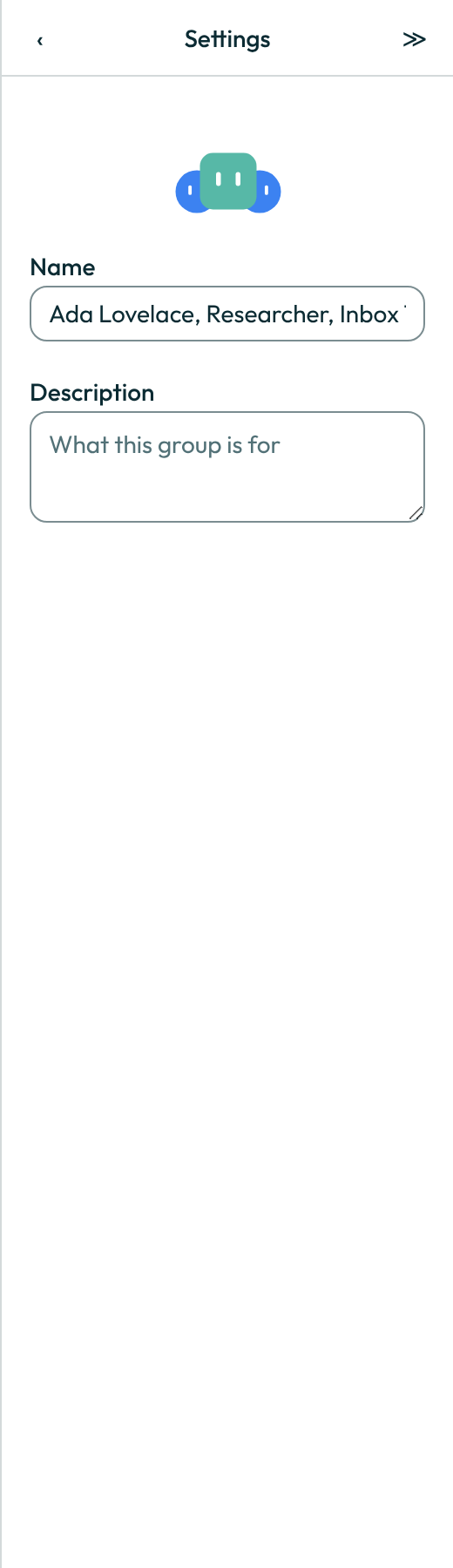
- Rename the group, or leave it derived from the member list, in group settings — which carries only Name and Description. There's no Voice, no Notifications, and no Share as template at group level.
A worked example
Addressing the whole group at once:
Everyone, review this before end of day and flag anything that blocks the release.
What can go wrong
| What you see | Why | What to do |
|---|---|---|
A group holds up to six bots. | You tried to add a seventh bot. | Remove a bot before adding a new one, or start a second group. |
You have reached the limit of 50 Bots and group chats. Delete one to make room. | Your account already holds fifty bots and group chats together — on every plan — and a new group, or a new bot typed into the To: field, would go over that. | Delete a bot or a group chat you no longer need, then try again. |
That group is not here. | The group was deleted, or you no longer have access to it. | Return to your sidebar; if this looks wrong, ask the group's owner. |
Something went wrong. Try again. | This is the generic failure a non-owner sees when attempting an owner-only change, such as removing a member or granting the backlog. | Ask the group's owner to make the change. |
See also
Last verified against build 9e6bdf2.