When a routine stops
Member·4 minutes to read
What this does for you
This page reads the exact words a stopped or struggling routine shows you, and says what each one means and what to do about it.
Before you start
- The routine's bot or group, open in its details pane.
- The routine itself, open in its editor — reached from its row under Routines.
- Its Run history, in the same editor: the last twenty runs, newest first. Each row says how the run started and how it ended, adds a one-line reason for a failed run, and opens that run's transcript.
Steps
- Open the routine from its row in Routines. The row itself already tells you if it's paused.
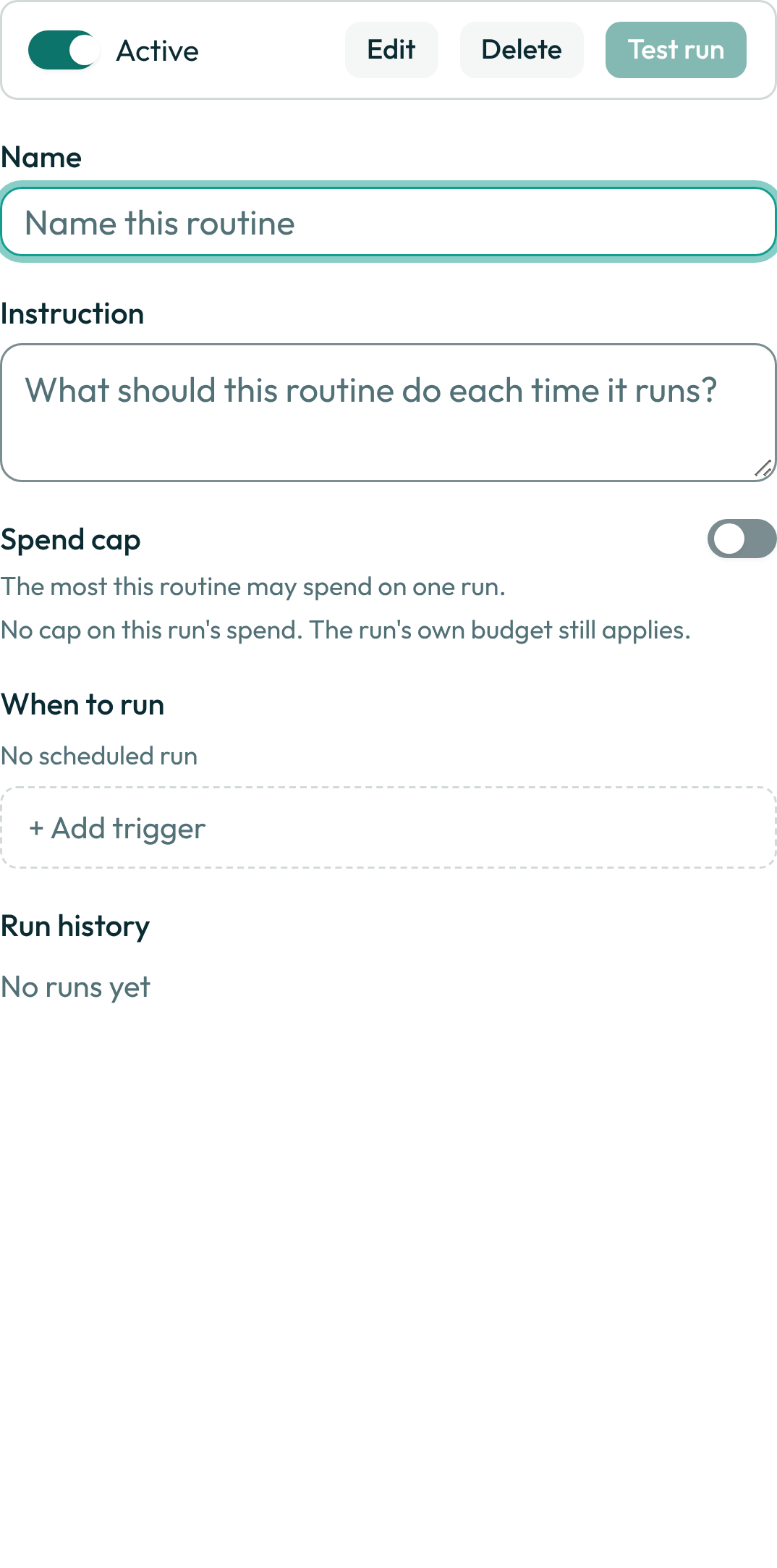
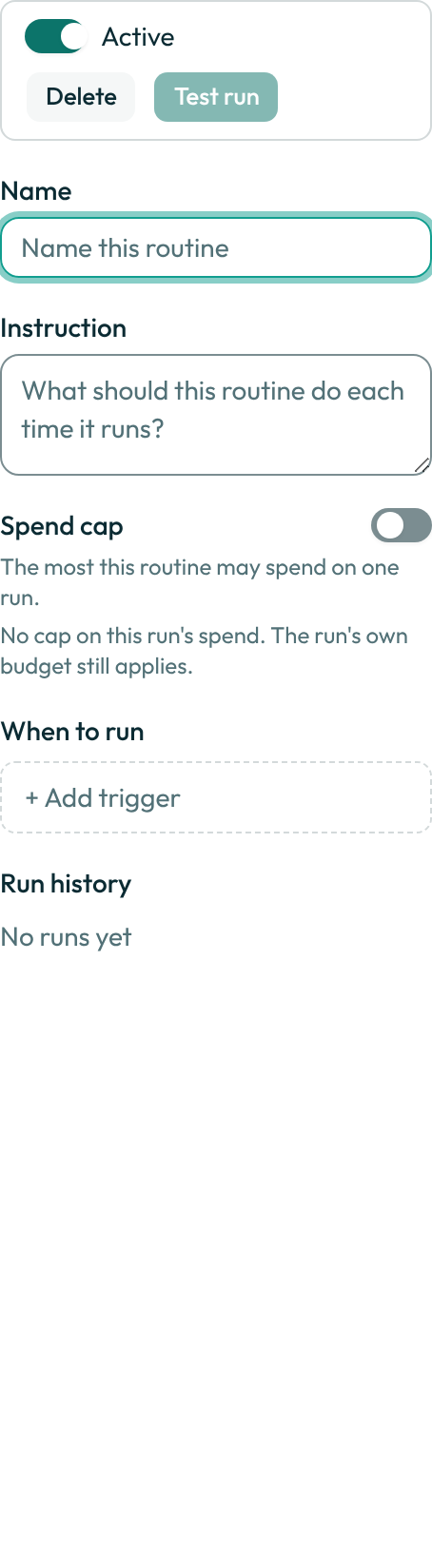
- Check Run history for the routine's most recent runs and their state.
- Check the notification tray (the bell) for anything naming this routine — some stops are reported there rather than on the row.
- Match the exact word or sentence you see against the table below.
A worked example
The wording an admin sees when a routine is paused because the bot it runs on stopped being visible to the member who owns it — read this back to confirm it's the same routine before you act on it:
The routine “Inbox sweep” was paused because the bot it runs on is no longer visible to the
member who owns it. Setting that bot back to team visibility, or recreating the routine under
the bot's owner, lets it run again.
What can go wrong
| What you see | Why | What to do |
|---|---|---|
Paused | The routine's own Active switch is off. Nothing else is wrong with it. | Open the routine and turn Active back on. |
No trigger set | The routine is active, but every trigger on it was removed. | Open the routine and add a trigger under "When to run". |
A routine was paused | An administrator or owner of the organisation was notified: the routine's own owner left the organisation, or the bot or group it runs on is no longer visible to them. | Read the notice body for which of the two it is, then either restore the bot's or group's visibility to its owner, or recreate the routine under a current member. |
Failed | That run ended in an error. Its row in Run history carries a one-line reason. | Read the reason, or open the row for the run's transcript; fix what it names, then test-run the routine again. |
Stalled on the row, or a notice titled A routine hasn't run | The routine was due to fire and has stayed quiet for longer than its quiet window — its schedule or trigger may no longer be reachable. The notice names a cause when one is known. | Open the routine, check "When to run", and either fix the trigger or turn the routine off. |
Set your time zone first: choose one in Settings → General → Timezone, or open Botseon in a browser or on your phone so it can report yours. A routine that follows your time zone never runs in UTC instead. | You added a schedule that follows your time zone, and Botseon does not know your zone yet. | Choose a zone in Settings → General → Timezone, or open Botseon in a browser or the phone app. |
| A routine that follows your time zone has no next run and does not fire | Its schedule follows your time zone and no zone is known yet, so it is held instead of run at a UTC time. | Choose a zone, or open Botseon in a browser or the phone app. The routine is scheduled at your local time as soon as a zone is known. |
Routines paused while you were away | You hadn't opened the app for more than 30 days, so every routine you own was paused rather than left firing unattended. | Open the routine and resume it, or wait until you next open the app, where every paused routine can be resumed at once. |
See also
Last verified against build c0f77aa.